Digitize and organize your documents in a private archive
The bill is in an email, the contract is in a folder and your last question is in a separate note. ExplainThisDoc brings that paperwork into your private archive on iPhone. Find it again, connect related documents and work directly with the content, all in the same app.
1. Bring paper and files into one place
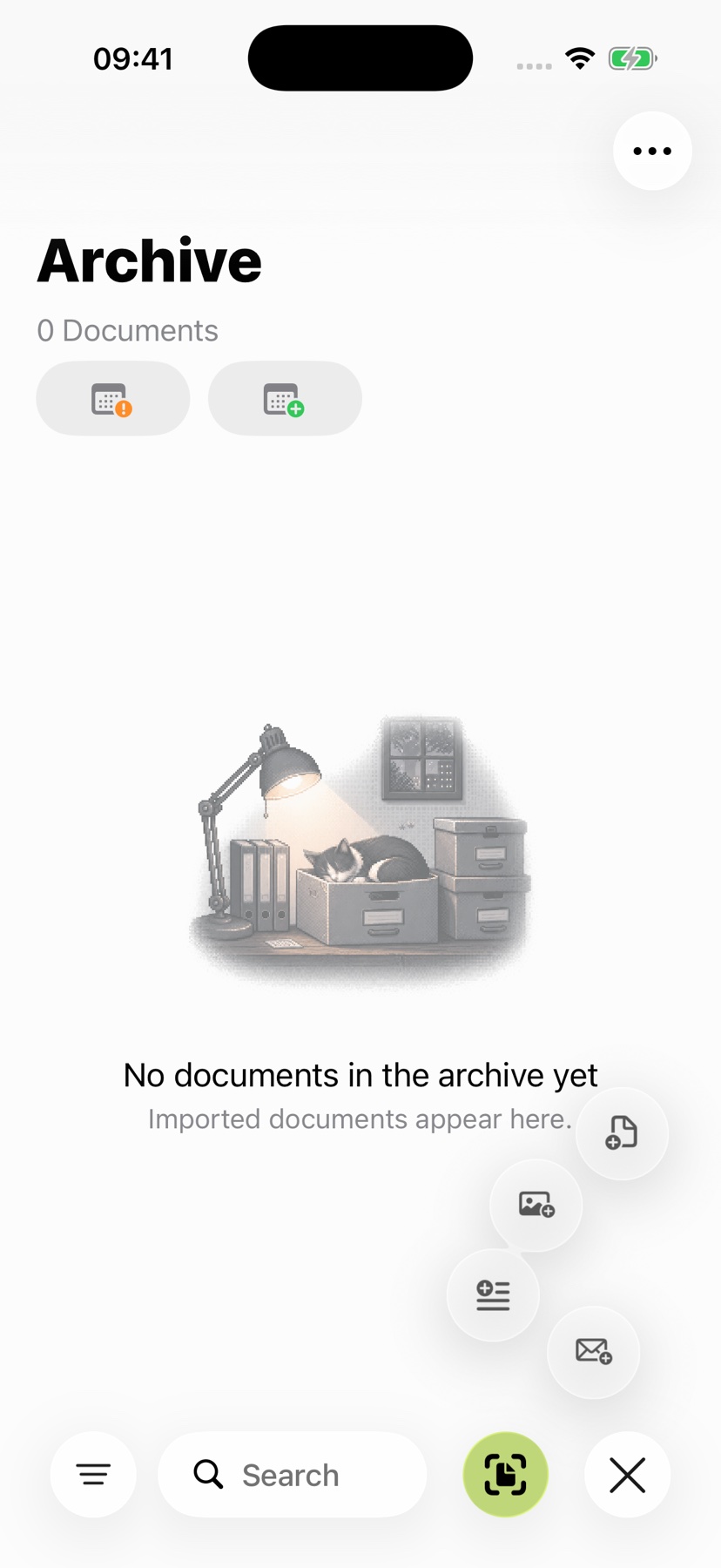
Scan a letter in the app, open an existing photo or import a PDF, Word file or another supported document. Your archive keeps the document ready to open. Read it straight away and choose an analysis whenever you want help with its content.
Your archive grows from the paperwork you already receive: contracts, invoices, bookings, notices and personal records. You save yourself the work of spreading it across a photo library, file folders and separate notes.
2. Keep related paperwork connected
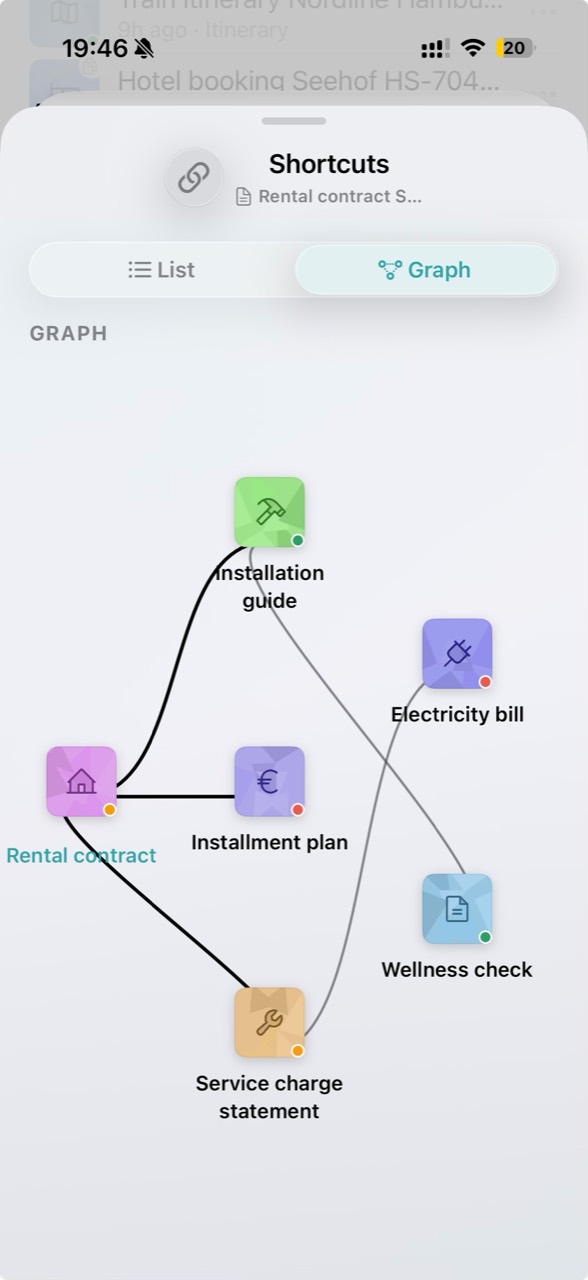
A contract and its invoices tell you more together than a single file. Choose which documents belong together using document links. View those connections as a list or a graph.
The app view shows a rental agreement connected to service charges and an electricity bill. When a question comes up, the related paperwork is already within reach. Duplicate documents can be grouped in the archive to keep repeated imports manageable.
3. Find the file and see what needs attention
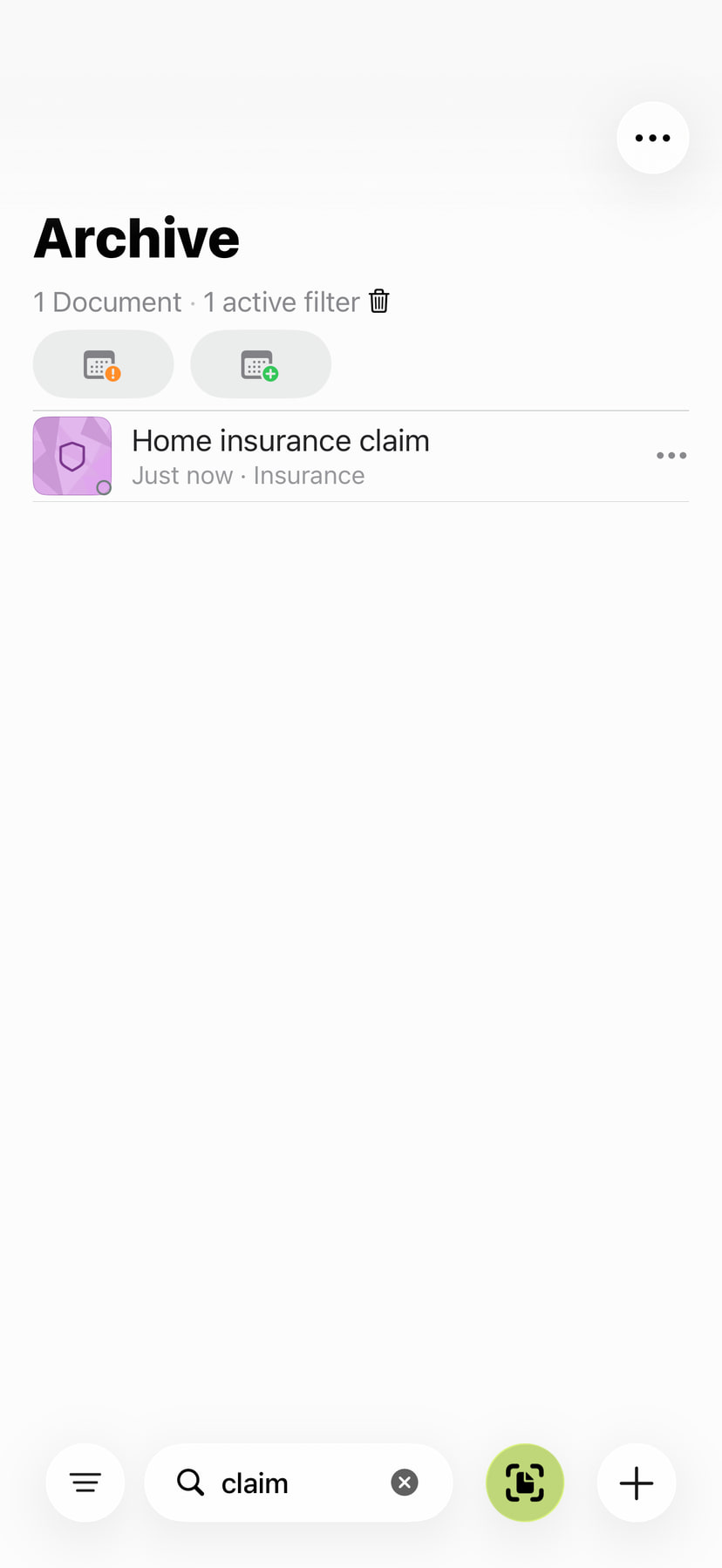
Search by title, topic or a word in your notes. Filters for document type and time period narrow the list. Other views bring you to detected deadlines, open tasks and documents with your own notes.
The archive calendar gathers detected dates in one view and takes you back to the relevant document. The guide to finding your documents explains how search and filters work together.
4. Keep working in the same archive
In the reader, find text even in a scan. Highlight, comment on and sign PDFs and scans. Local analysis summarizes content and finds key facts on supported iPhones. Pro explains context and makes dates, places and tasks useful.
Your archive takes work off your hands between reading and getting things done. Explore the reader tools and document actions. With iCloud Sync enabled, your archive stays up to date across your own devices using the same iCloud account. Keep working without sending files back and forth. Follow the setup guide to get started.
Wait for iCloud sync, then open a document and a recent edit on the second device to check they have arrived. Enabling sync alone does not confirm that every file is available.