Understand documents. Lose the stress.

Understand what really matters in your documents.

Take a photo or open a PDF. ExplainThisDoc explains what matters, shows the next steps, and keeps everything easy to find.

Private. Ad-free. For iPhone.

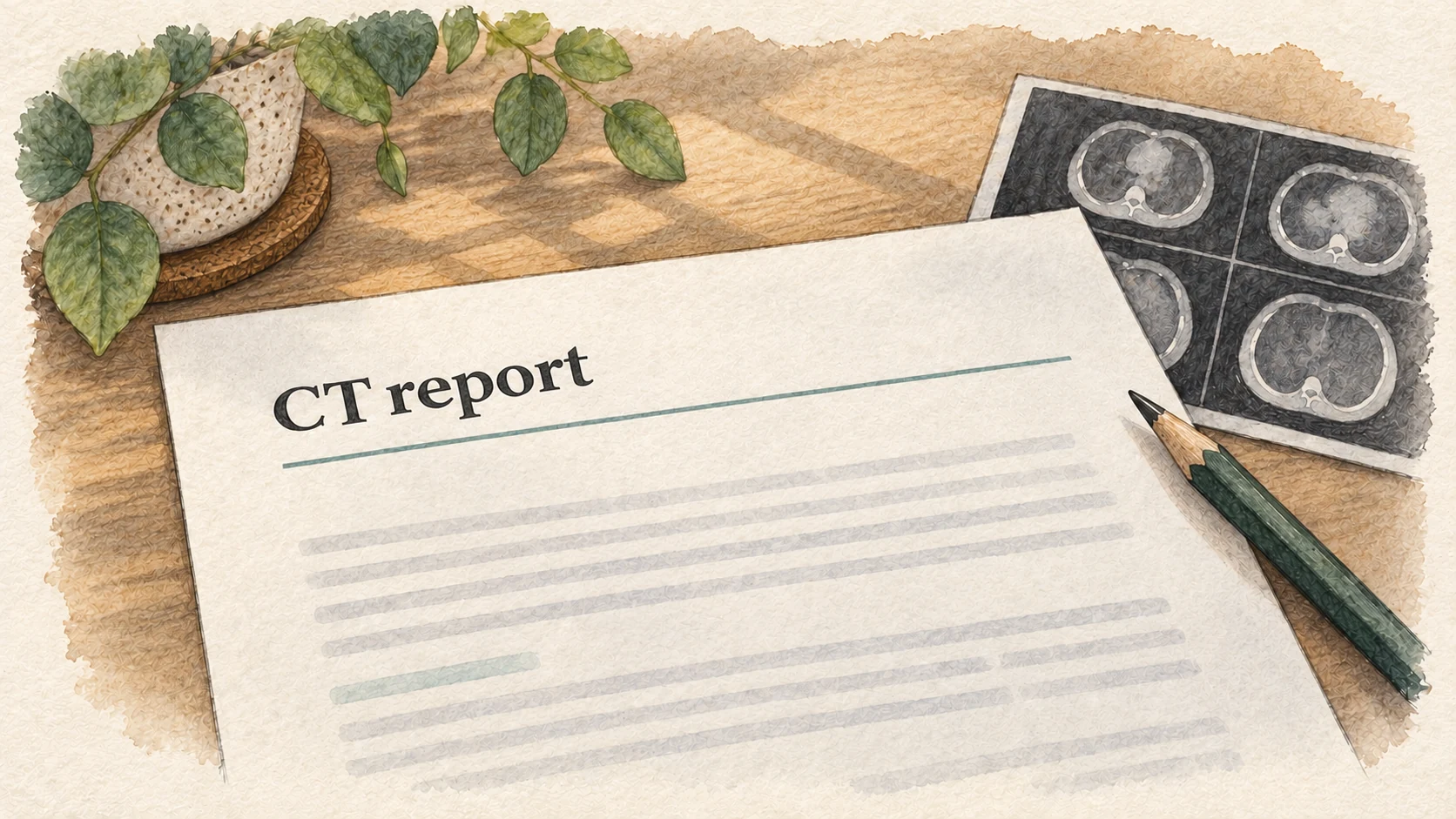
A laboratory report beside a stack of documents, illuminated by blue scanning light. Current ExplainThisDoc app screen shown in a three-dimensional iPhone mockup.

It’s that simple

Document in. Clarity out.

  1. 01

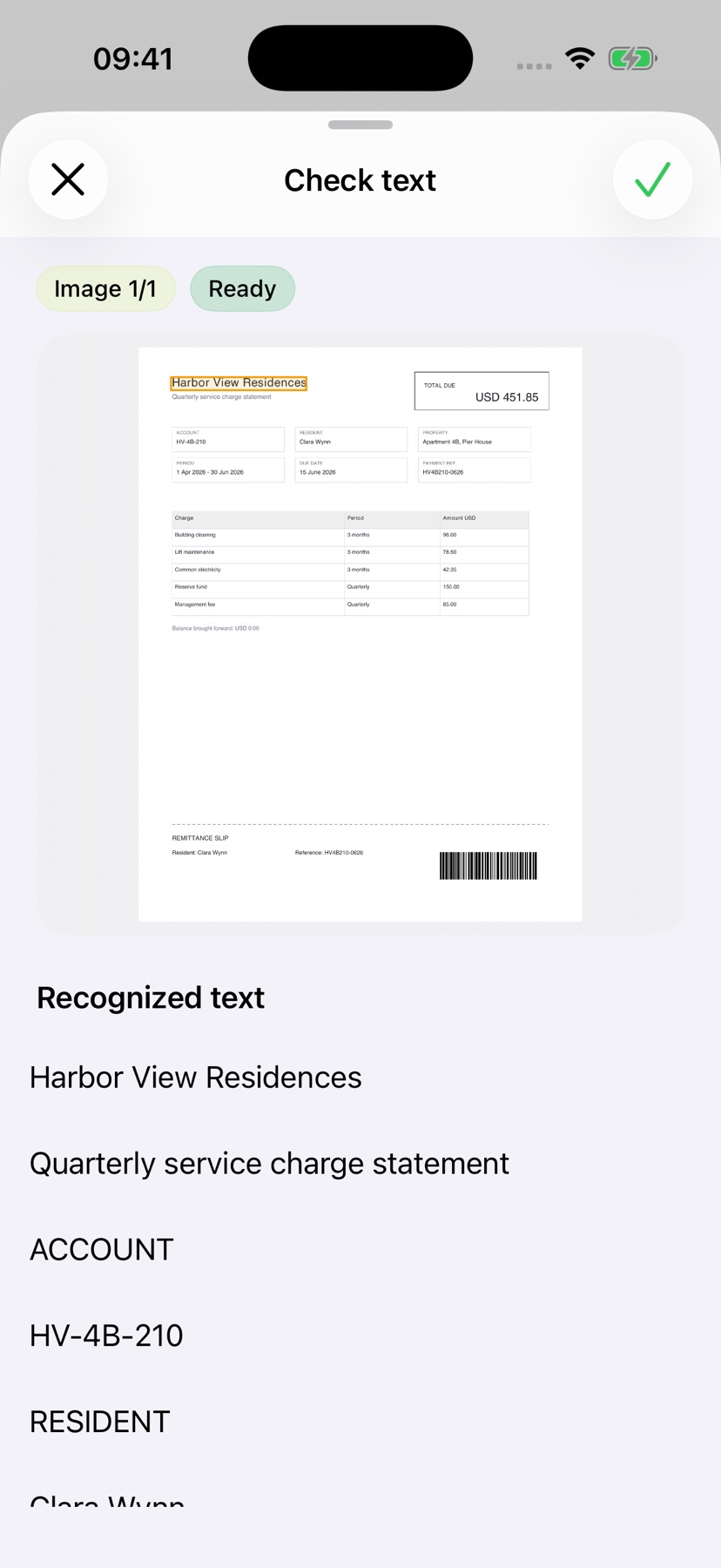
    Scan a document or import a PDF

    Take a photo of a letter, scan an invoice or import a PDF into ExplainThisDoc.

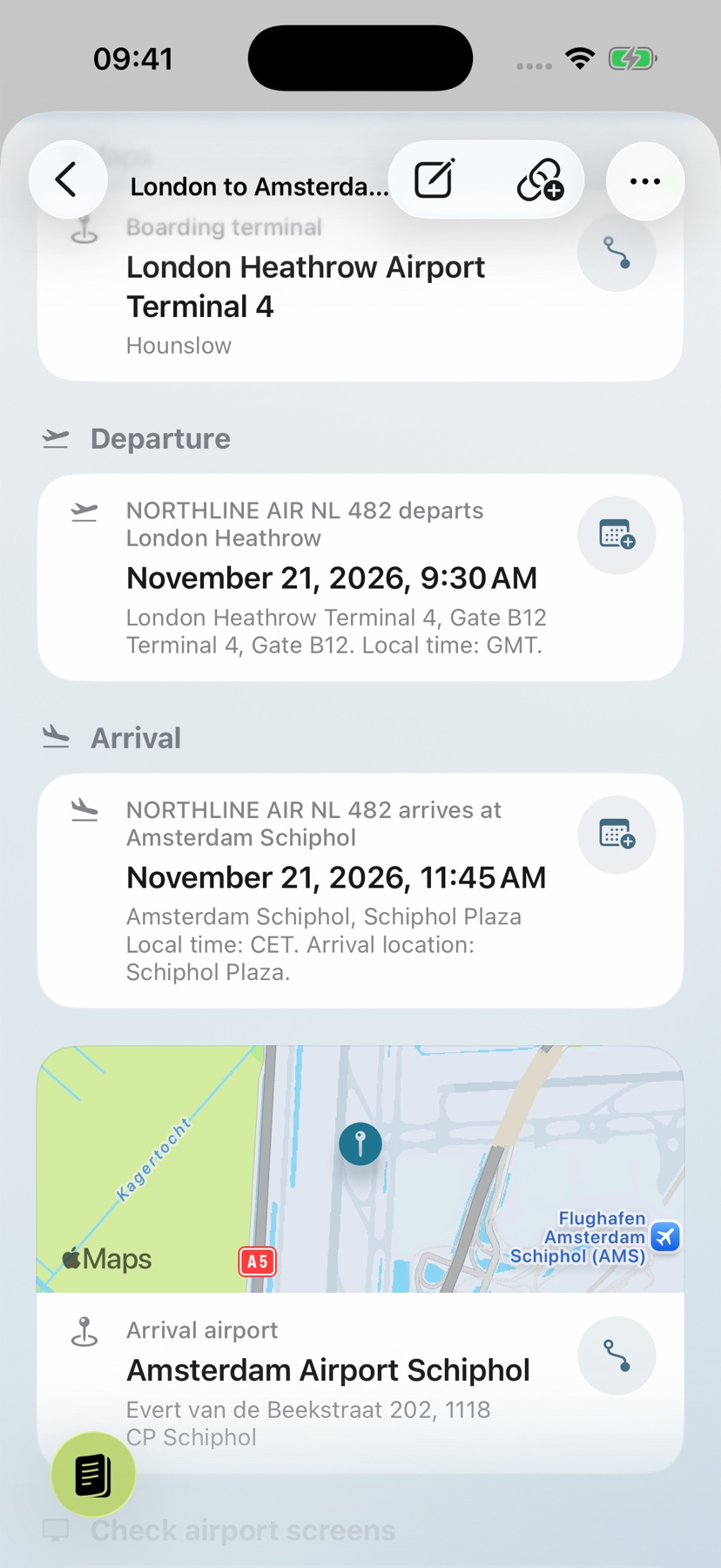
    Current app view for scanning a document.
  2. 03

    Keep the original and find the document again

    The original stays linked to the explanation and can later be found through search, filters, topic, or the original document.

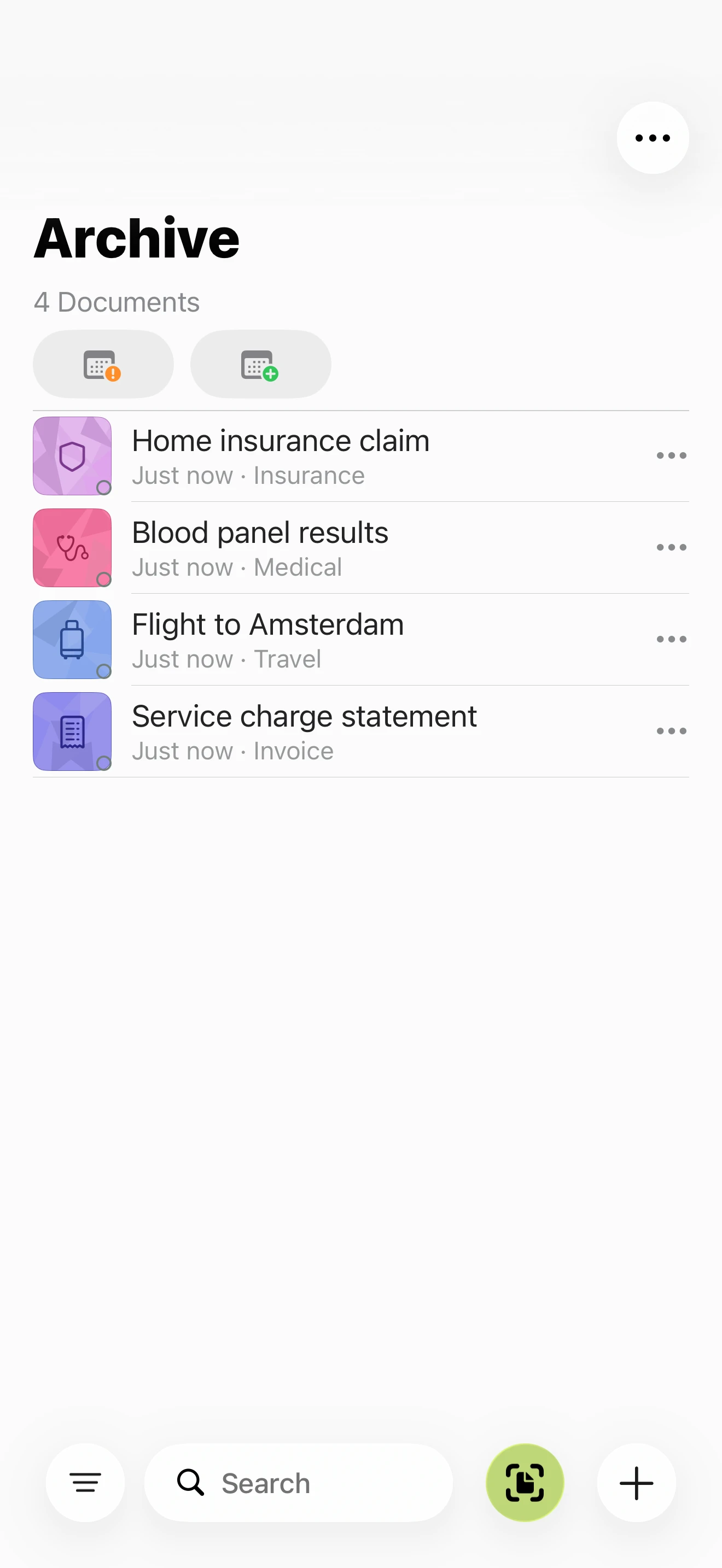
    Current app view of the searchable document archive.

For the questions behind every document

Four documents. Four clear answers.

No feature list to decipher first. You immediately see what matters and what you can do next.

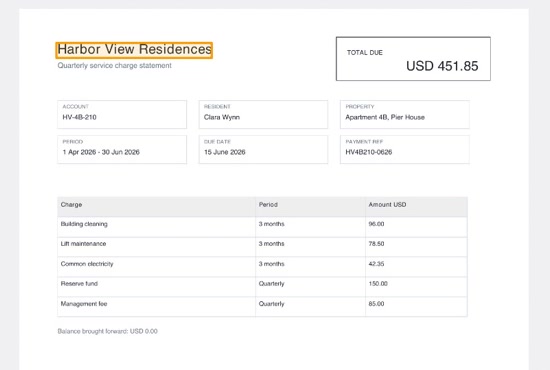
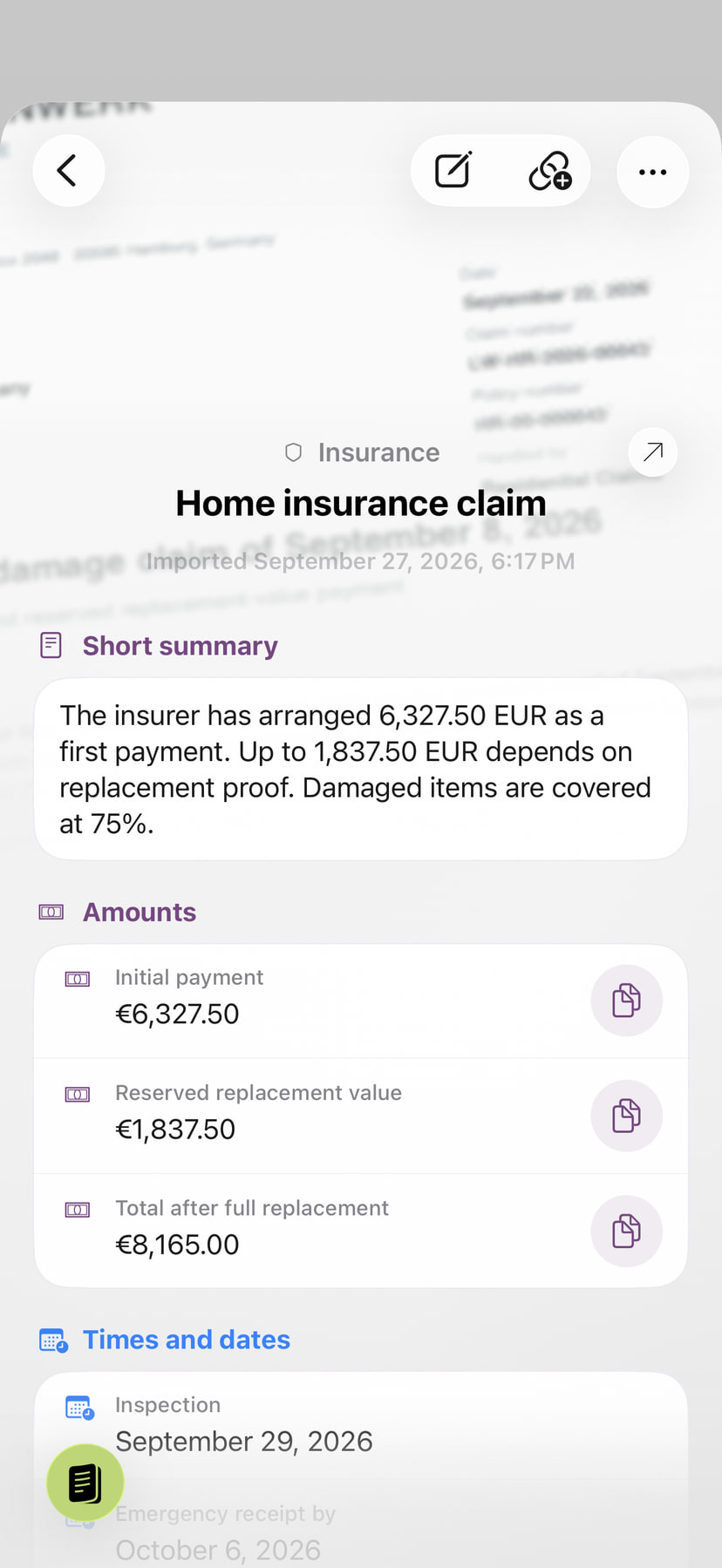
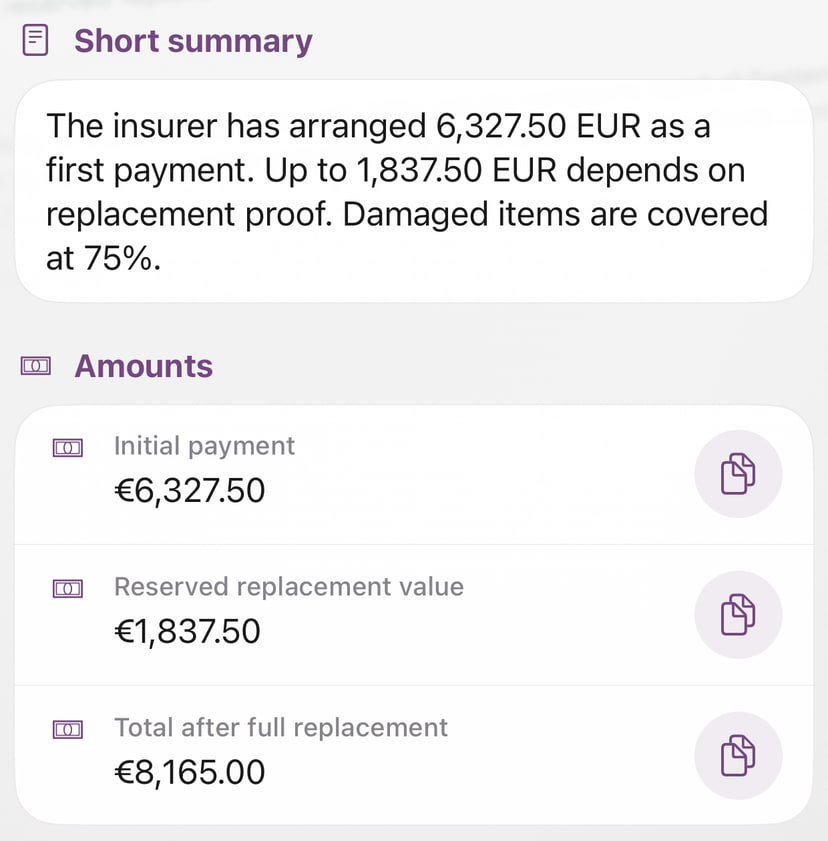
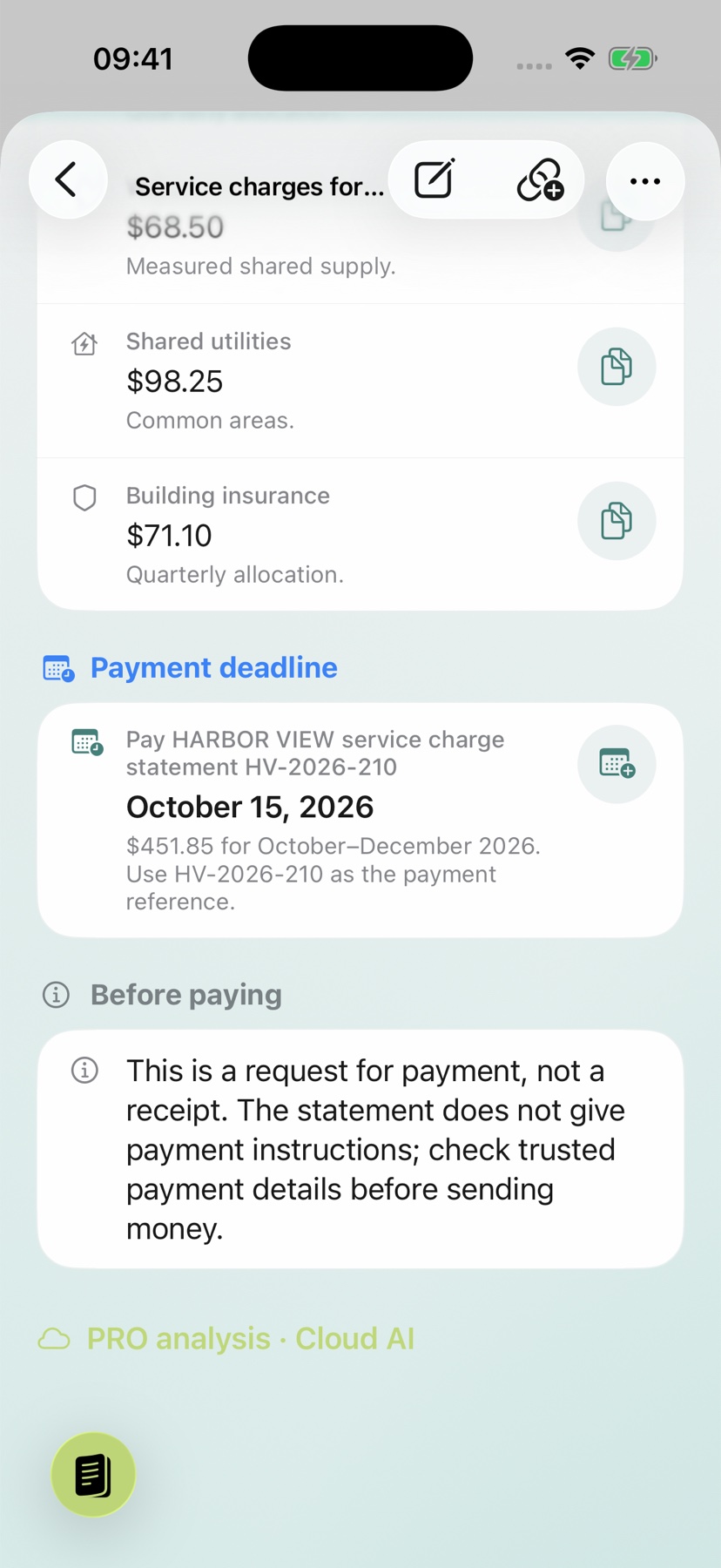
A realistic invoice showing the due date and total amount beside a coffee cup. Current app view showing a clear document analysis.

Invoice

What do I have to pay – and by when?

The amount, due date, and important line items are immediately clear, so you can pay on time and miss nothing.

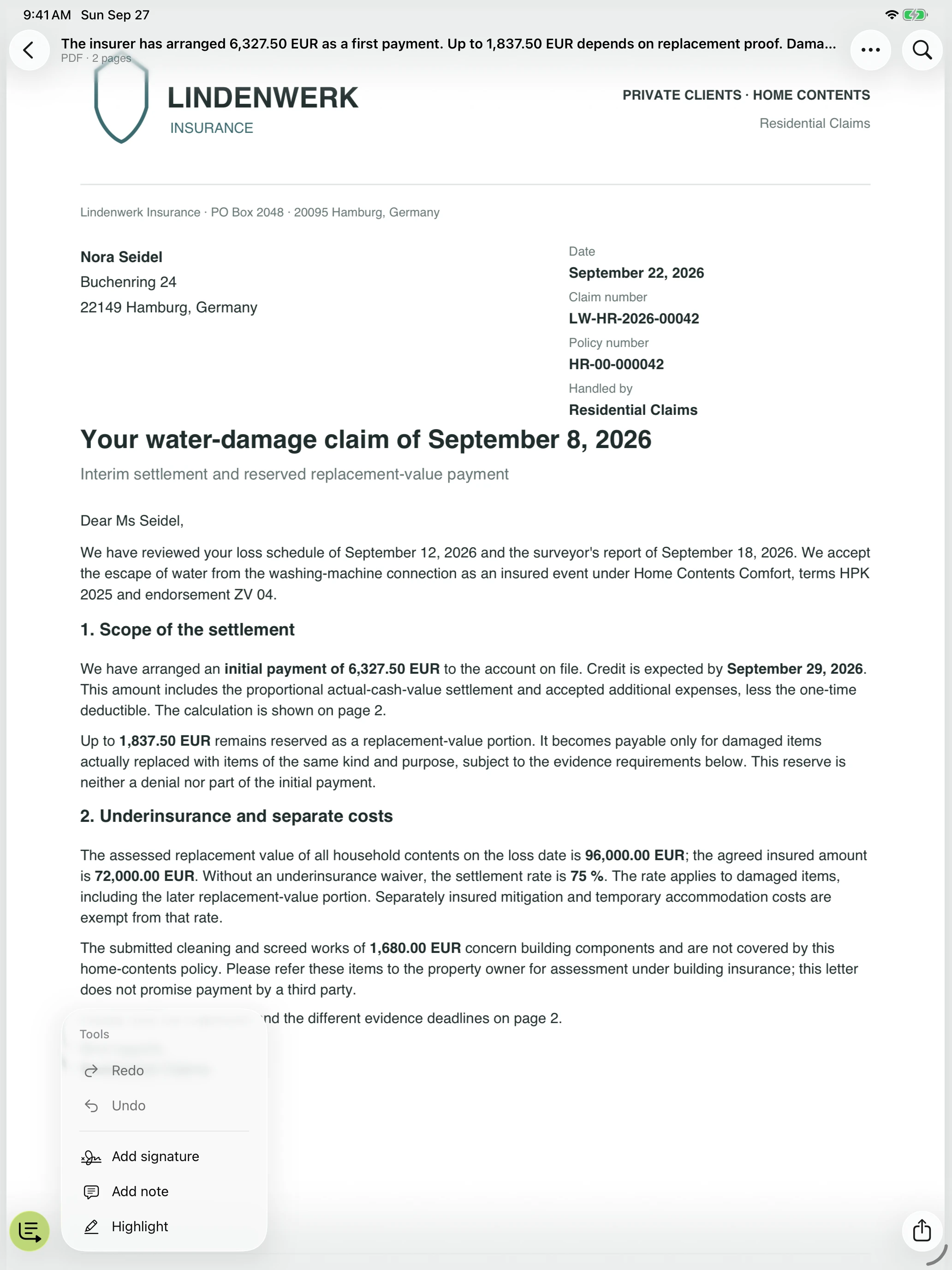
An open letter with realistically typeset text on a light-colored desk. Current app view showing the key points from a letter.

Letter or official notice

What should I do now?

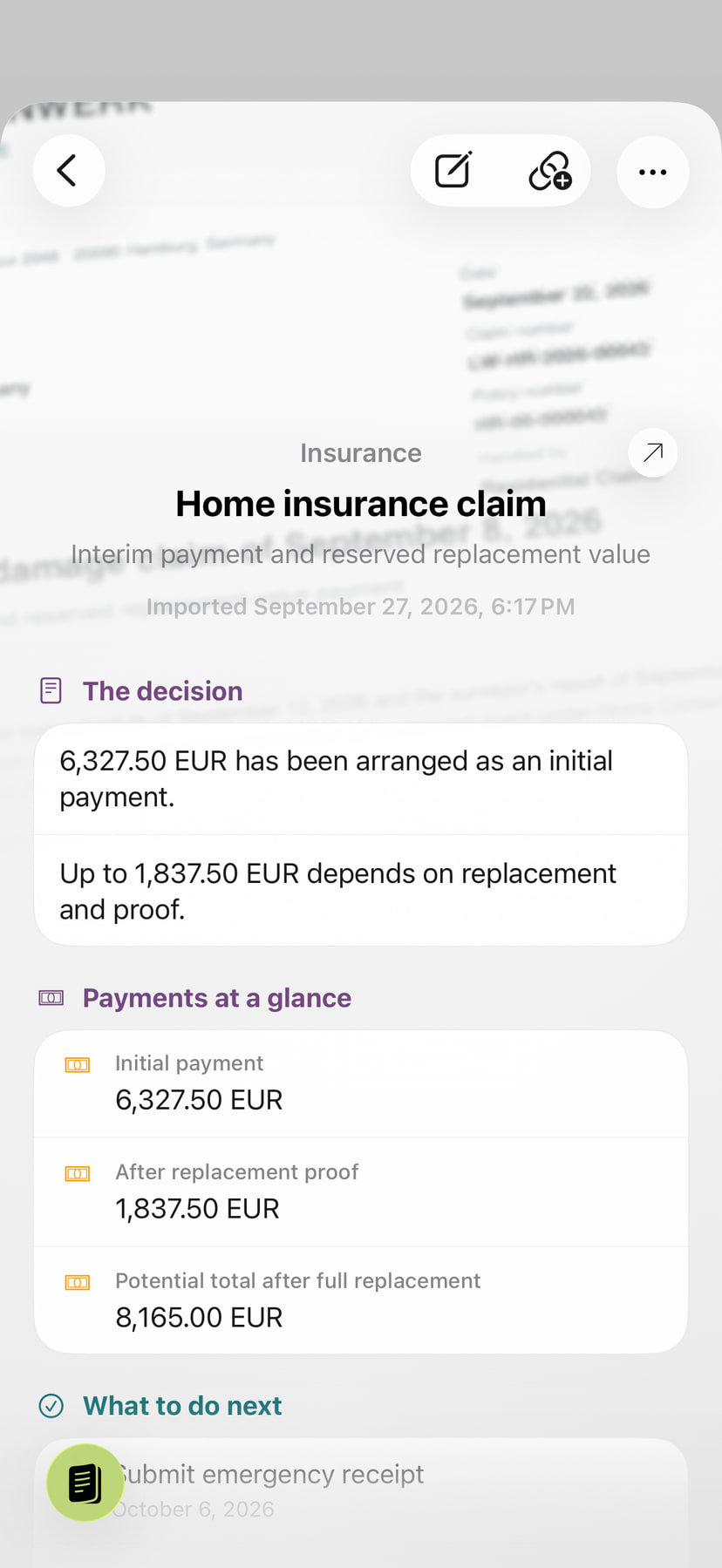
The app shows what is required, which deadline matters, and what sensible next step to take.

A realistically typeset contract showing its term and notice period beside a fountain pen. Current app view showing an explanation linked to the original document.

Contract

Which points really matter?

Contract term, notice period, rights, and obligations are clearly highlighted and remain linked to the original.

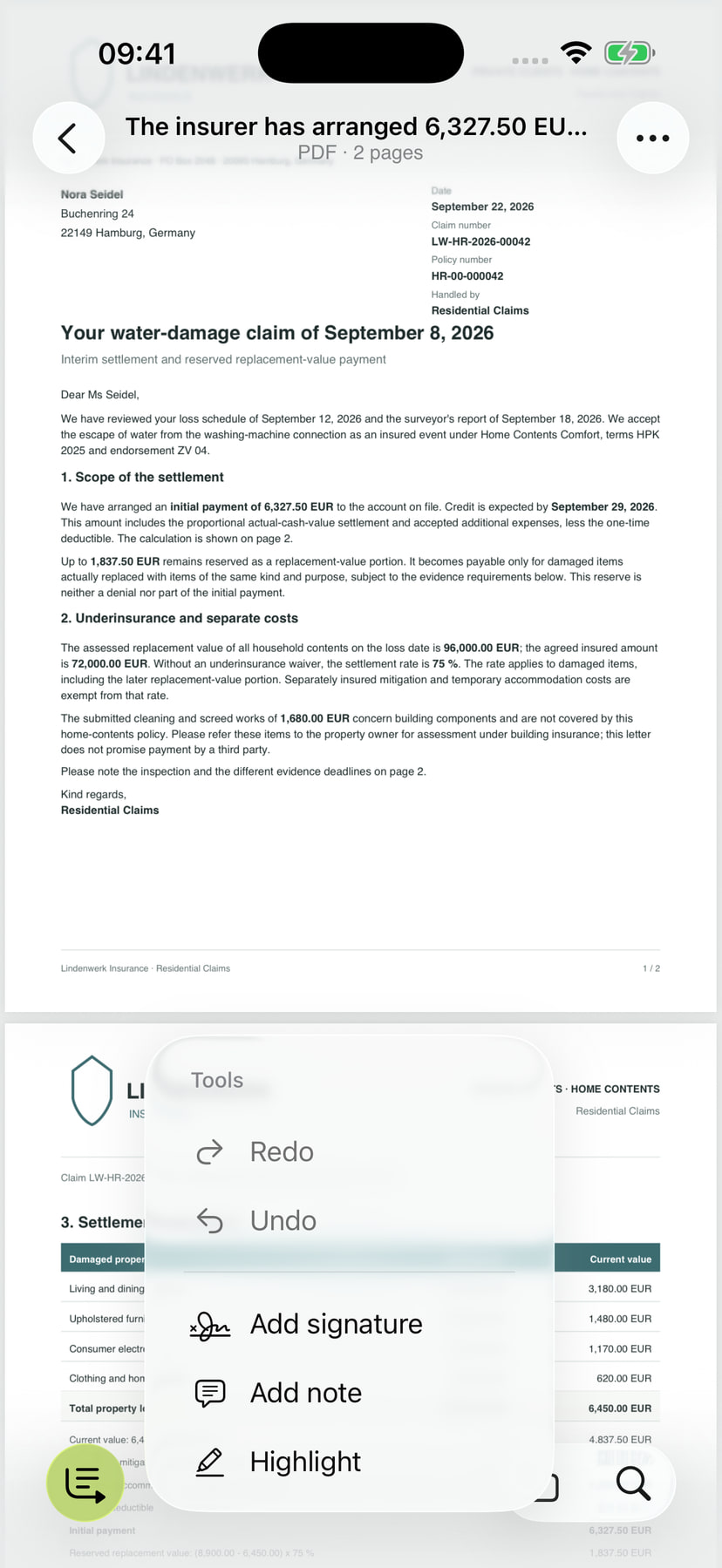
Laptop displaying a realistically typeset PDF report and chart. Current app view for finding digital documents again.

PDF and digital documents

What does it really say?

Open a PDF, identify what matters, and reliably find it later together with the original, notes, and search.

Done and easy to find again

You don’t need to know the filename.

Search by content, deadline, or topic. The explanation and original stay together until you need them again.

Search by content, deadline, or topic Open the original instantly
Current ExplainThisDoc archive view with search and filters.

Understand first. Then act.

Can I trust this document?

Suspicious payment requests, risky links, and unusual wording are highlighted before you respond.

Provides orientation but does not replace professional advice.

Your documents. Clear boundaries.

Private, transparent, and free from ad tracking.

The original is preserved

The explanation and source document remain clearly linked.

OCR runs locally on iPhone

Images and PDF files are not sent for analysis.

Private and ad-free

No ad tracking and no sale of personal data.

Privacy in detail

Quick explanation

What is ExplainThisDoc?

ExplainThisDoc is an iPhone app for scanning, understanding, and archiving documents. It processes paper documents, photos, PDFs, text, and email content, recognizes text with OCR, and creates a clear explanation.

The app can highlight key points, deadlines, amounts, risks, case numbers, tasks, locations, and possible next steps. The explanation and original then remain available in the searchable archive.

Suitable for
Letters, invoices, contracts, official notices, supporting documents, and PDFs
Platform
iPhone and iOS
Important
Helps you understand, but does not replace professional advice

Frequently asked questions

A quick explanation before you get started.

Can ExplainThisDoc scan paper documents?

Yes. You can photograph or scan paper documents and then store, summarize and search them digitally.

Is ExplainThisDoc an iPhone app for scanning, digitizing, and archiving documents?

Yes. ExplainThisDoc is an iPhone app that lets you scan paper documents, digitize them via OCR, import PDFs, and find everything in one searchable archive.

Can the app summarize PDFs?

Yes. ExplainThisDoc can import PDFs, extract their content, and create clear summaries.

Can ExplainThisDoc identify deadlines and amounts?

Yes. The app can highlight dates, payment deadlines, amounts, reference numbers, risks, and possible tasks.

Do original documents stay on the iPhone during analysis?

Original documents and images are not sent to our servers or AI providers for analysis. Document preparation and text recognition run locally; iCloud Recovery can back up archive data to your private iCloud if it is available and not disabled.

Does the app replace legal or financial advice?

No. ExplainThisDoc helps you understand and organize documents, but it does not replace legal, tax, medical, or financial advice.

Ready for less document stress?

Less stress.
More clarity.
Get started now.

Start with the letter, the invoice or the PDF that has been waiting too long for a clear answer.

Download on the App Store Private. Ad-free. For iPhone.
Current ExplainThisDoc app screen shown in a three-dimensional iPhone mockup.