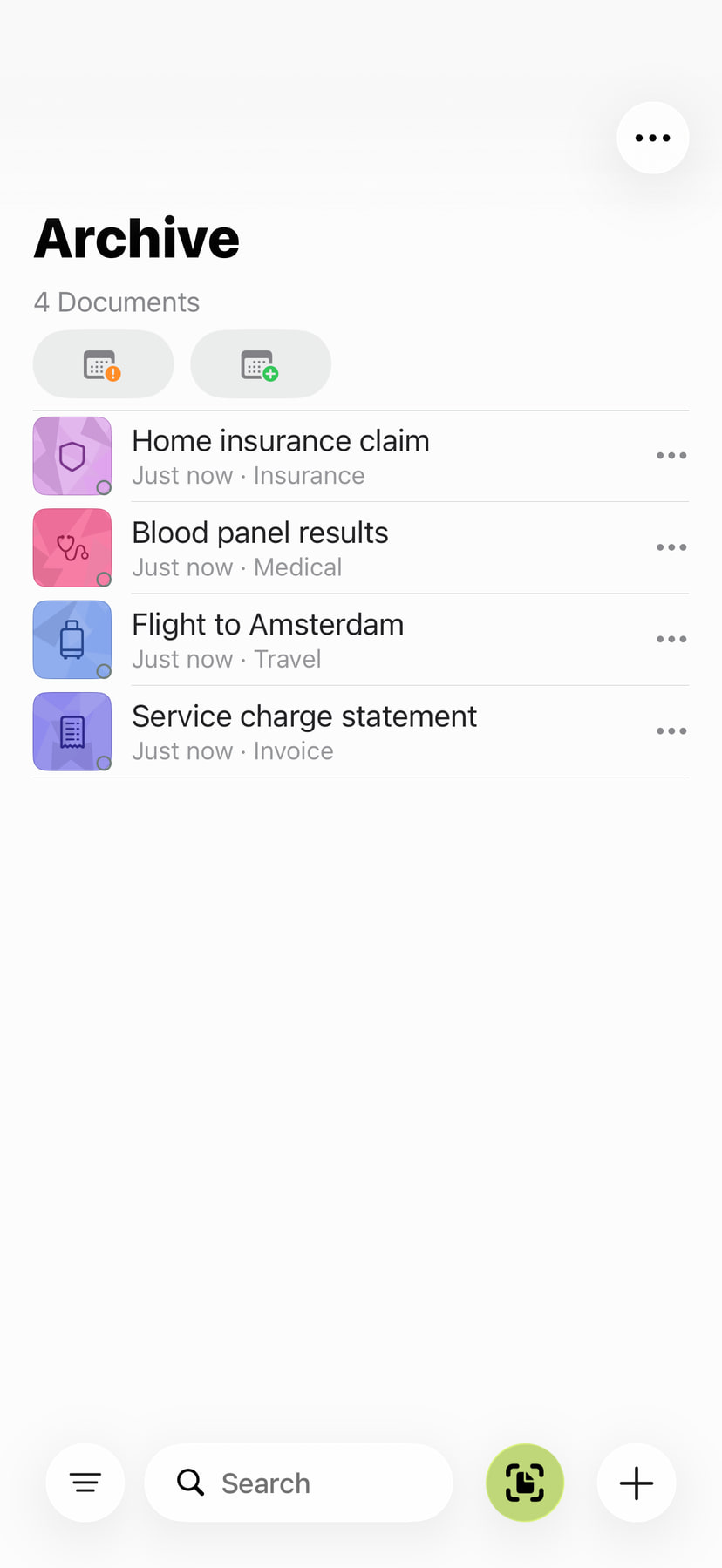
From a pile of paperwork to a task done: keep your documents together, find the right passage and use dates, addresses and tasks straight from the document. These guides show how it all stays in your archive.
A real recording shows the full path to the signed PDF.
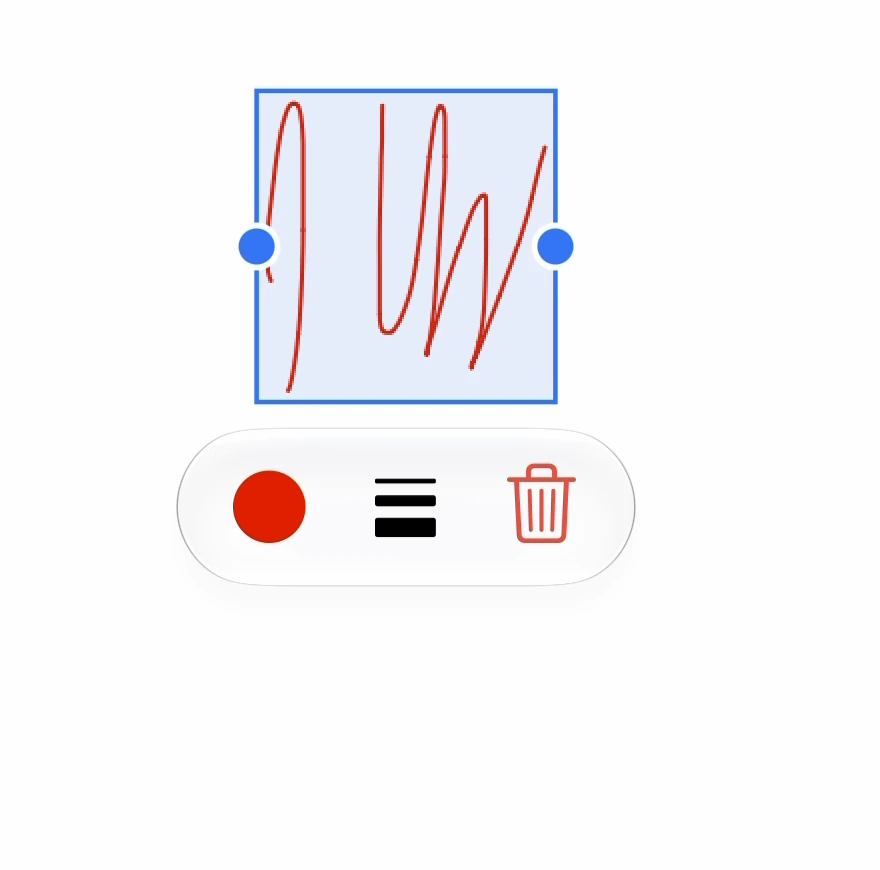
Choose Archive only, import your text or document and add your signature. Adjust its position, size, colour and stroke width, save it into the PDF and check the result in Preview.
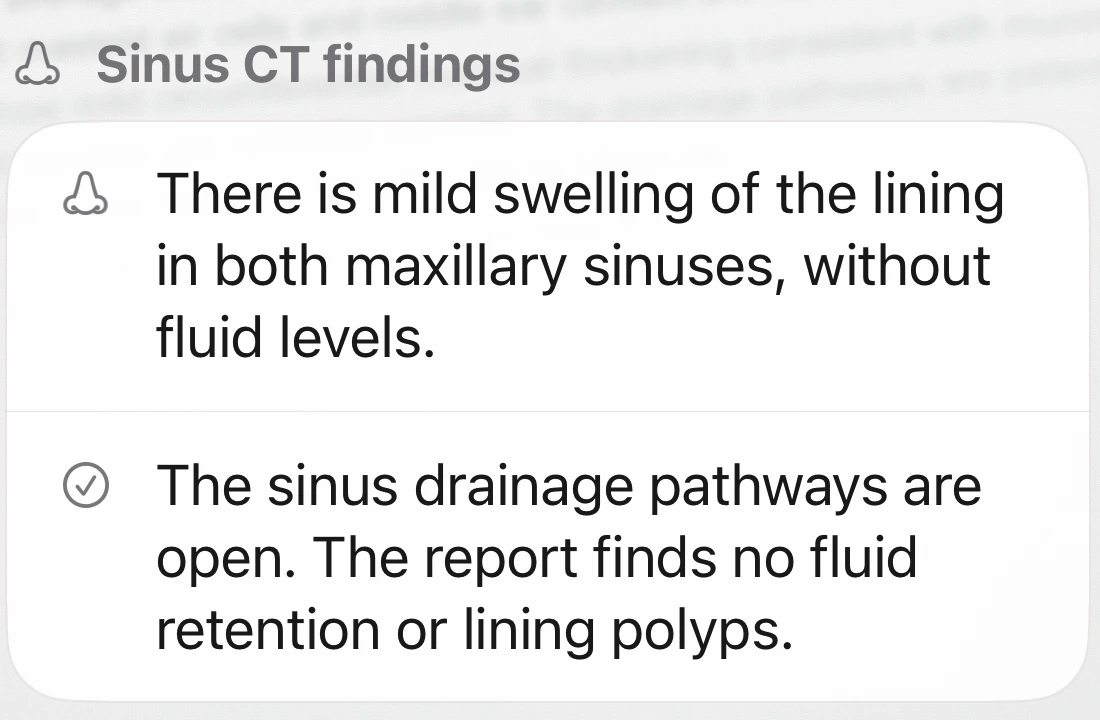
This CT report once led straight to a Google search. Now the recording shows how ExplainThisDoc puts the findings in context and makes the report’s recommendation easy to find.
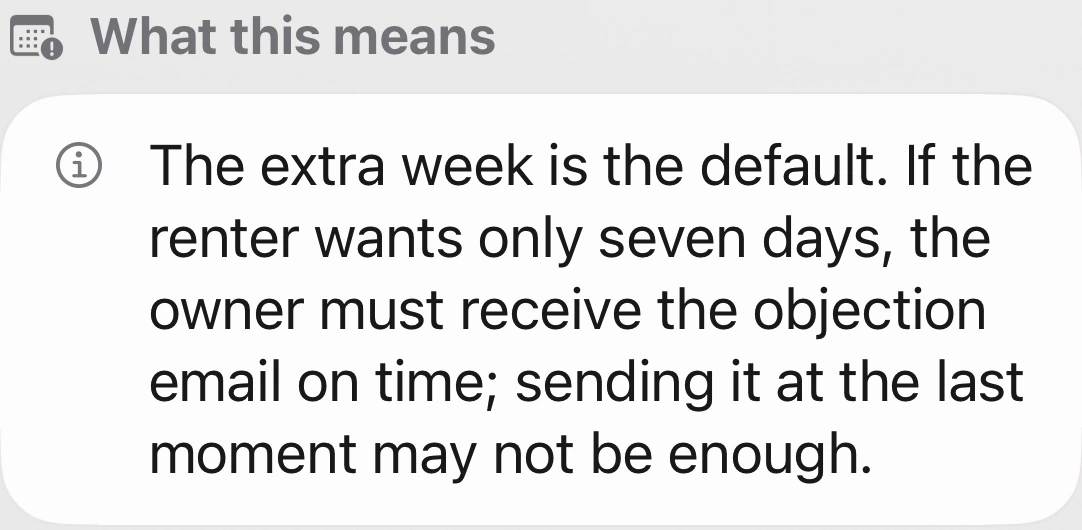
A quick summary raises a question. Reading the clause raises another. See how the rental agreement becomes clear, how the edited PDF holds up outside the app, and what still needs doing.
Scan or import, keep the document in your archive, then read, edit or analyze it when you need to. Originals, explanations and notes stay together from the first import to the next follow-up.
Sign PDFs and scans, add comments and highlight important passages in the reader. Save the printing and scanning while keeping your work in your archive.
Keep documents privately on iPhone, protect access with Face ID and understand them locally with Apple Intelligence. Choose OpenAI, Mistral or Qwen for Pro.