Scan an invoice and find the amount and due date
The total, billing period and payment deadline often appear in different places. ExplainThisDoc brings those details together. Understand the bill sooner, add a suitable payment date to your calendar and keep any questions alongside the document.
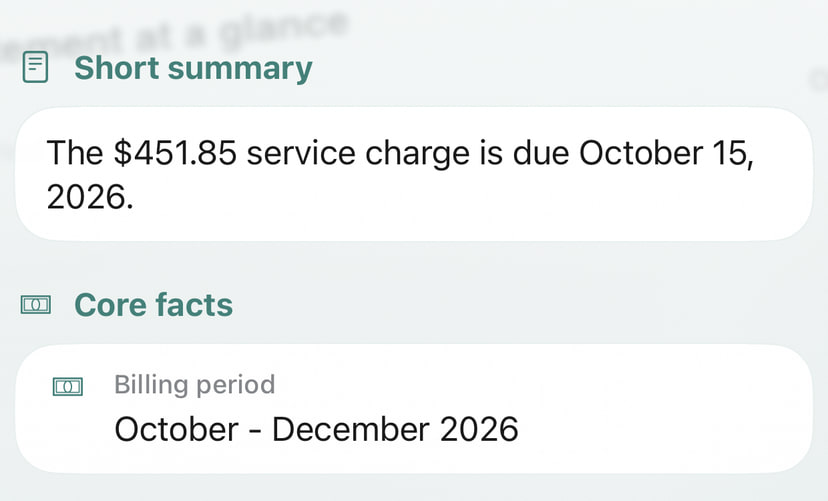
See the amount, period and due date together
The English example shows Harbor View service charges of USD 451.85 for October–December 2026, due October 15, 2026. Check the amount, period, reference and payment terms against the original.
The explanation organizes those details; it does not confirm a payment or initiate a bank transfer.
Go from the scan to the payment date
- Scan the invoice, open a photo or import the PDF.
- Request an explanation of the important details and their context.
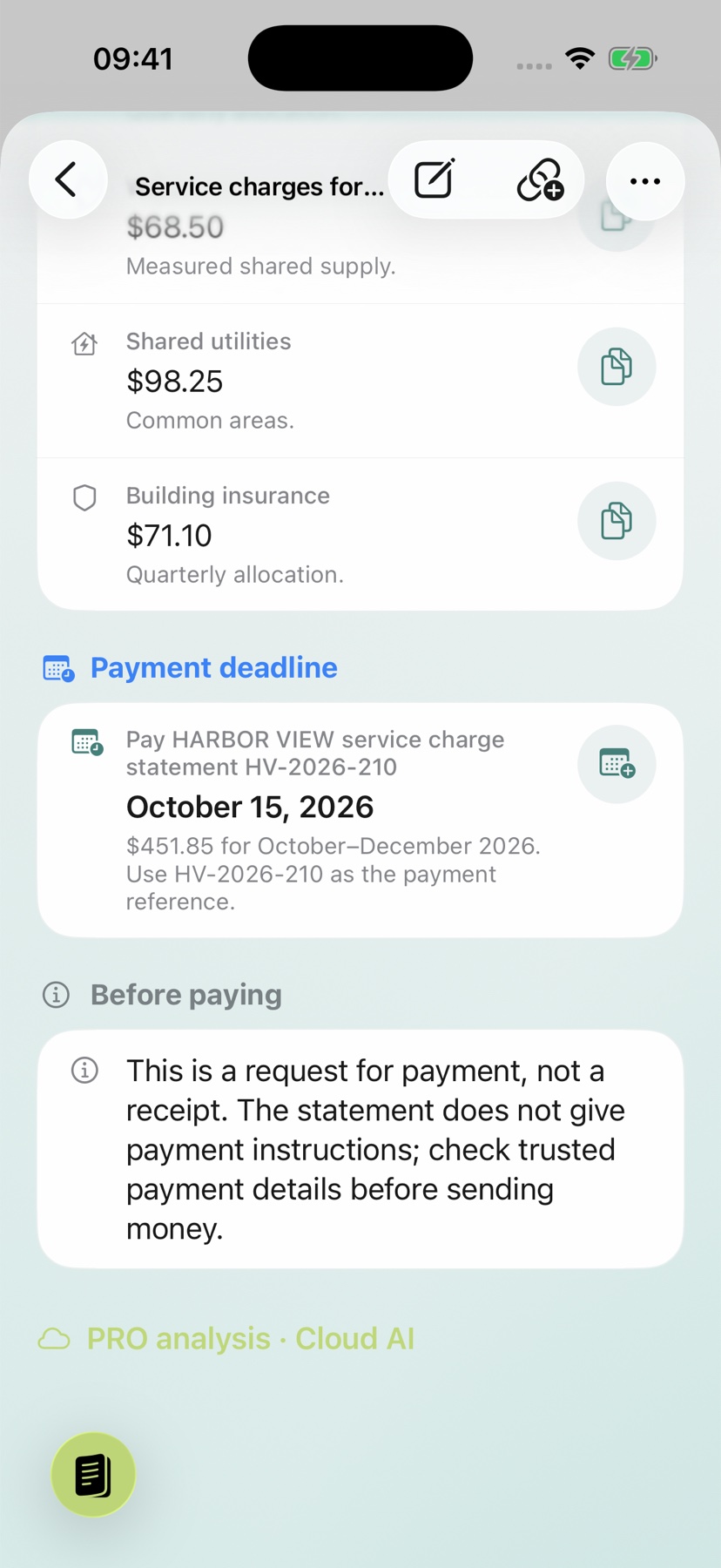
- Open the calendar action beside a suitable recognized date.
- Add a reminder and save the entry.
The action carries recognized details into a prepared entry, saving you from typing the title and date again. See the calendar guide for the full sequence.
Check the prepared date before saving and verify the event in your calendar afterwards. The screenshot shows the calendar action, not the saved event.
Keep your question beside the relevant item
Open the invoice in the reader, find the item and add a comment. Your question then sits beside the charge or service it concerns. A note on the archive entry can also record when you asked and which reply you are waiting for.
When the answer arrives, the original, explanation and earlier notes are ready together. Pick up the matter where you left it. The reader guide covers comments and highlights on a document.
Keep the contract and other bills within reach
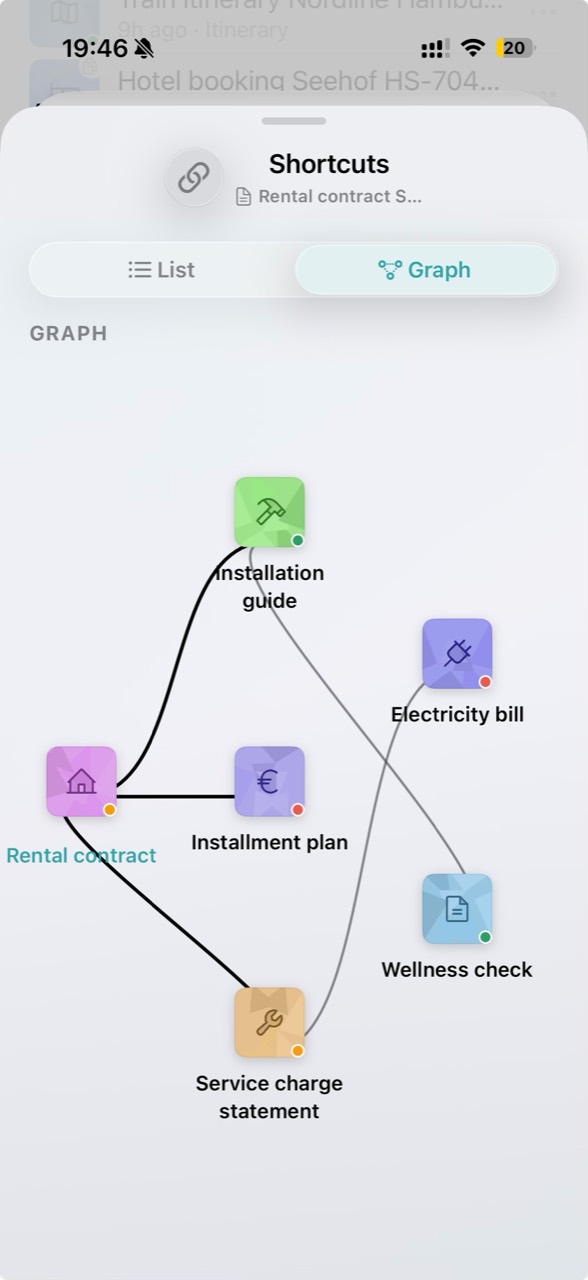
Link an invoice to its contract or correspondence so you can open related paperwork directly. The graph illustrates document links; it is a separate example from the Harbor View statement.