
Turn document text into calendar events, directions and tasks
You have read the document. Now come the typing, planning and looking things up. ExplainThisDoc takes work off your hands at that point. Pro prepares dates for your calendar, opens addresses in Maps and keeps tasks with the document. Everything stays connected to your private archive.
Start with what needs your attention
Local analysis creates a summary and finds key facts on supported iPhones. Pro goes into the context: what a detail means, which task it leads to and which points deserve a closer look.
The analysis organizes the relevant information around the document. A booking brings arrival details, an address and next steps into view; an invoice brings the amount and due date together. You reach the part you want to act on sooner.
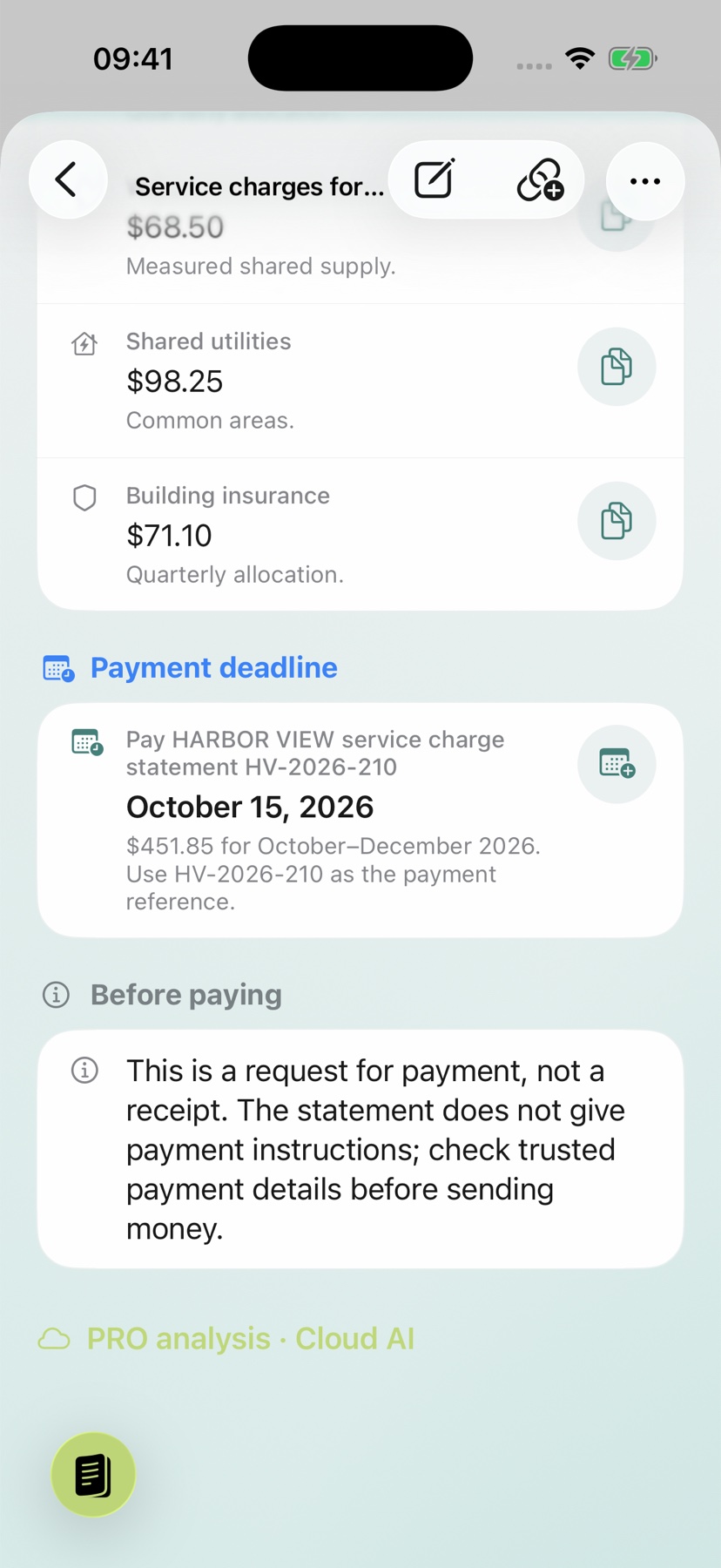
Add dates instead of typing them again
Open the calendar action beside a suitable recognized date. Check the title, date, time and available location in the dialog, choose your calendar and reminder, then save. Verify the entry in your calendar.
The Harbor View example shows the payment deadline of October 15, 2026 with its calendar action. This screenshot shows the action in the explanation, not a saved event. See the calendar guide.
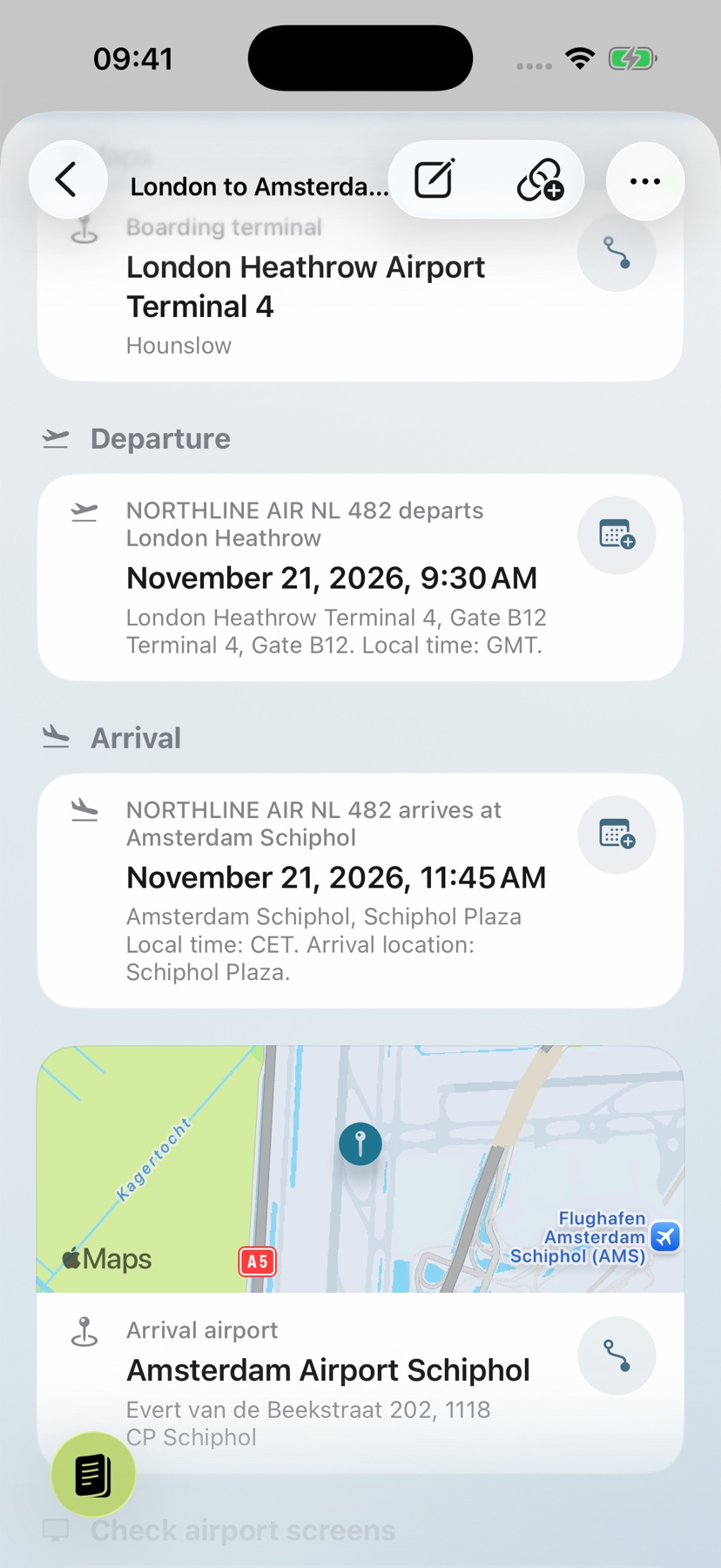
Go from an address to directions
The English travel example shows Amsterdam Airport Schiphol, the destination of the London–Amsterdam flight. Check the address and open its route action in Maps; navigation continues there.
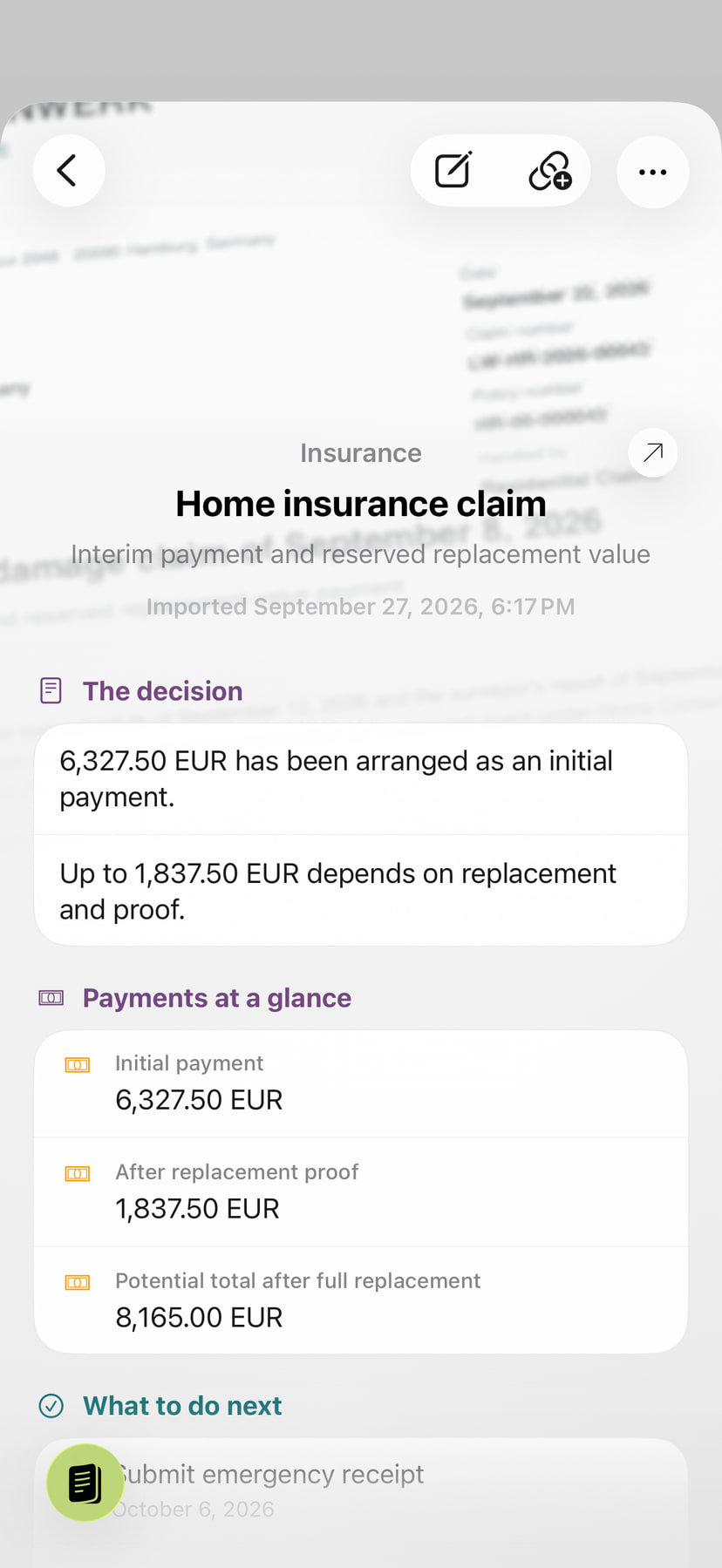
This is a separate travel document, not the location of the insurance claim shown above.
Finish tasks and keep the context
Check off recognized tasks alongside the document. Add a note for a question or the outcome of a call. The archive filter for open tasks brings you back to the matters that still need attention.
Risk notices and other highlighted concerns direct your attention to relevant details. Open the wording in the reader and add a comment there. The explanation, your progress and the original stay together for your next decision.