
Guides / Understanding a CT report
I read the report.
Then I googled it.
A CT report of the sinuses. A page full of medical terms. And, after reading it, one question: what does this actually mean?
The explanation stays with your document.
Understand how the medical terms fit together.
From the recording made on 9 October 2026.
The video and app screenshots are in English.
The personal experience behind the story
This explanation would have helped back then.
“I didn’t understand the report at the time, so I googled it.”
That was the experience with this report. For this story, ExplainThisDoc was used to explain the same report text. It shows what would have helped then: reading the findings in plain language and seeing how they fit together.
01 / Grasp the main finding
What was actually found?
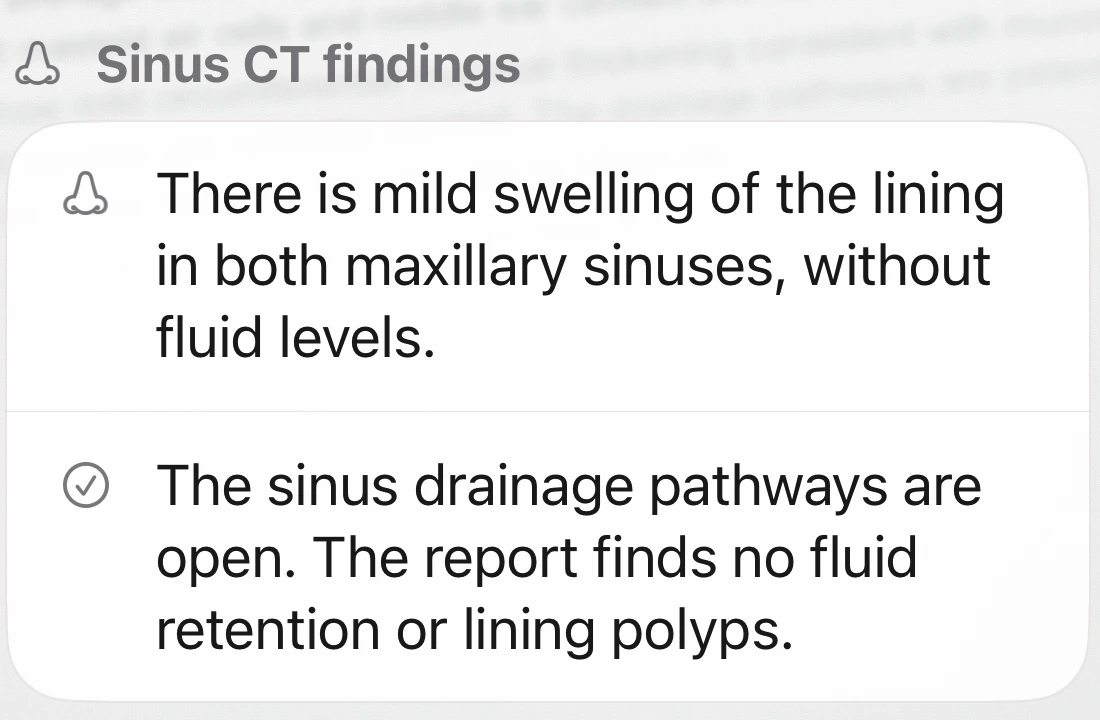
The original uses terms such as “mild circumferential mucosal thickening”, “infundibula” and “no fluid retention”. Looking these words up one by one still leaves you to work out what they mean together in your own report.
The explanation starts with the context: the report describes mild thickening of the lining in both maxillary sinuses. The drainage pathways are open. Fluid levels, polyps and fluid collections are not described.
The changes and the normal findings are shown side by side, making the report easier to read.
02 / Put a medical term in context
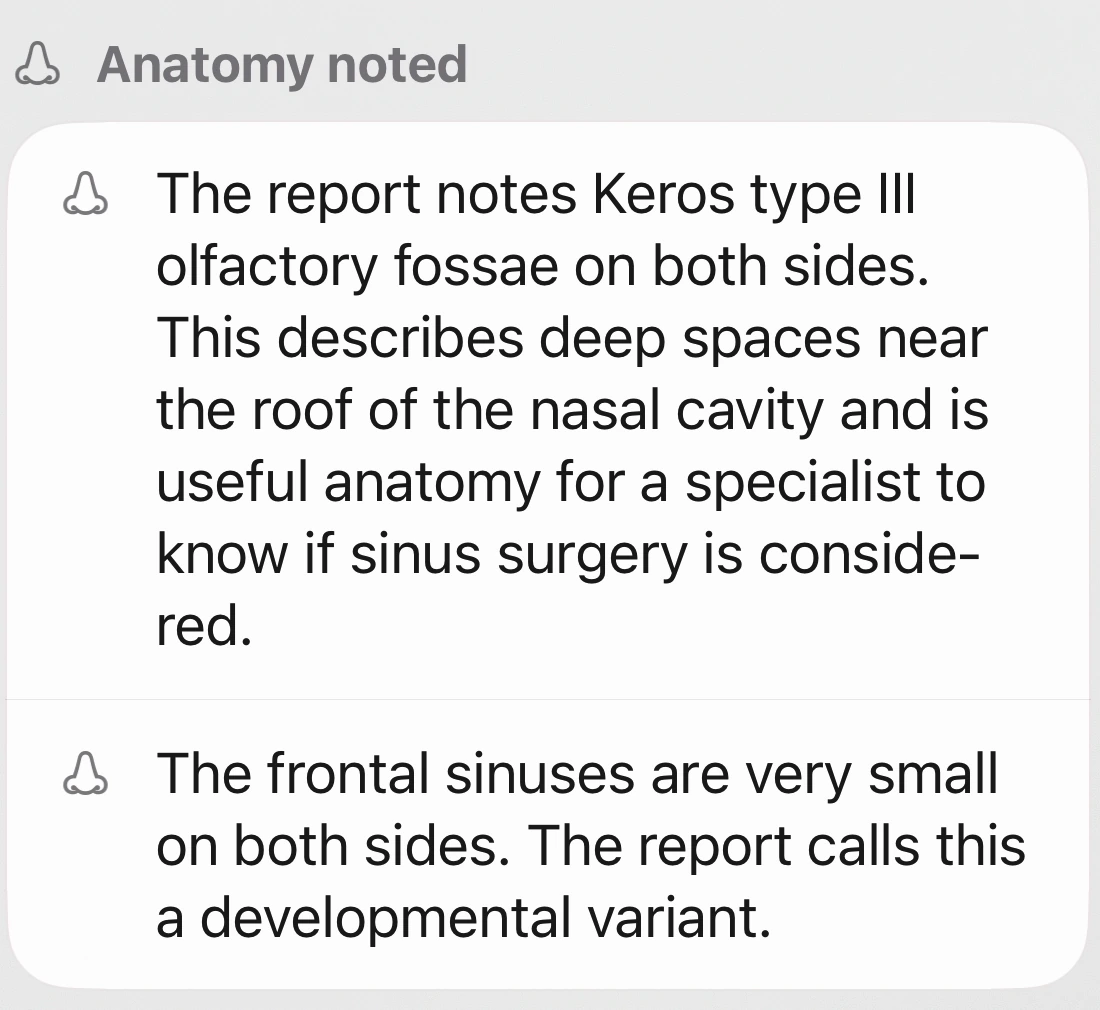
“Keros type III”.
What does it mean here?
This term appears in the middle of the report without an explanation. The app places it under anatomical features and explains that it describes a deep olfactory fossa at the skull base.
It also describes when this detail matters: when a clinician is planning a possible sinus procedure. This puts the term in context without presenting it as another diagnosis of inflammation.
That connection is often missing when you simply look a word up: what does it mean, and why is it in my report?
Medical background: Study on the Keros classification and surgical planning ↗
03 / Find the recommendation
And what about the wisdom teeth?
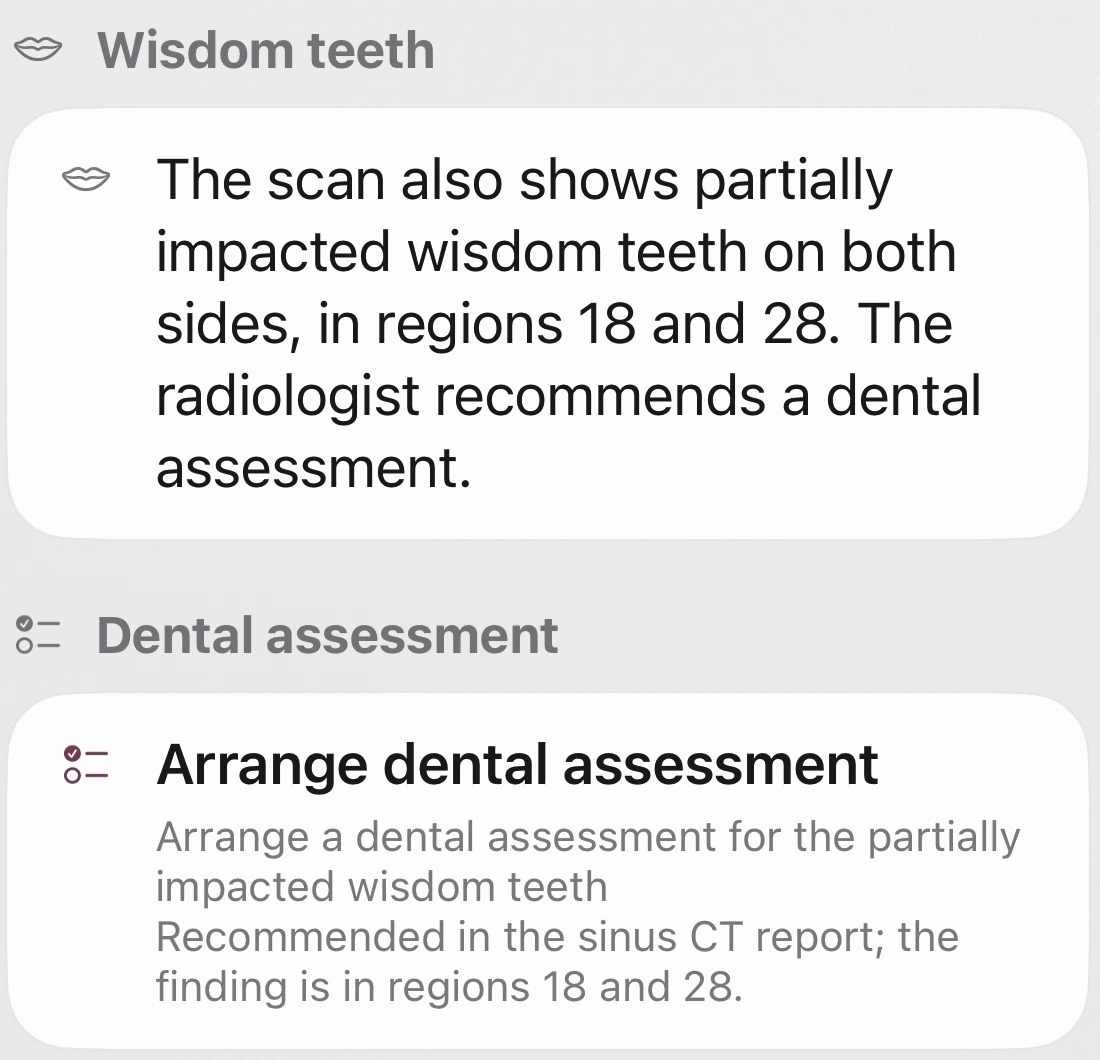
The report ends with an incidental finding: partially impacted upper wisdom teeth, numbered 18 and 28 in the FDI system. In this case, “partially impacted” means the teeth have not fully come through.
The recommendation also remains visible: have them assessed by a dentist. It already appears in the report and is highlighted as a separate point in the app.
This makes it easier to raise the point at the next appointment without having to search through the medical wording again.
04 / Identify the unanswered questions
Understand what the report says.
And what is still unclear.
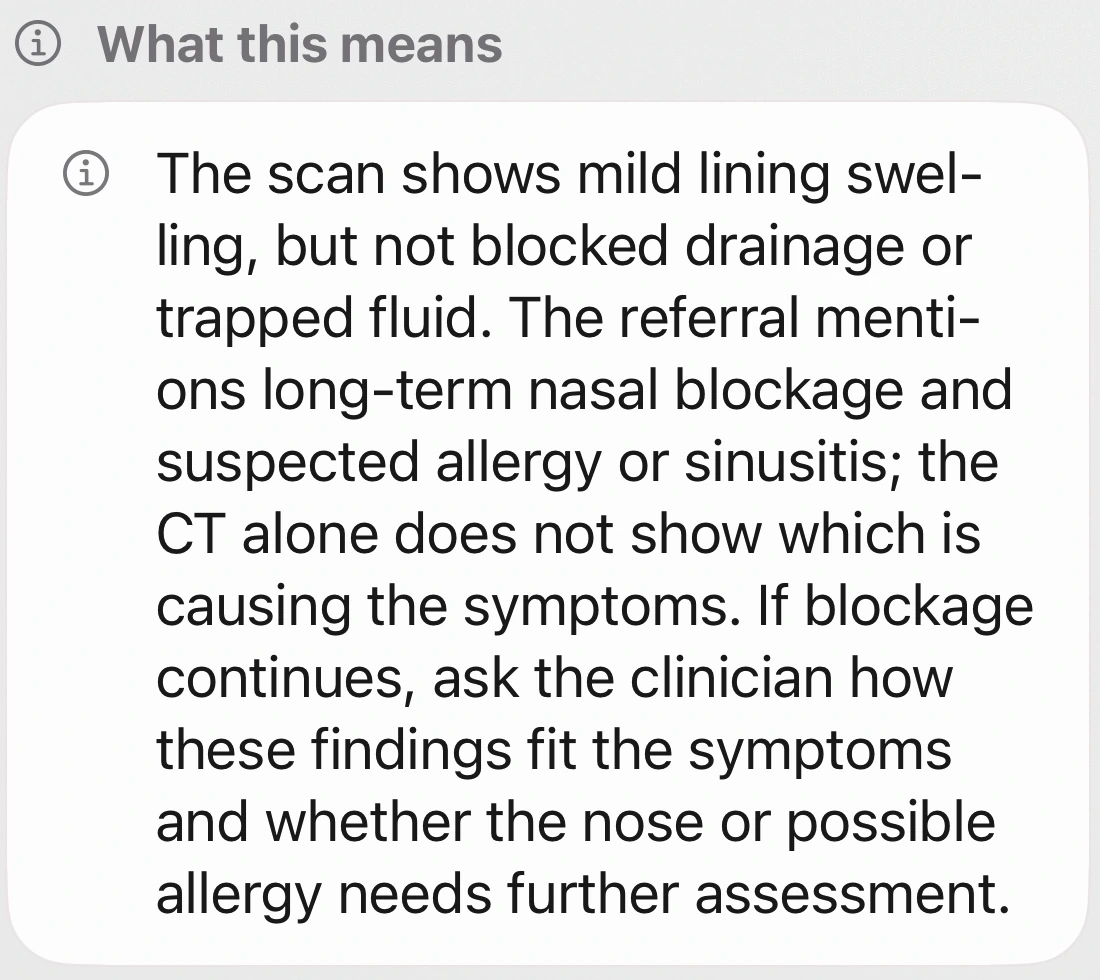
The examination was prompted by difficulty breathing through the nose, with suspected allergic rhinitis or chronic rhinosinusitis. The explanation distinguishes that clinical question from the findings described in the CT report.
It makes clear that this CT report alone does not establish what is causing the symptoms. The next step is to discuss what the findings mean with the treating ENT specialist.
This helps frame the next question: which findings explain my symptoms, and what still needs to be clarified? The explanation stays alongside the report in the app.
Understand your report better
Bring specific questions
to your next appointment.
Open your written report in ExplainThisDoc. Have the terms explained in context and refer directly to the document whenever you need to.
ExplainThisDoc on the App StoreFor iPhone · free to download · Pro explanations use credits