Explain this document: scan a letter and understand what matters
You have read the letter and still wonder what the sender wants you to do. ExplainThisDoc makes the content easier to follow: a summary, important details and next steps stay with the original in your archive. Start by scanning the letter, opening a photo or importing the file.
1. Scan or import the letter
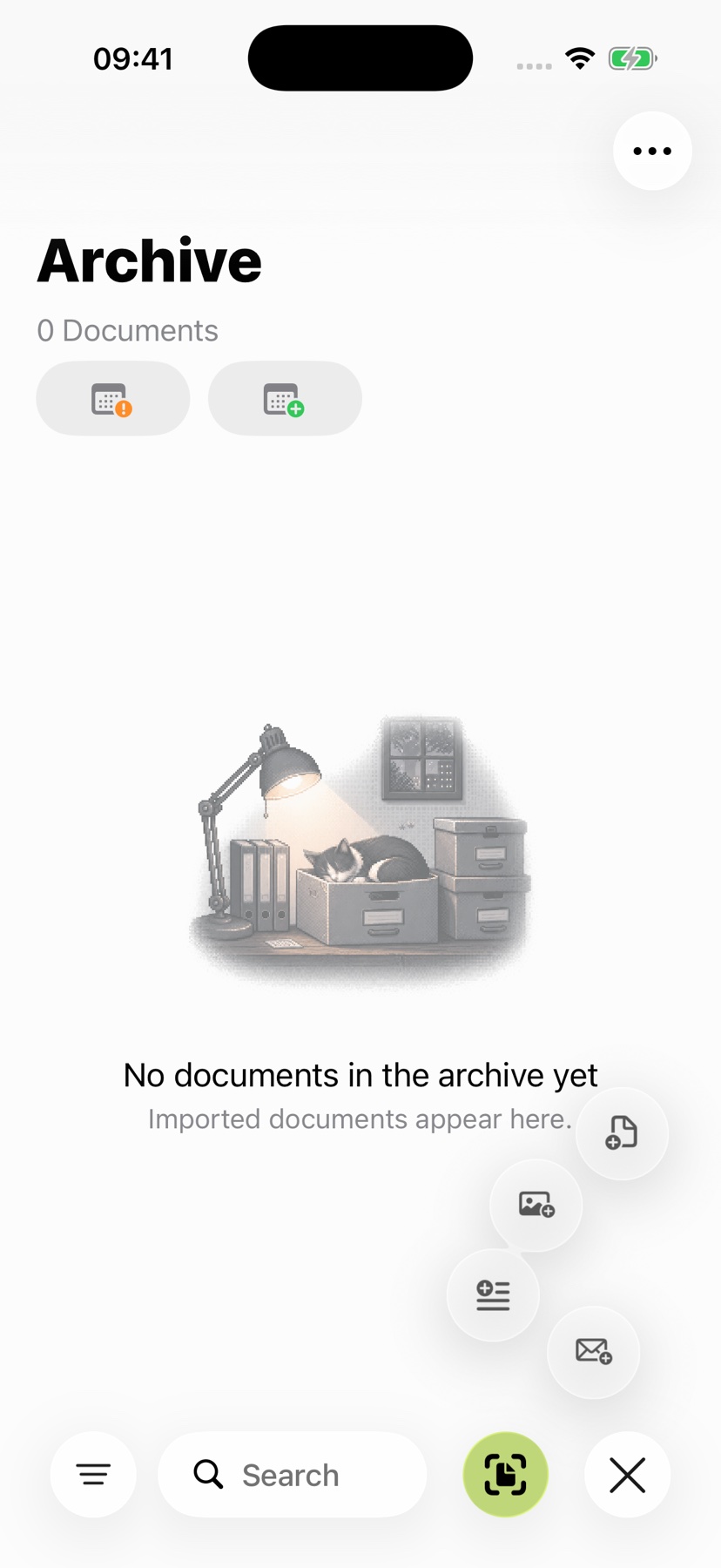
Capture the letter with the camera in ExplainThisDoc. Add the pages that belong together in one scan. You can also open an existing photo or document file and bring it into your archive.
Text recognition makes the content readable. The original and recognized text are ready for the next step, whether you want to find a passage in the reader or get an explanation of the content.
Include every relevant page and attachment in the correct order. Check that text, dates and amounts are sharp and complete before requesting an explanation.
2. Check important details before analysis
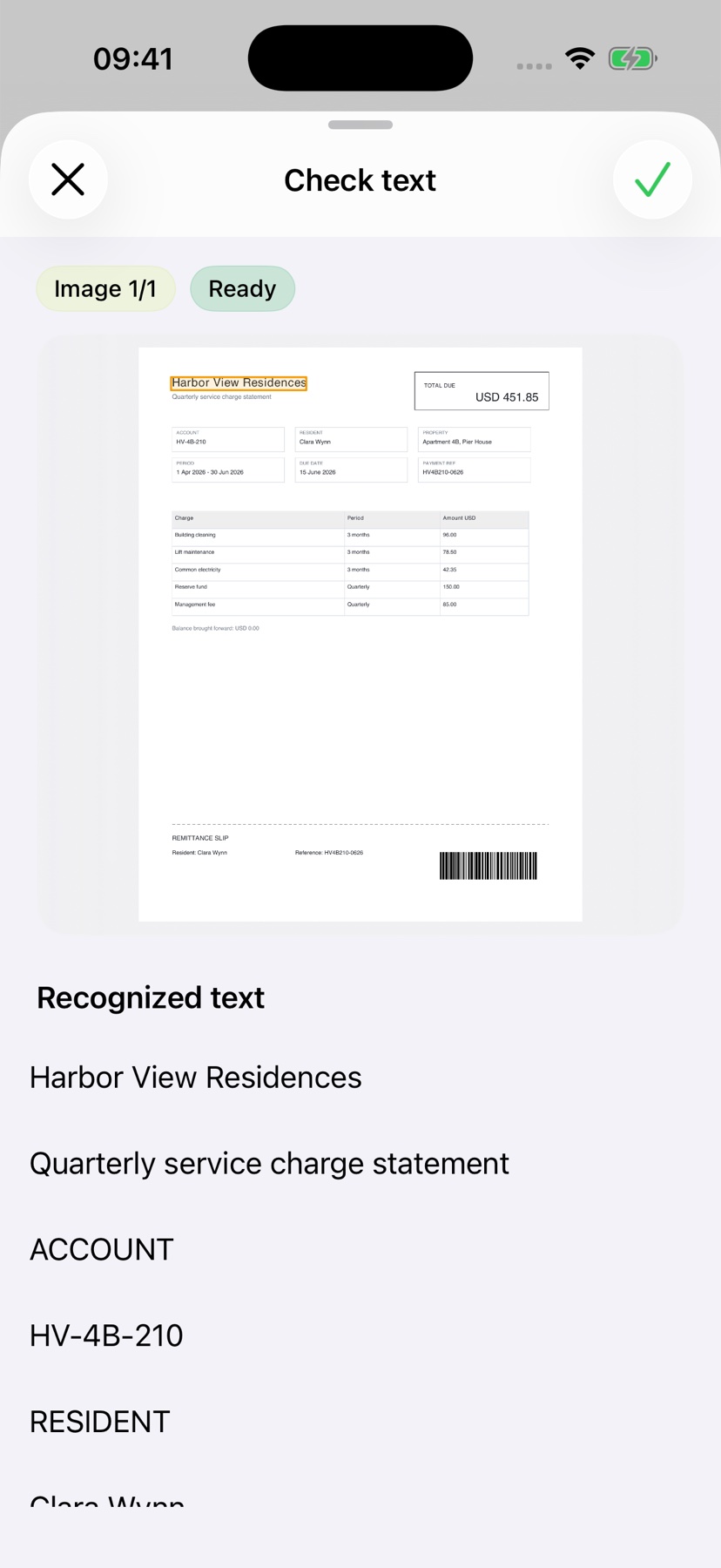
Enable text review before an explanation in Options. For photos and scans, the app may highlight uncertain recognition and show the corresponding image area.
Compare names, amounts and dates with the original, including unmarked text. Correct errors before requesting an explanation; missing highlights do not confirm that everything was recognized correctly.
3. Understand the purpose and important details
Local analysis summarizes content on supported devices. Pro explains context and highlights relevant tasks, dates and concerns.
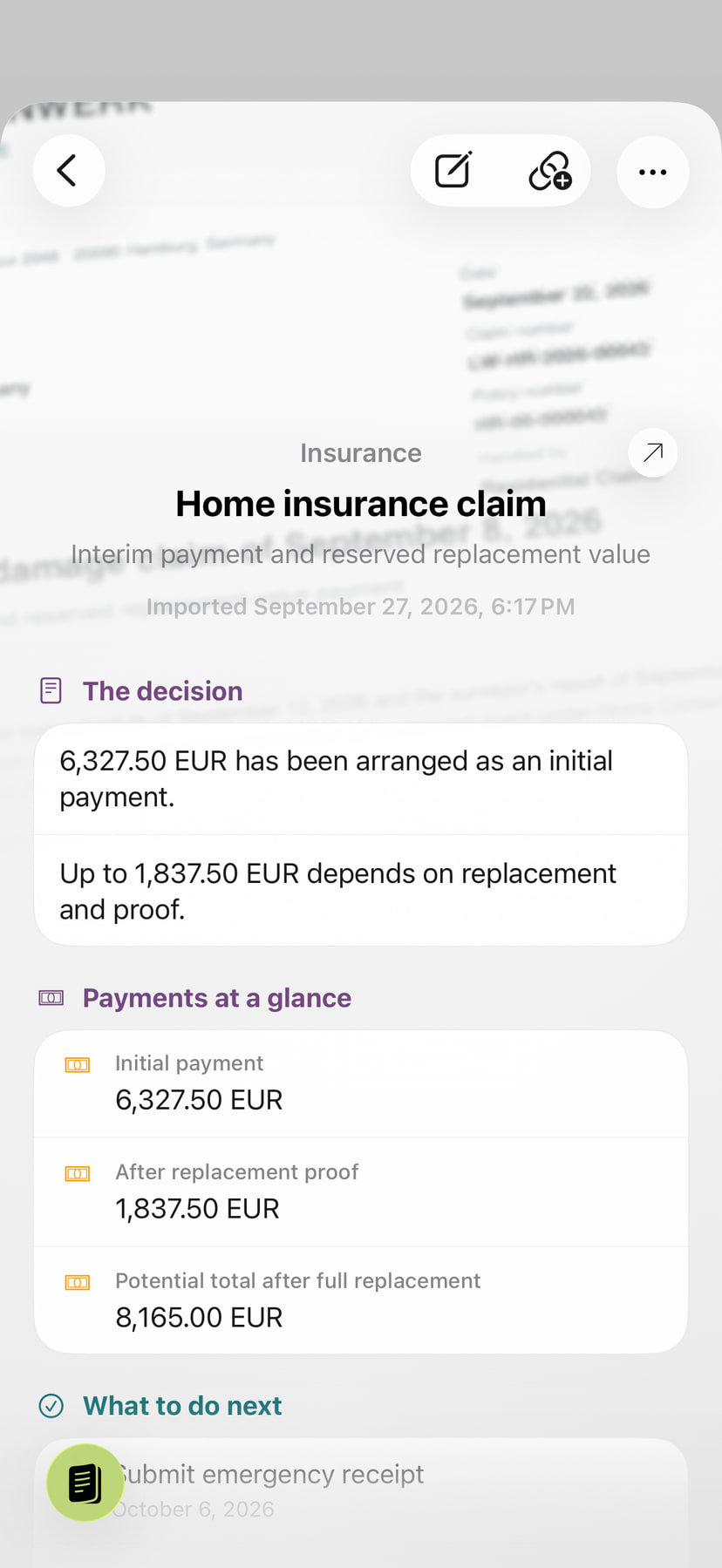
The insurance example separates an initial payment of EUR 6,327.50 from up to EUR 1,837.50 that depends on replacement and proof. Read those conditions in the original before relying on the total.
4. Move from reading to your next step
A recognized date can open a prepared calendar entry. Open an address in Maps, or check off a task alongside the document. The information moves directly from the explanation into something you can use.
The original, explanation and your notes stay together in the archive. When another question comes up, you already have the context. The guide to dates, directions and tasks explains each route.