Summarize a PDF on your iPhone
Reading a long PDF takes time. ExplainThisDoc helps you start with the important parts: local analysis summarizes the text and finds key facts. Pro adds context and makes relevant dates, addresses and tasks useful. The original stays with the result in your archive.
Go from the PDF to an overview
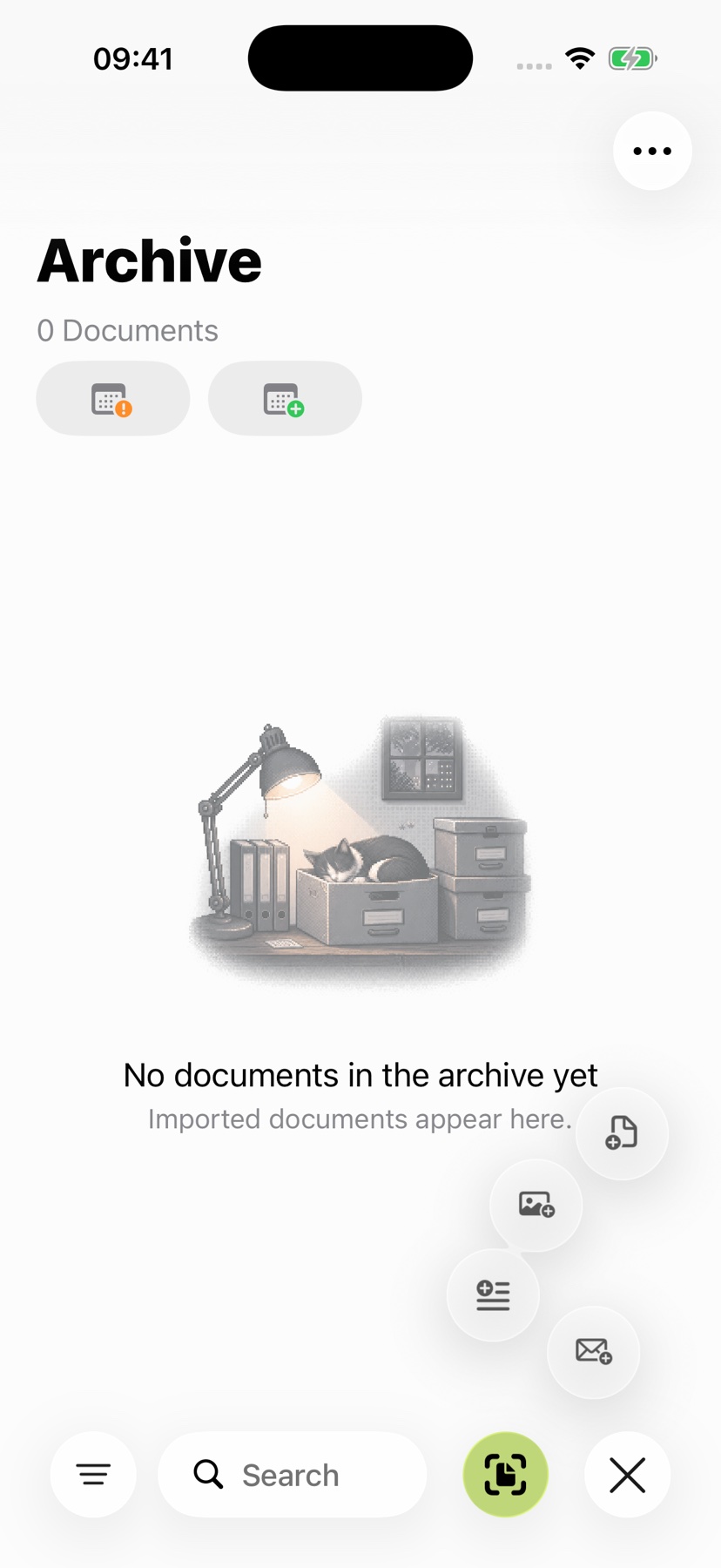
Import your PDF into the archive. ExplainThisDoc reads text that is already embedded in the file and uses text recognition on your iPhone for scanned pages.
You save copying the content into a separate AI app. The file remains accessible in the reader while the analysis prepares the overview. The saved explanation then belongs to the same archive entry, ready when you next open the document.
PDF analysis currently uses at most the first 24 pages and roughly 24,000 characters of extracted text. The complete original stays in your archive. For longer files, check which passages the analysis covers and read remaining pages in the Reader.
Choose a summary or a closer explanation
Local analysis: On a supported iPhone with Apple Intelligence, get a summary and key facts directly on the device. This gives you a quick starting point before you work through the details.
Pro analysis: Choose Pro for a fuller explanation of the context. Depending on the content, it highlights amounts, deadlines, risks and tasks and prepares useful actions. Pro uses credits; the available packages and current prices are shown in the app.
One document. Three views.
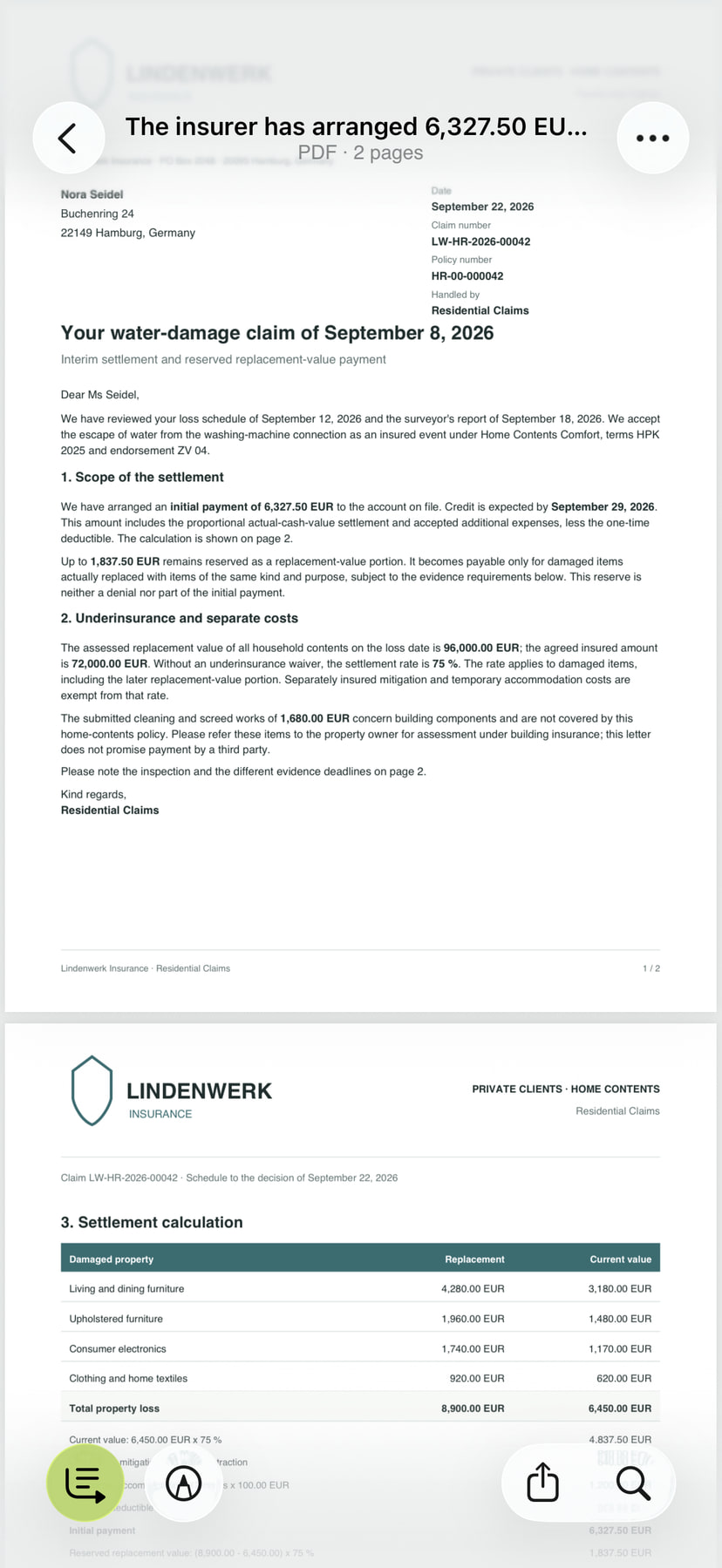
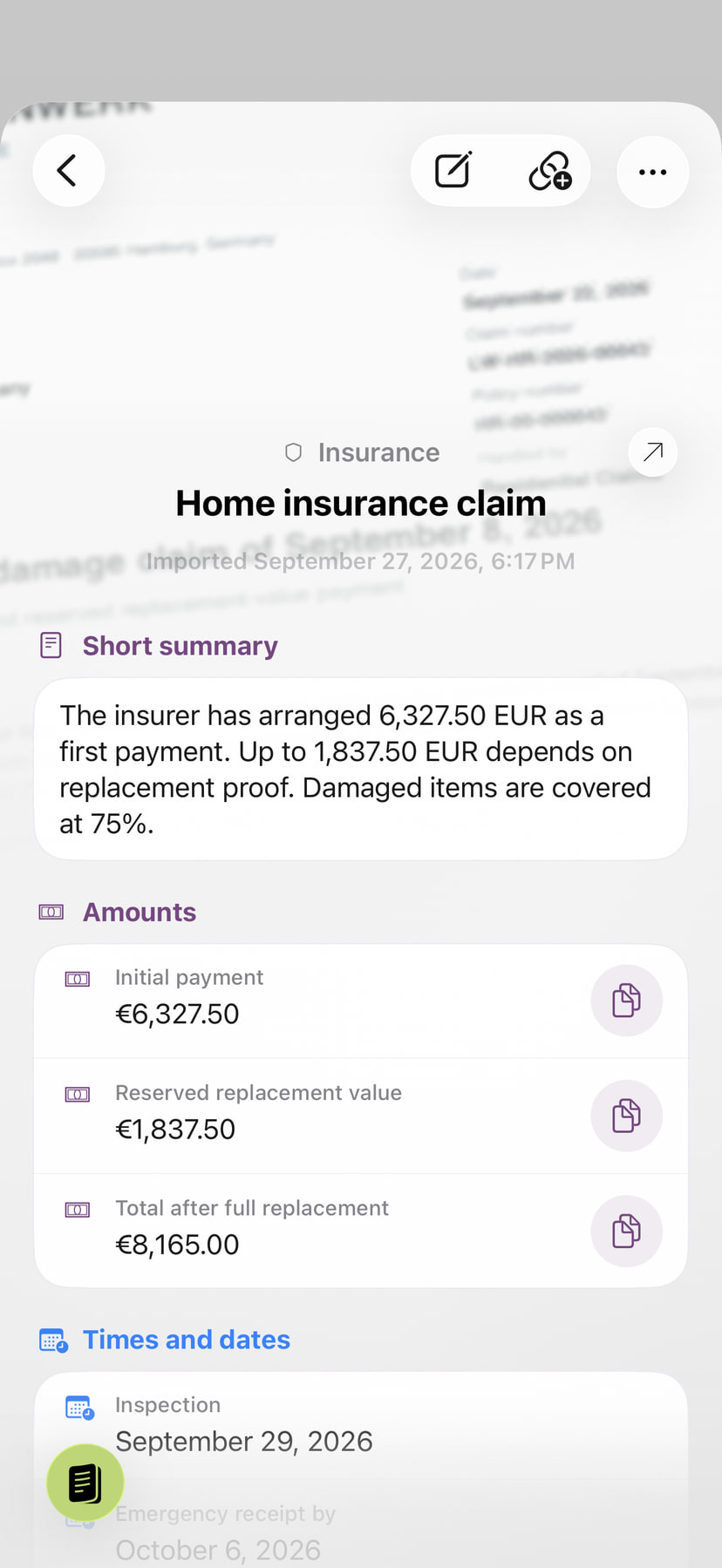
A home contents claim decision, from the original wording to your next steps.
-
Original
Keep the exact wording within reach.
 Enlarge the view
-
Local analysis
See the essentials at a glance: a summary and key amounts, right on your device.
 Enlarge the view
-
Pro analysis
See what to do, by when, and which conditions affect your claim.
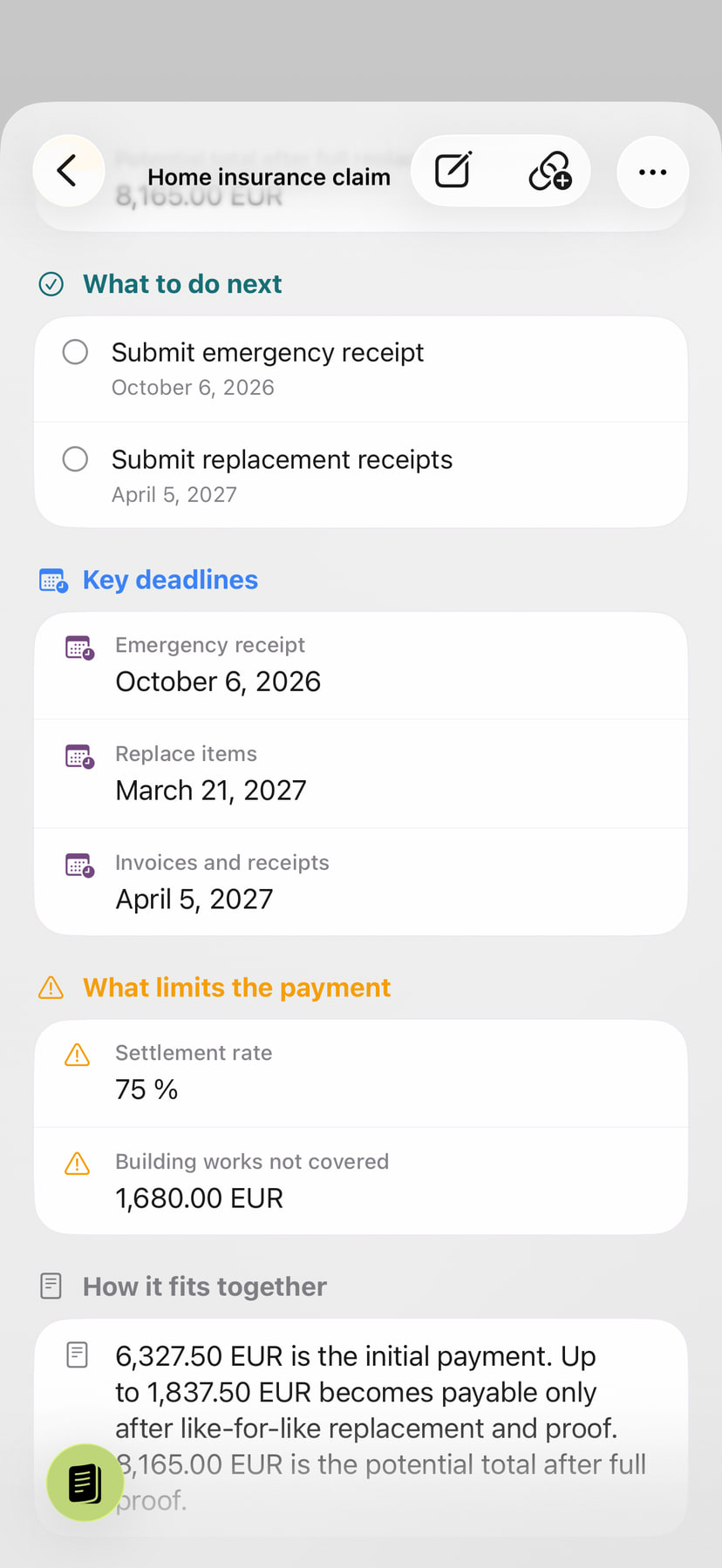 Enlarge the view
Find the essentials in more of your documents.
Lab reportSee measurements and reference ranges at a glance.
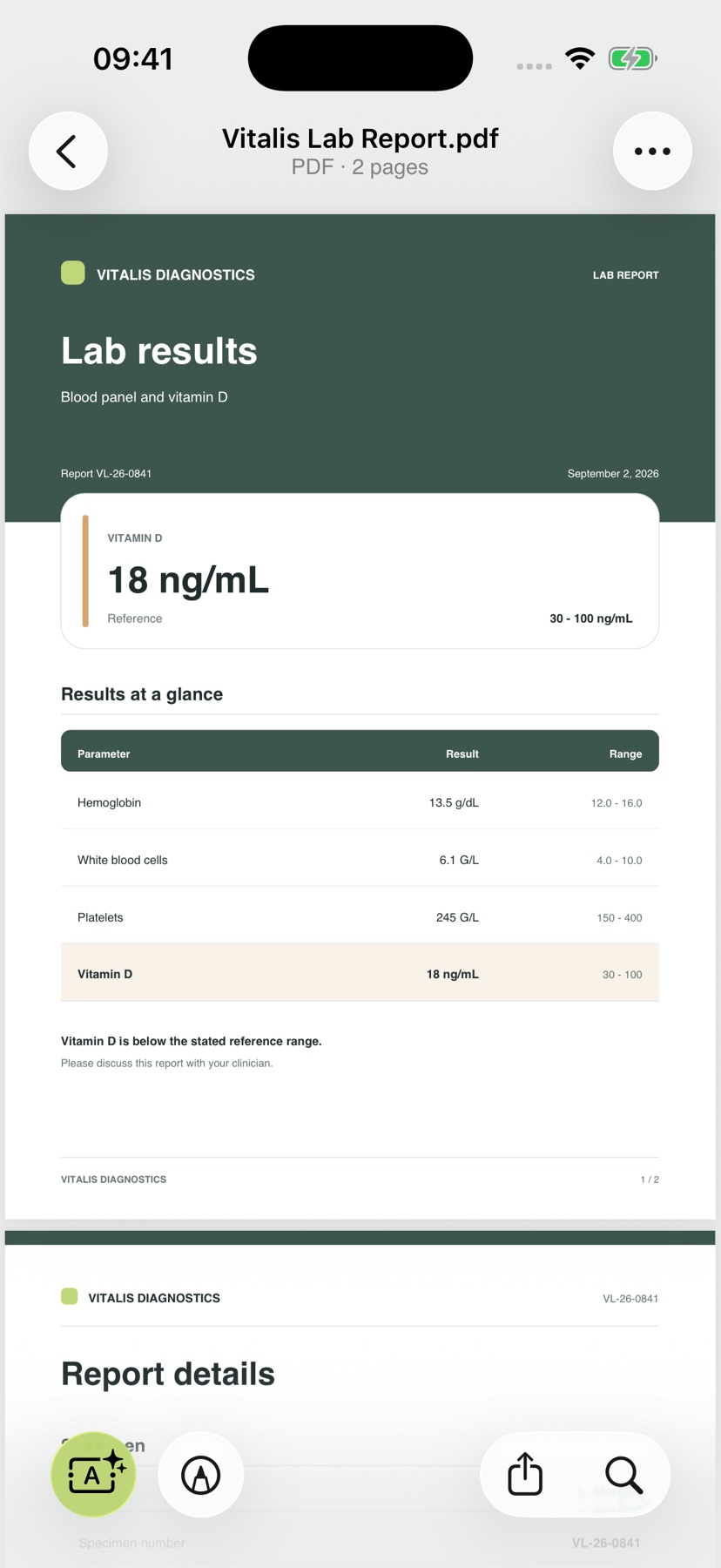
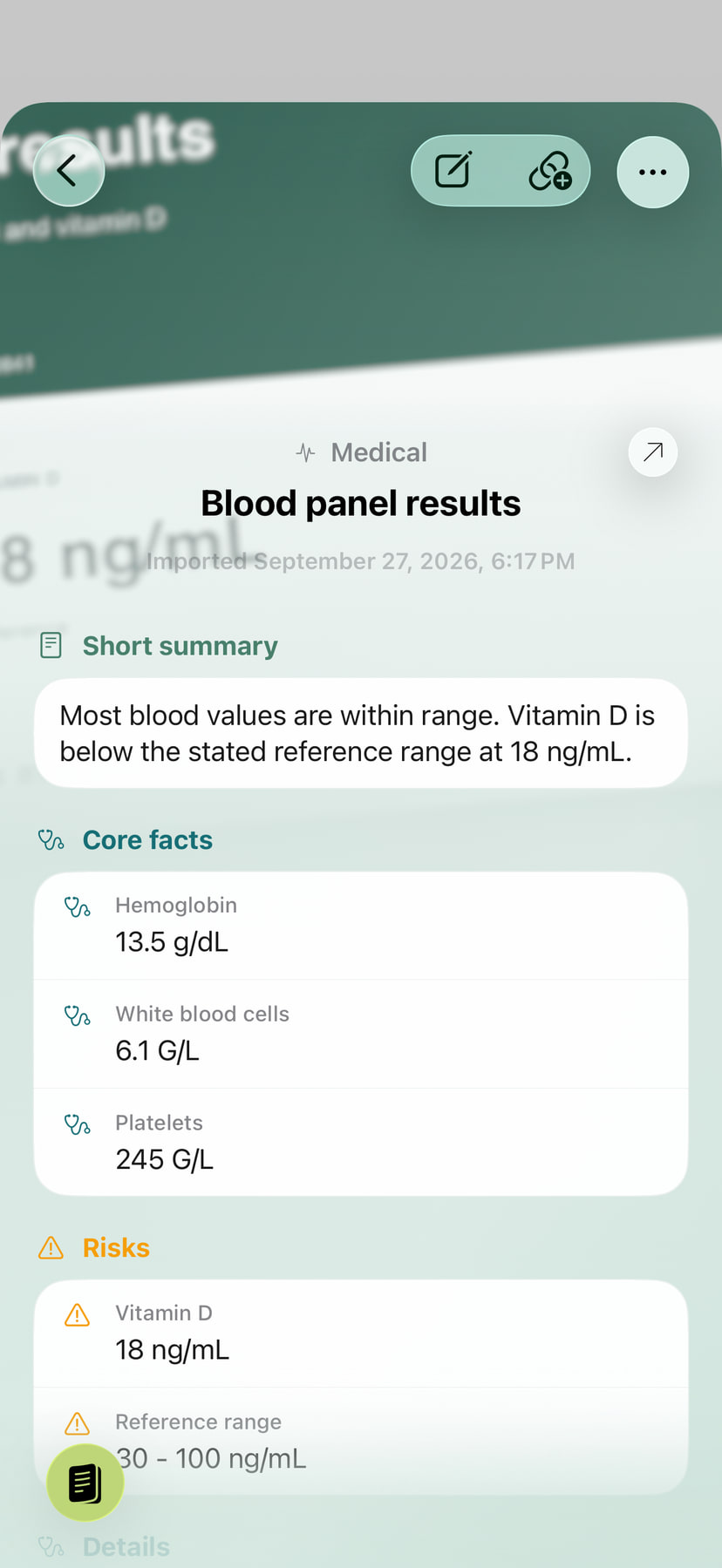
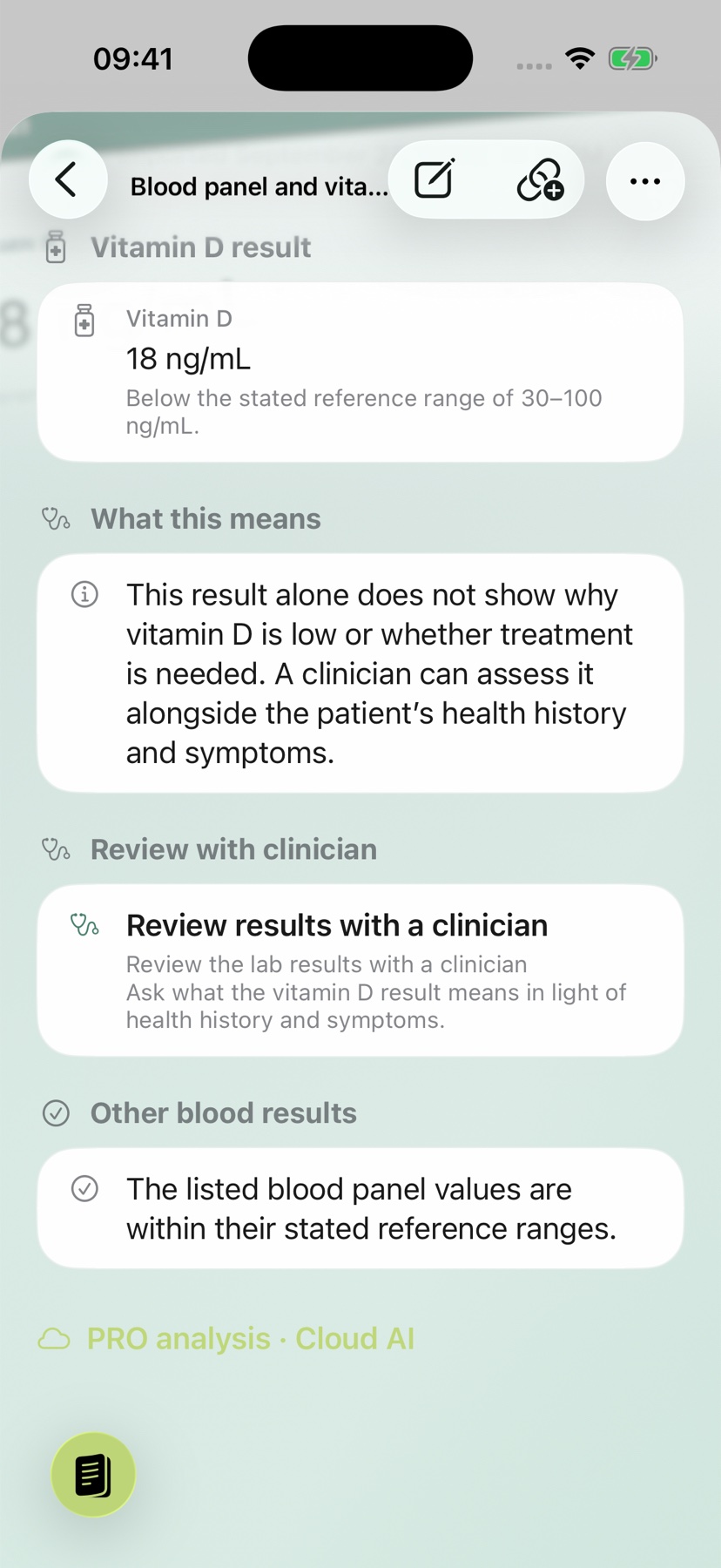
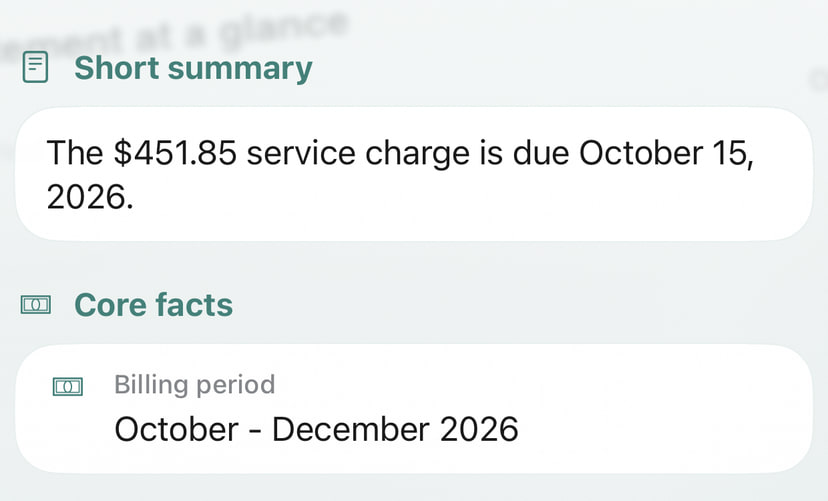
InvoiceSee the amount, billing period and due date together.
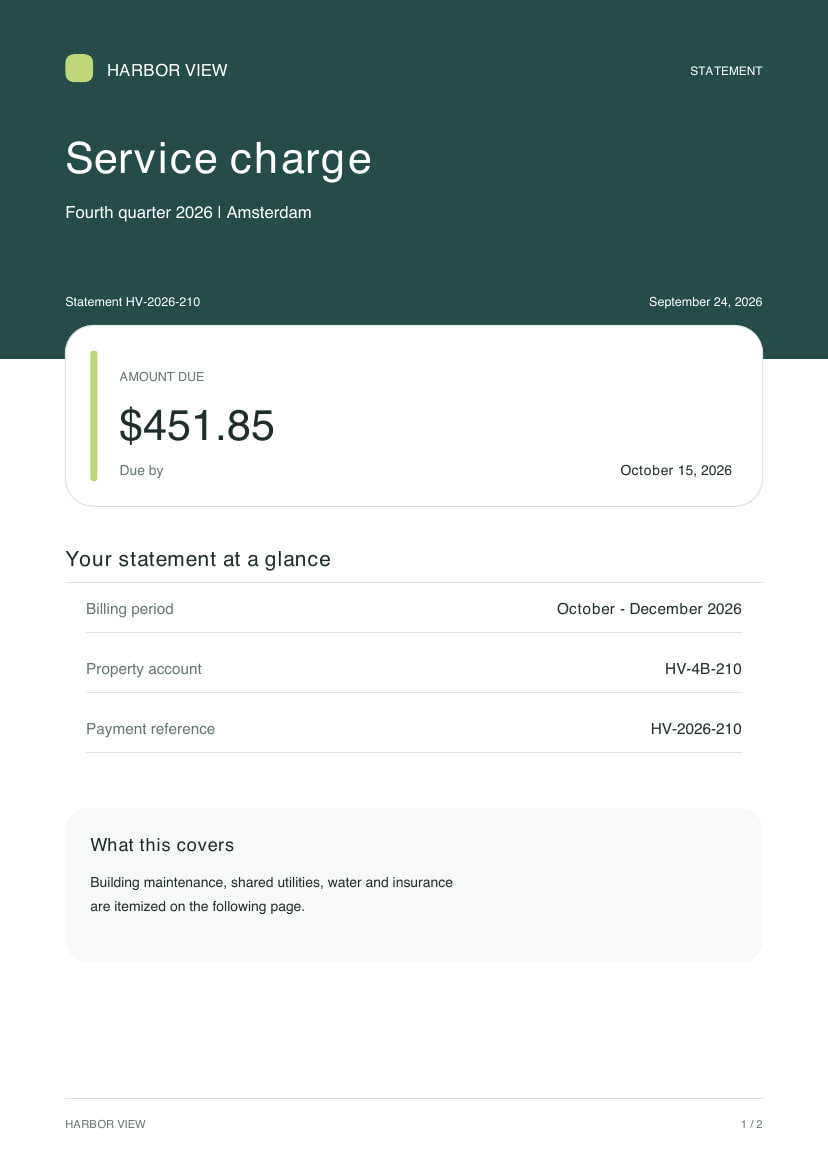
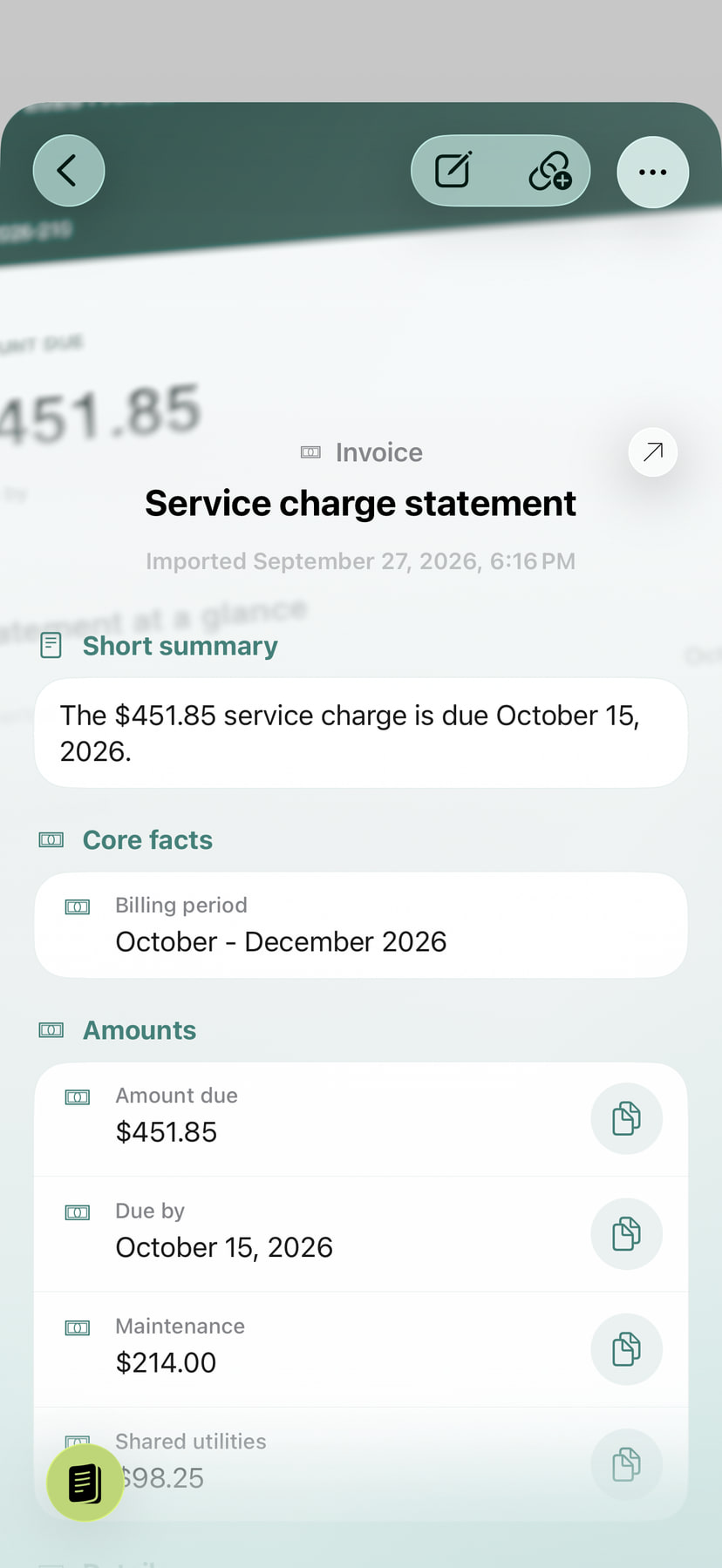
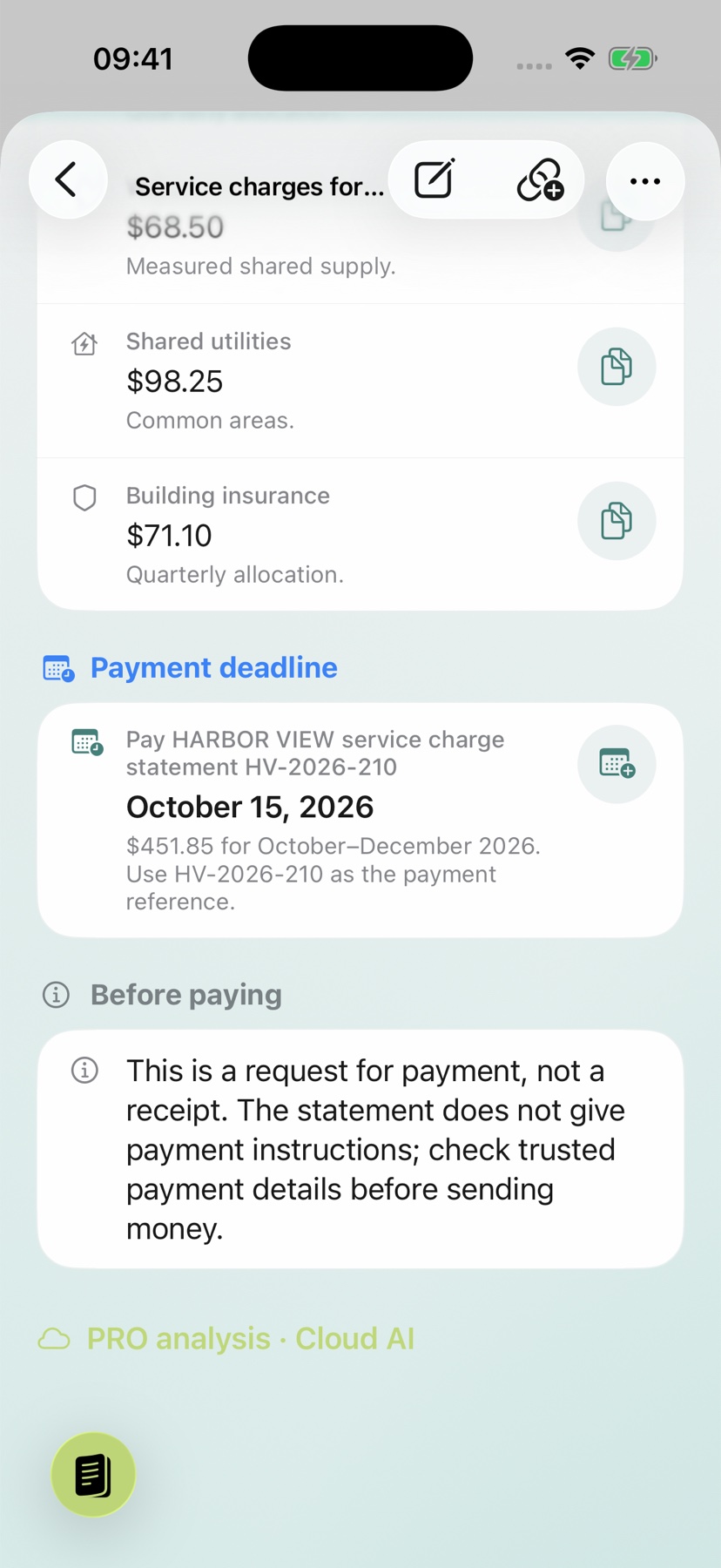
Travel itineraryFind your travel date, route and arrival quickly.
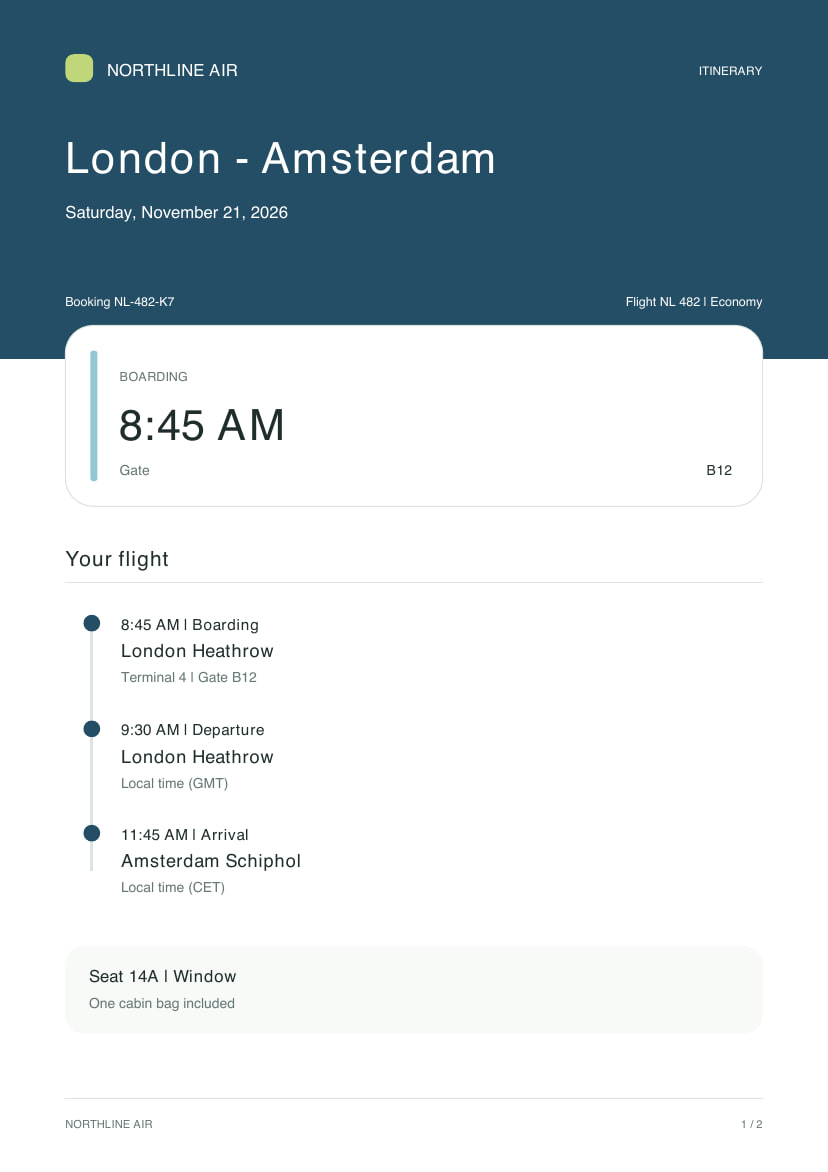
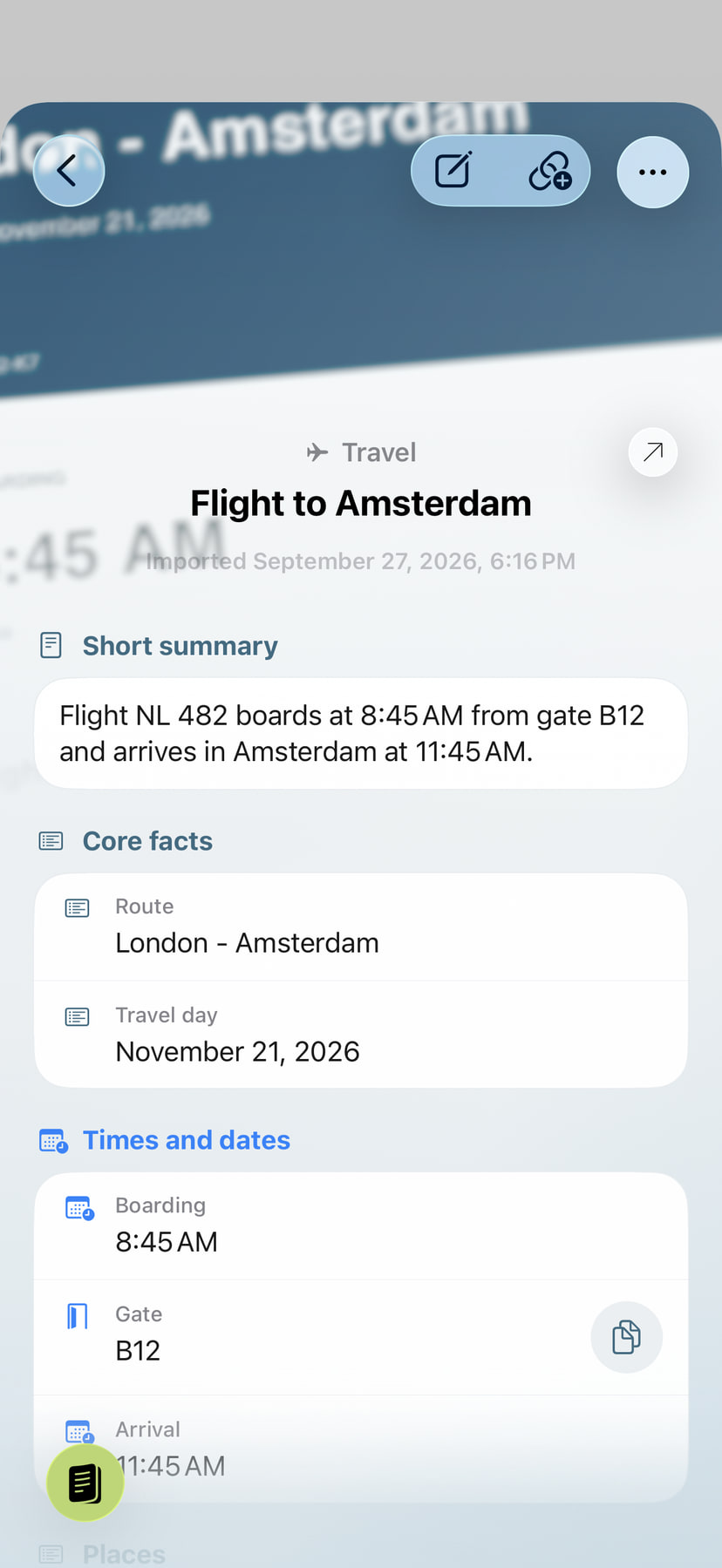
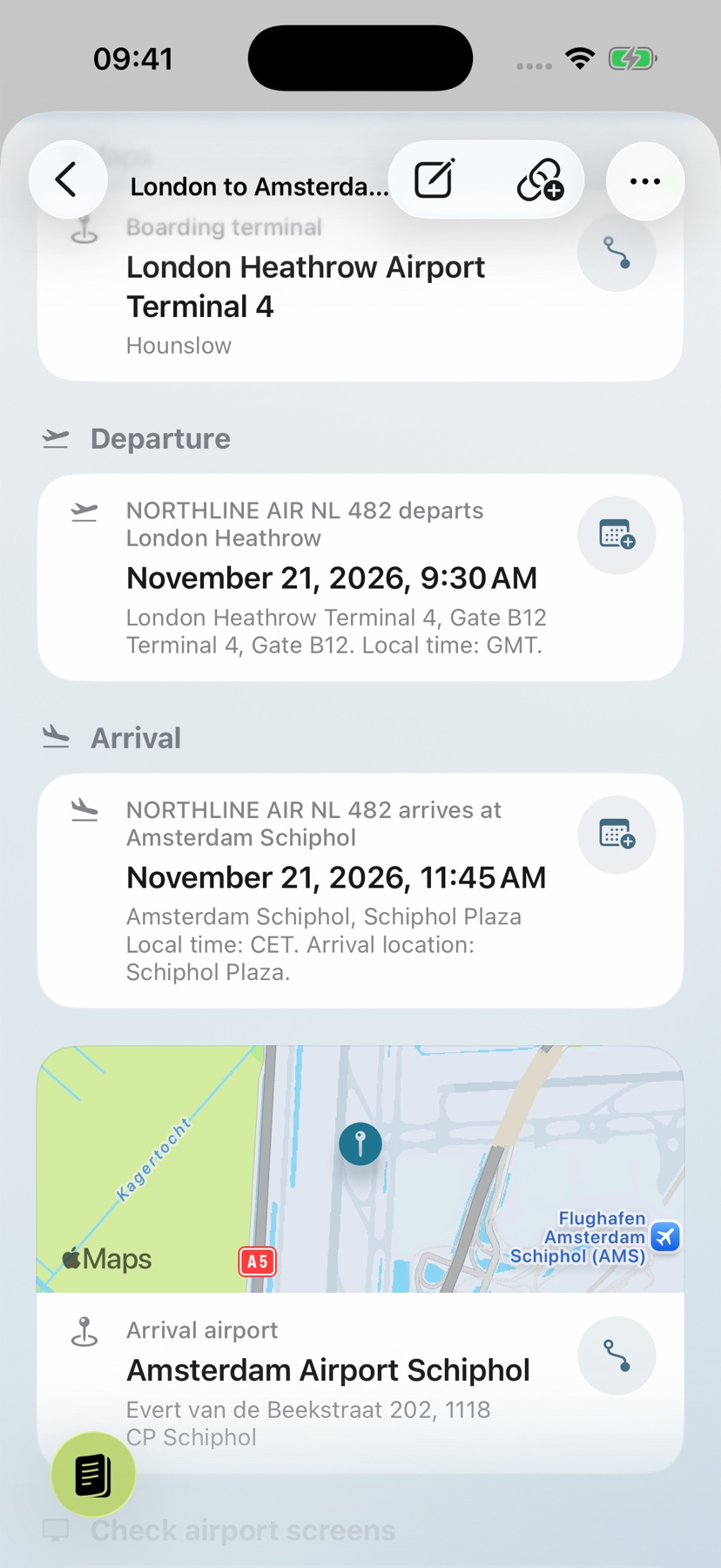
See what an amount or date means
Compare important amounts, dates and conditions with the original. A summary can omit details or misinterpret a passage.
The English example is a Harbor View service-charge statement: USD 451.85 for October–December 2026, due October 15, 2026. A due date is not confirmation that the bill has been paid.
Keep working with the PDF
Open the original in the reader for the exact wording. Search for a term, highlight the relevant passage or add a comment. Handle signatures and annotations directly in the app.
Add a recognized date to your calendar, note a question or follow a link to related paperwork. The summary remains part of your private archive, helping you pick up the matter again later with the original still close at hand.