Privacy in ExplainThisDoc: local AI and your choice with Pro
Your documents are part of your private life. ExplainThisDoc brings them into your own archive and lets you choose how to understand them: directly on your iPhone with Apple Intelligence, or with the extra help of Pro analysis. You choose the analysis route and the AI provider.
Read less. With AI right on your iPhone.
Scan a letter, open a photo or import a document file. ExplainThisDoc recognizes the text on your iPhone. For a quick overview, local analysis summarizes the content and extracts key facts. You can find out what matters sooner.
The app uses the on-device model from Apple Intelligence. Your document text is processed on your iPhone and stays there for this analysis. Once Apple Intelligence is ready on a supported device and in a supported language, this analysis also works offline. Settings show whether it is available.
Apple explains this approach in its on-device language model documentation. In ExplainThisDoc, the choice between local analysis and Pro stays with you.
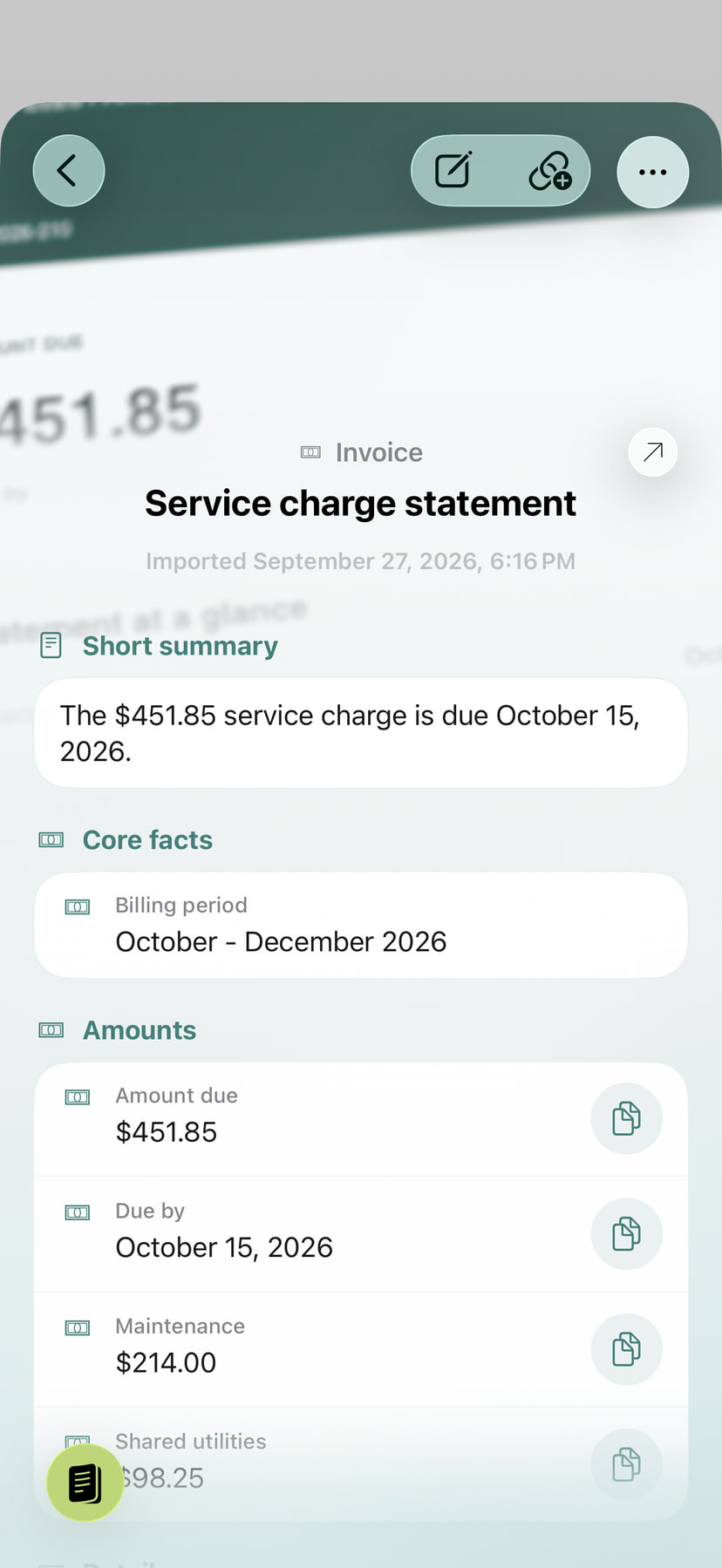
Your archive on your iPhone. Protected access.
Your archive is stored on your device. App Lock requires authentication when you return after leaving the app, and hides content in the app switcher. An already unlocked session remains readable: lock the device before handing it to someone else.
Optional iCloud Sync transfers your archive through your private iCloud to your devices using the same iCloud account. Changes and deletions sync too. Archive sync and Pro analysis are separate settings. See the setup guide.
Compared with other apps: local understanding, your choice
Other apps that summarize documents online include an upload in the analysis workflow. ExplainThisDoc gives you a first overview directly on a supported iPhone: Apple Intelligence summarizes the text locally and finds key facts. Your document text stays on your device for this analysis.
Other apps with cloud storage keep paperwork in an online service. Your ExplainThisDoc archive lives on your iPhone. You choose whether to sync with your other devices through your private iCloud. Storage, sync and analysis remain your choice.
Your benefit: archive, reader and local AI work together in one app. Collect, edit and understand personal paperwork directly on your device. For fuller explanations and further actions, choose Pro and your AI provider.
Pro reduces the work between reading and getting things done
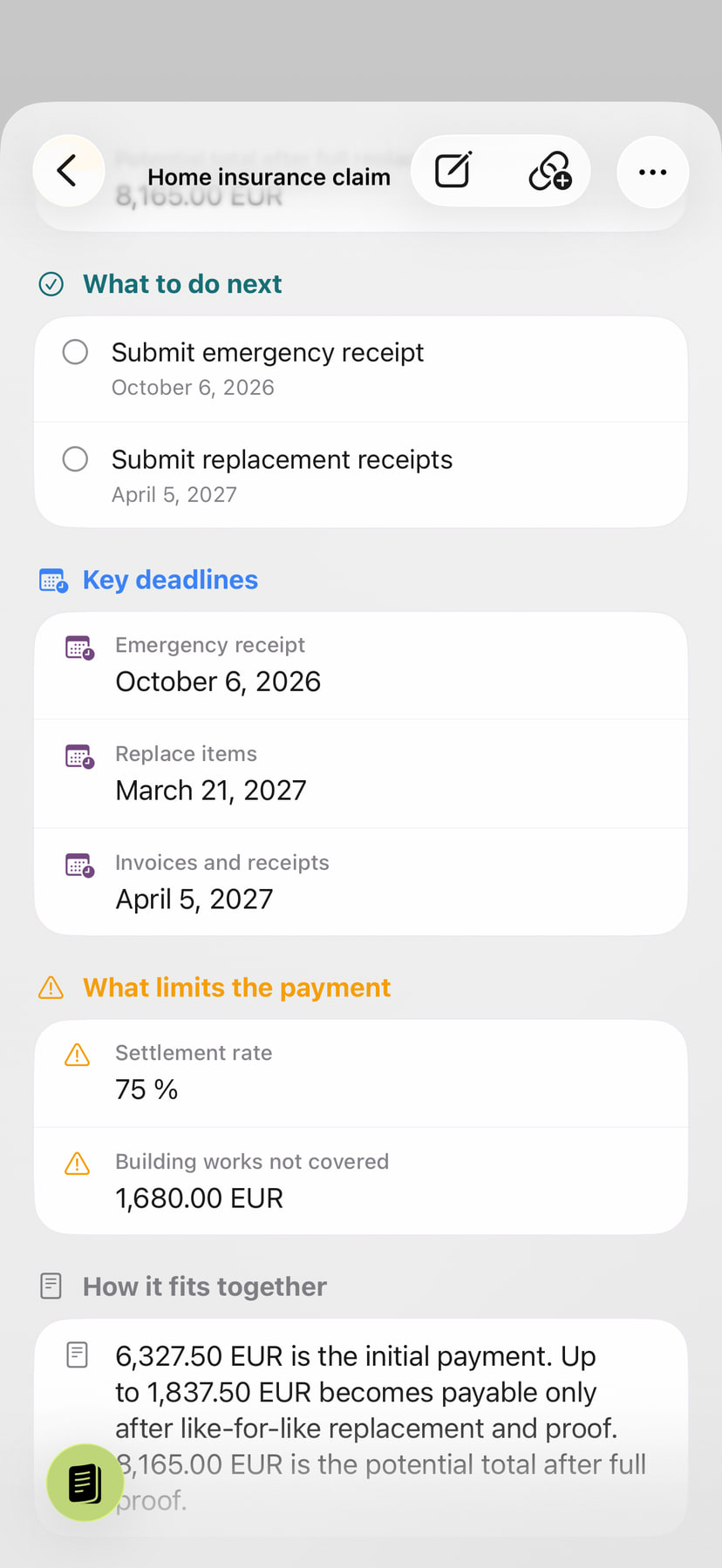
When you want a deeper understanding of what a document means for you, Pro uses the additional computing power of an external AI provider. It puts the content in context, explains connections and highlights tasks, deadlines, risks and unusual details, depending on the document.
- Understand sooner: clear explanations of the content and its context.
- Keep track of what matters: amounts, deadlines and tasks organized alongside the document.
- Take the next step: save a prepared calendar event, start directions to an address or check off a task.
The explanation stays connected to the original in your archive. You save the work of gathering and copying details between apps. The guide to actions from document text explains these steps in more detail.
What data Pro sends, and why
To interpret the content, your chosen AI provider receives the document text. The app sends it over an encrypted connection through our server. The analysis request also includes your preferred language and time zone so explanations and time-related details can be presented appropriately. Place information related to the document can add context.
The text includes any names, addresses, amounts or other personal details it contains. Original images and PDF files stay on your device during this analysis. Technical job identifiers let our server match the request and make the result available for later retrieval.
The text may be held temporarily on our server for processing. It is removed from the job after completion or failure. The result is made available on our server for retrieval and saved by the app in your archive. Your chosen AI provider processes data under its own terms; links are available in the app and in our privacy policy.
Check the provider and processing terms
Pro offers OpenAI, Mistral AI and Qwen from Alibaba Cloud. Your choice determines which provider receives the document text.
Mistral lists a company address in France in its privacy policy. A registered address alone does not establish the processing location or retention period of a request. Check the provider’s processing terms and region information.