
Guides Understand your contract
One week’s rent.
Why another €168?
You open a two-page projector rental. €168 for a week looks straightforward. Then you notice the automatic extension. Follow the contract from that first question to a PDF you can keep, and the tasks still to do.
Free to download. The Pro analysis shown uses credits.
One rental. Two pages.
A deadline that makes a €168 difference.
01 / Something needs a closer look
Seven days.
Plus an extension?
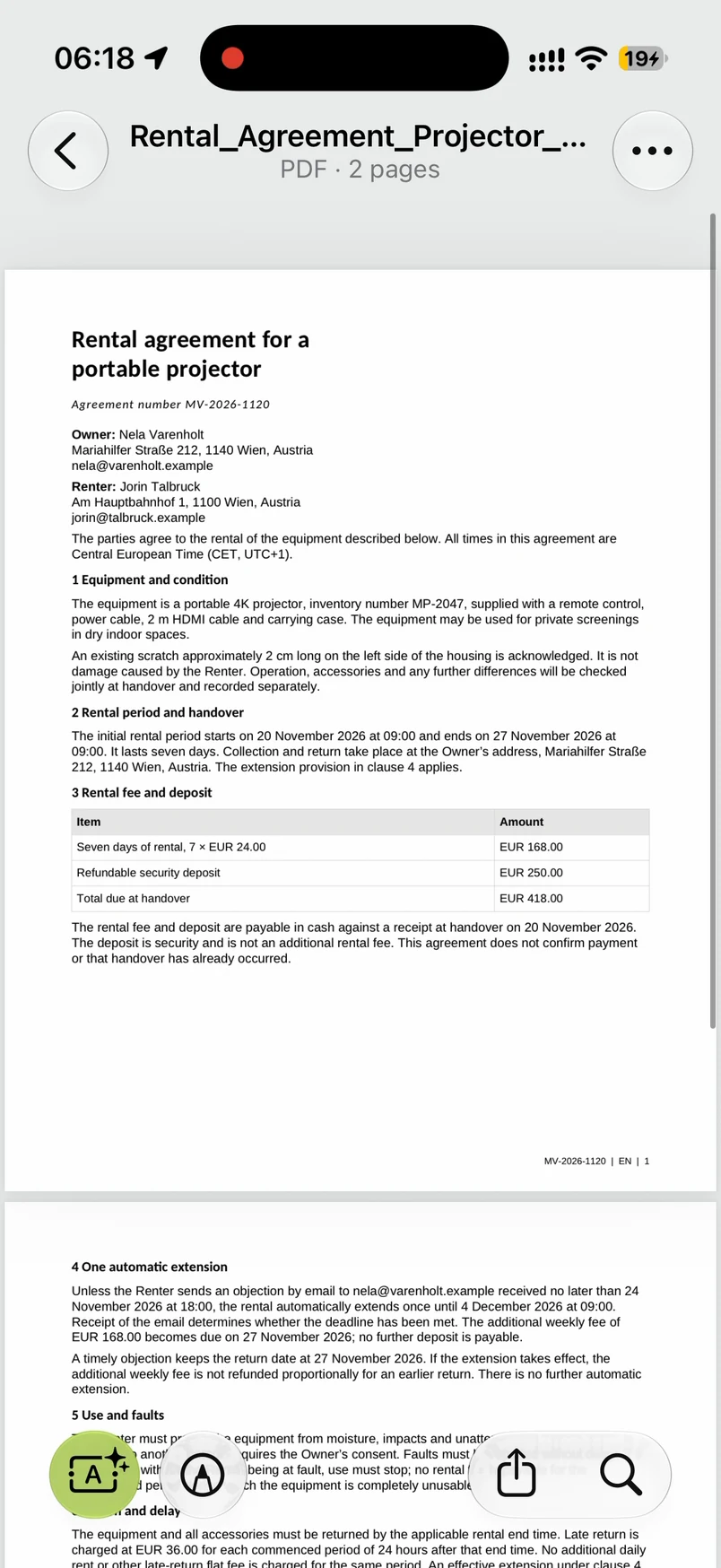
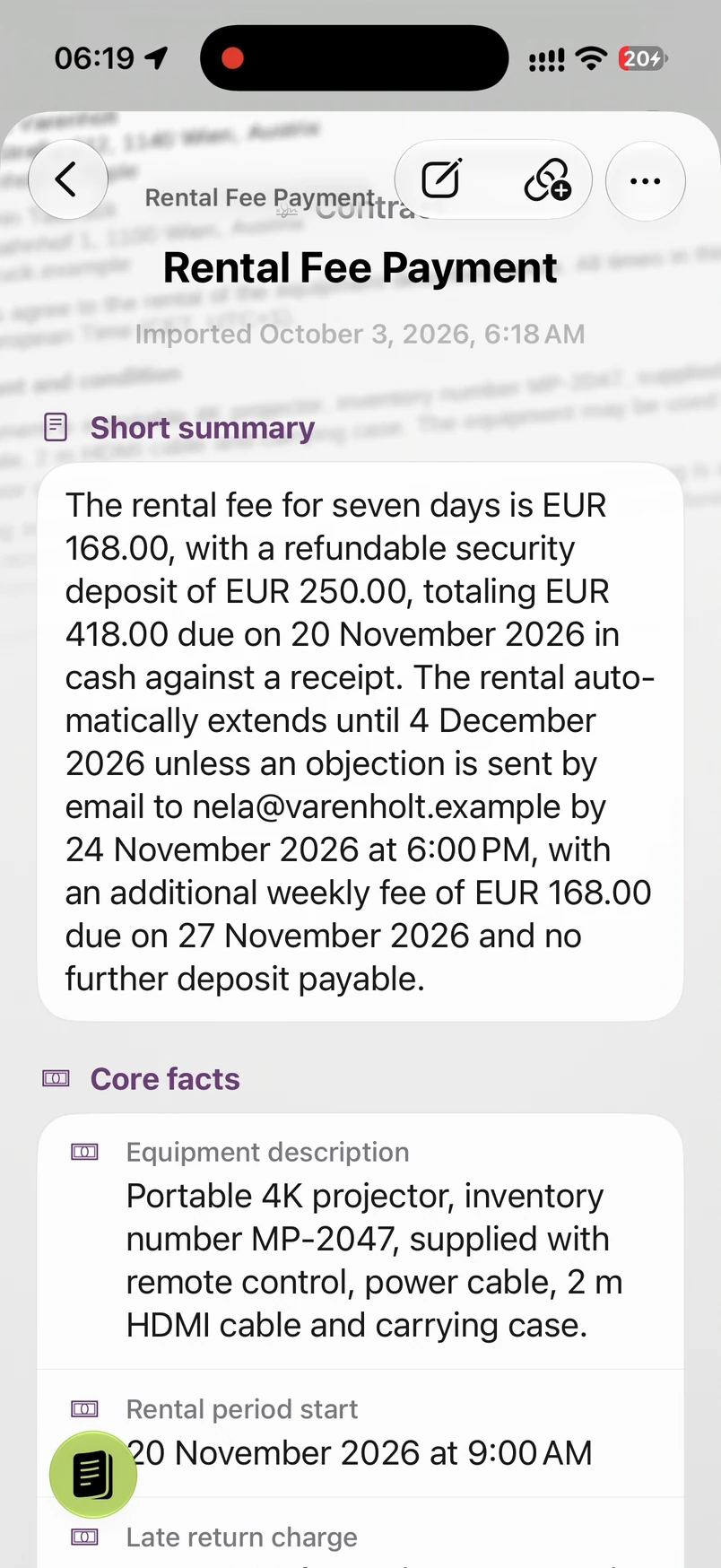
You open the agreement and read it. Then you run Light. The summary brings together the rent, the deposit and an extra week that could cost another €168.
You go back to the original, search for “extension” and read again. You still want to know how the condition affects your plans. So you continue with Pro.
02 / Now the dates make sense
Return it on the 27th.
Decide by the 24th.
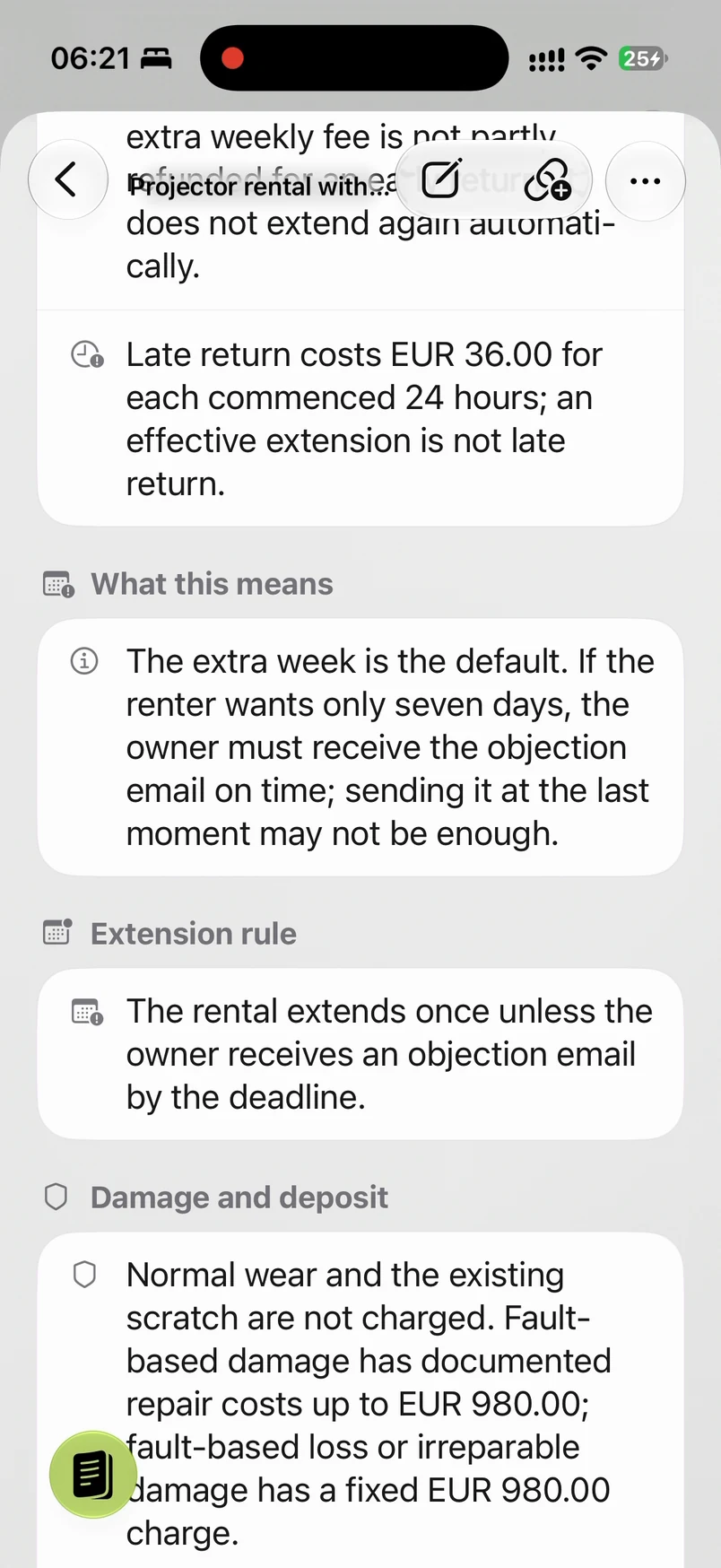
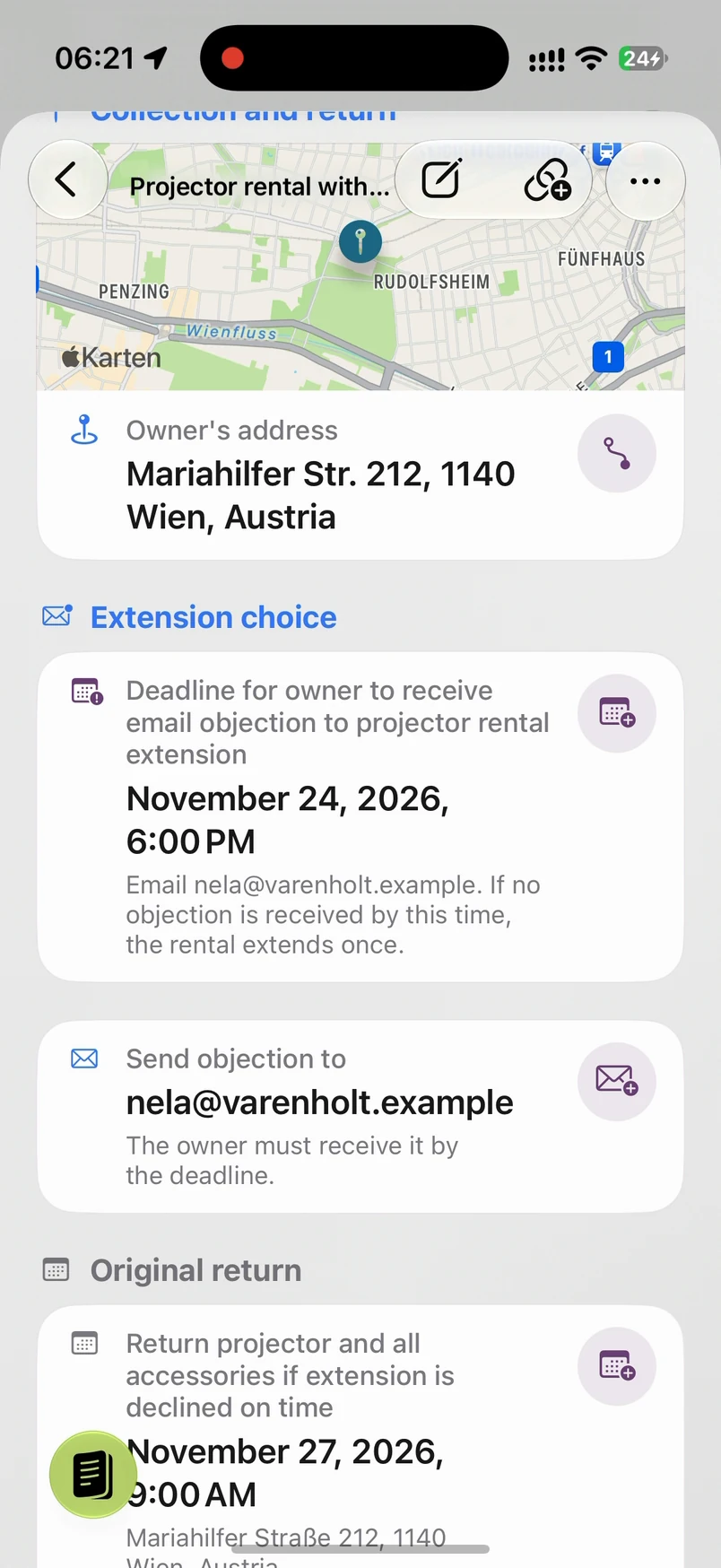
You planned to rent from 20 to 27 November. To keep it to that one week, the owner must receive your objection email by 24 November 2026 at 6 pm. Pro spells out that receiving the email is what counts.
Without it, the rental extends to 4 December at 9 am and another €168 is due. Returning the projector early does not reduce that extra weekly fee. You add the objection deadline to your calendar while it is in front of you.
03 / Put your question where it belongs
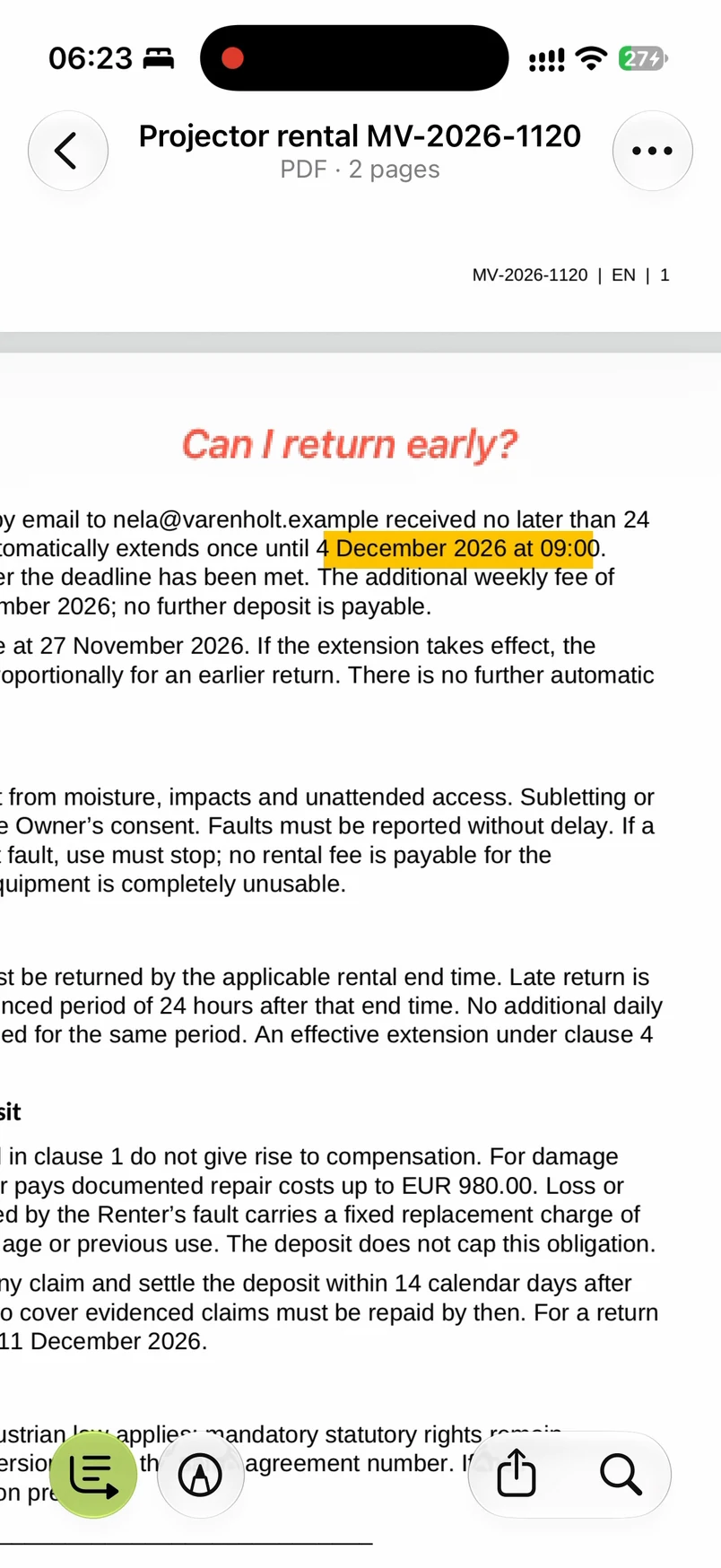
“Can I return early?”
You check clause 4 again, highlight the extended end date and type your own question beside it.
When you talk to the owner, the wording and your question are in the same place. You know which point you want to settle before signing.
04 / Check the copy you will keep
Does it all survive
the export?
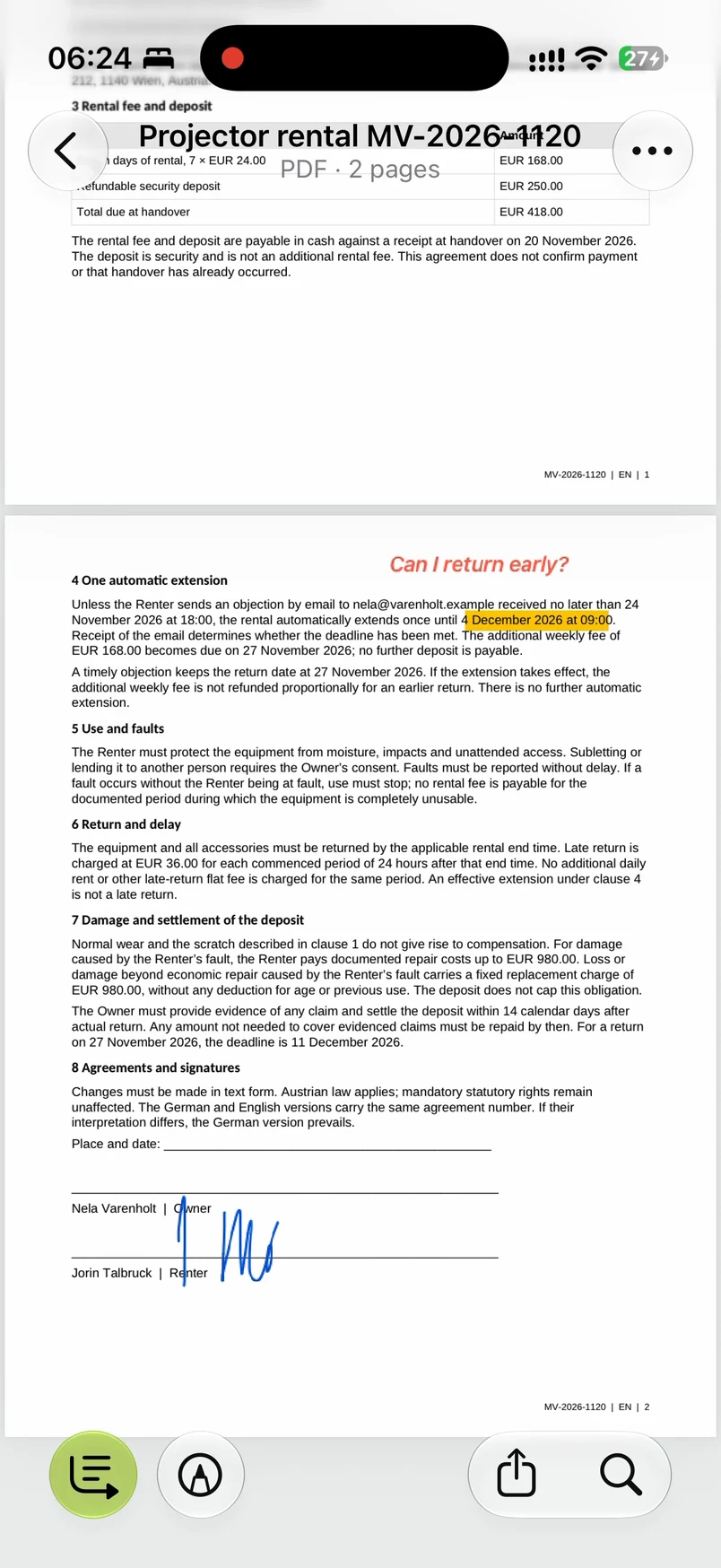
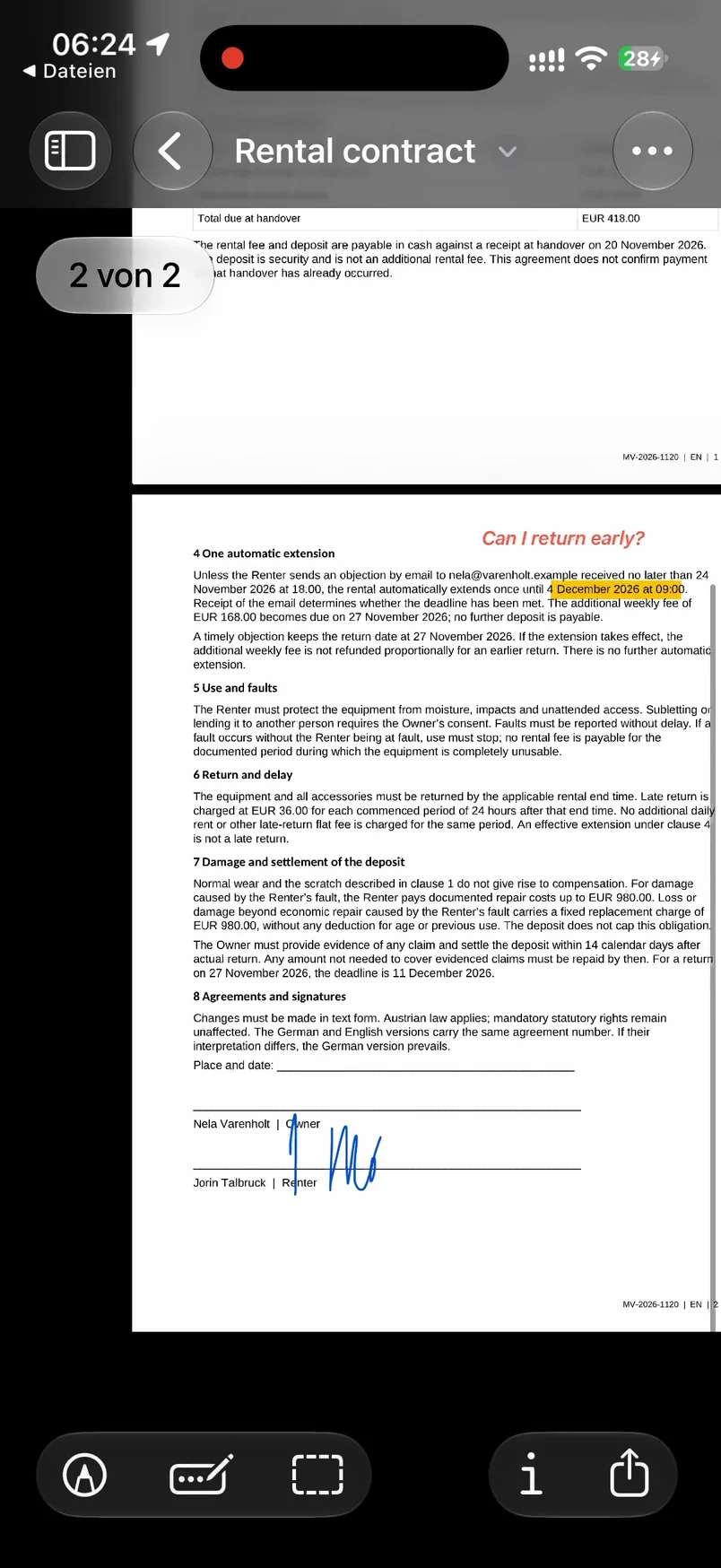
When your questions are settled and you are ready, you can draw your signature in the reader. The edited document is saved, then exported to Files as “Rental contract”.
Now the cross-check: open that PDF in the iPhone preview. The highlight, the note and the signature are all there. You can see what is in the file before you share it.
05 / Pick up where you left off
“What did I agree to?”
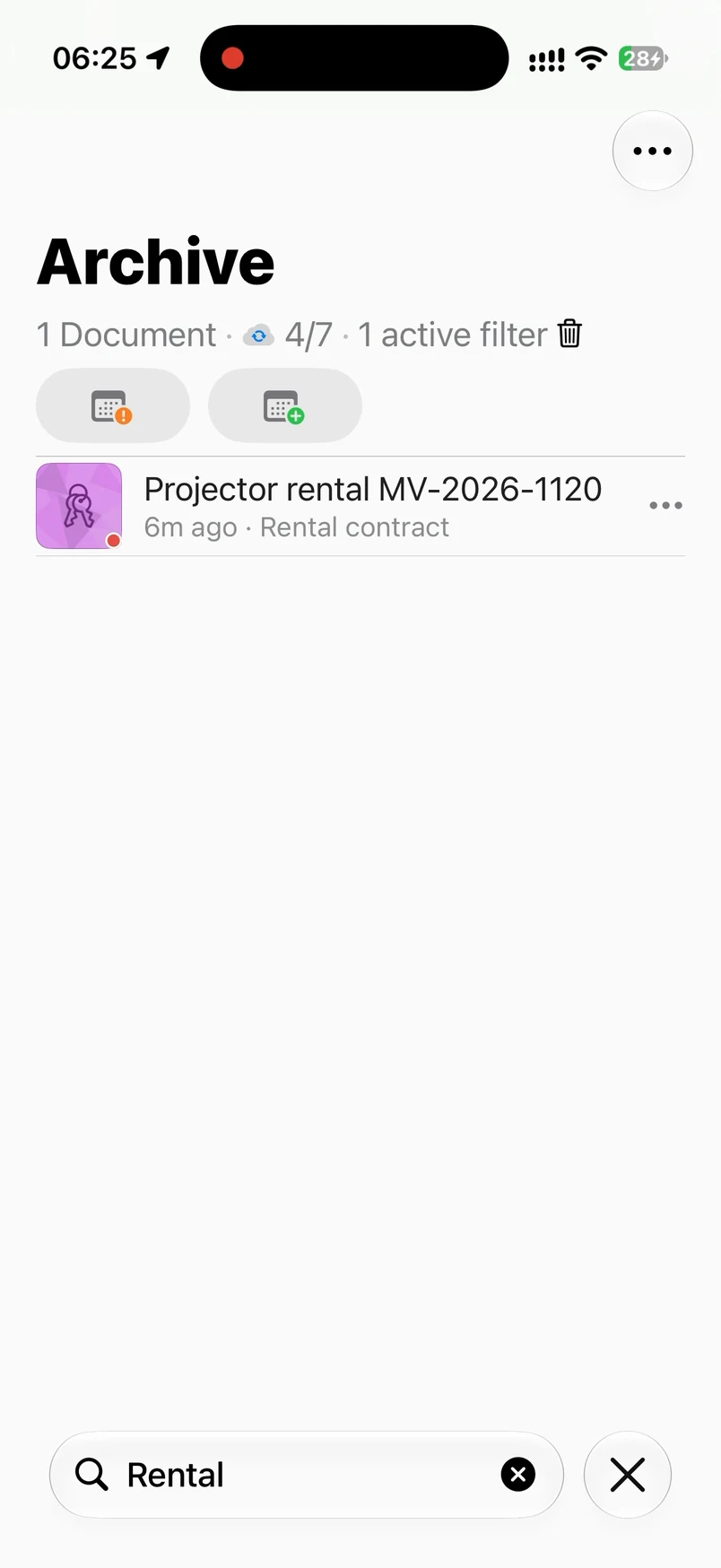
Back in the archive, type “Rental”. The projector agreement appears. You do not have to remember the imported filename or hunt through Downloads.
The explanation and the next actions are still attached to the contract. Open the tasks to see what needs doing.
06 / Follow through
Know what still
needs doing.
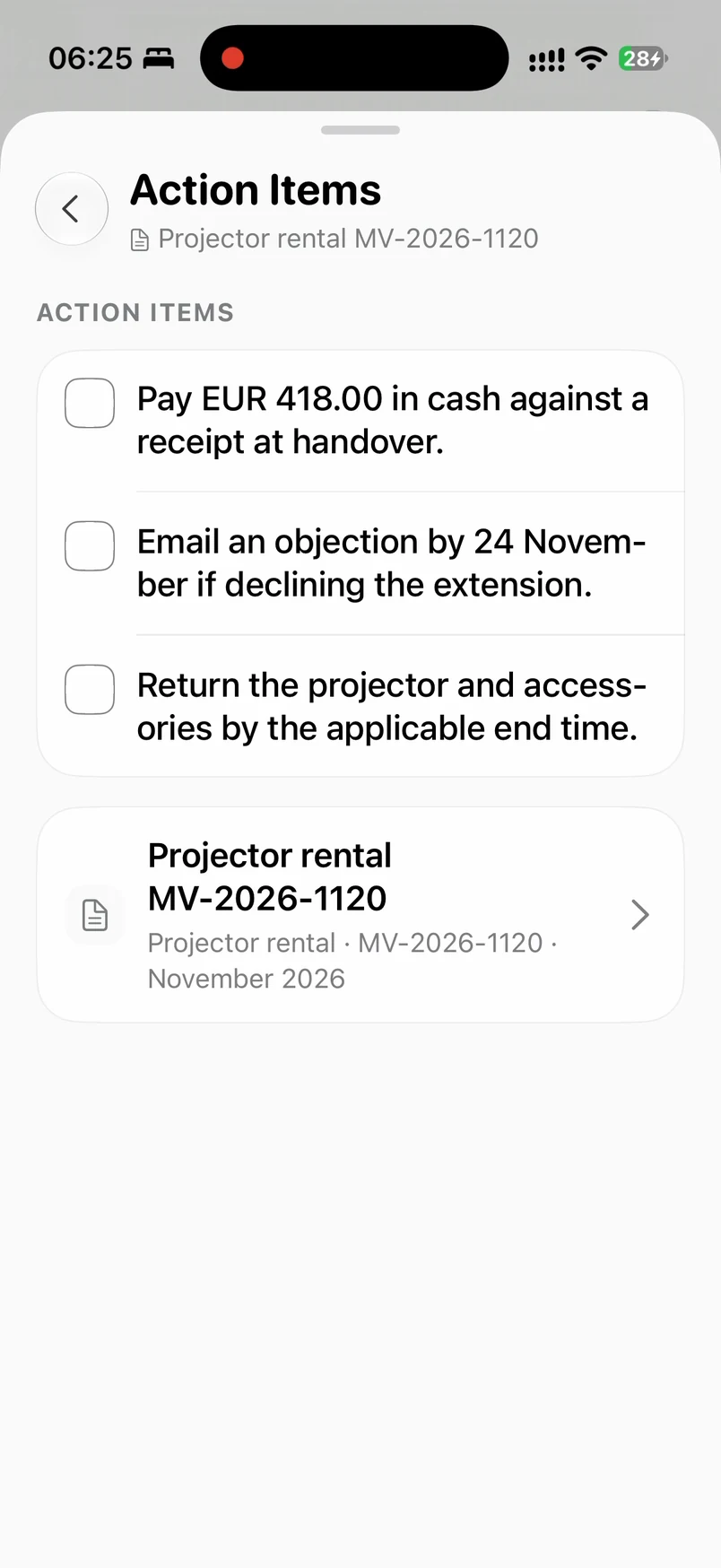
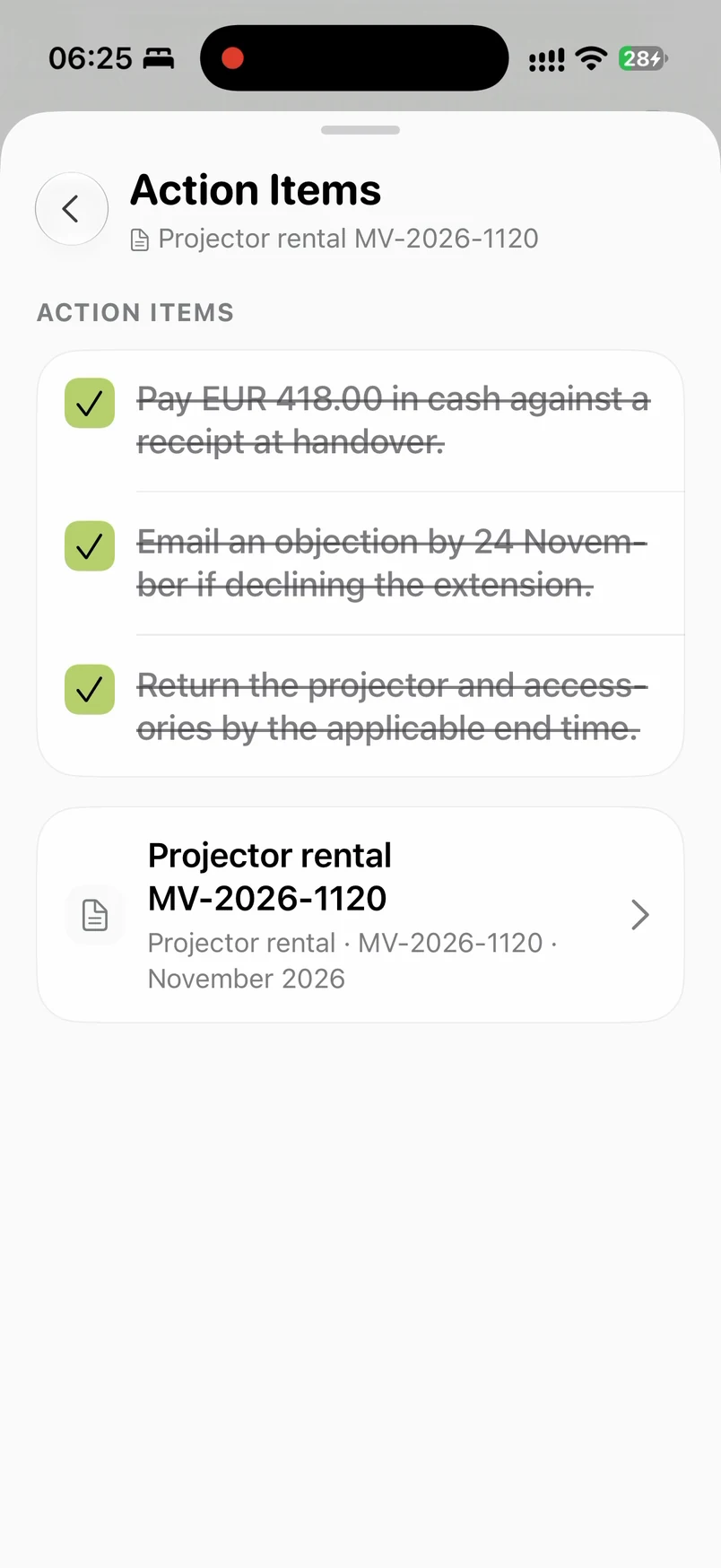
Pay €418 against a receipt at handover. Email the owner in time if you do not want the extra week. Return the projector by the applicable end date.
Tick off a task once you have done it. When you come back, you can see what is still open without reading the contract again.
Your contract is next.
Before you agree,
know what it will cost.
Open your PDF in ExplainThisDoc. Start with the overview, then look closer at the parts that affect your decision.
Get ExplainThisDocFree to download · Pro analyses use credits