 ExplainThisDoc
Read your pay stub: why net pay isn’t your deposit
The pay stub shows net pay – but the amount in your bank account is different. Between gross pay and your deposit there are pre-tax deductions, taxes and after-tax deductions. This how-to explains the structure and shows how ExplainThisDoc walks you through each step.
From gross pay to deposit
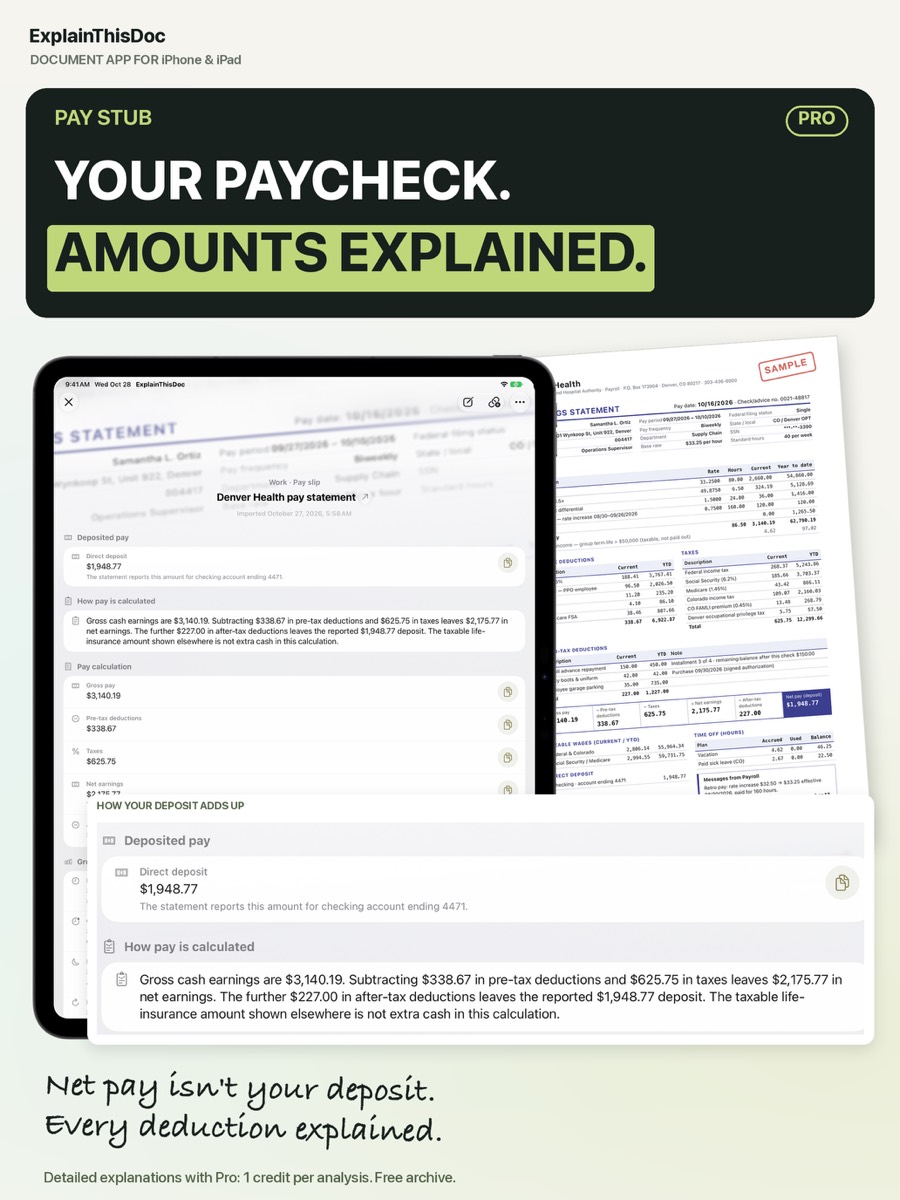
A pay stub starts with gross pay. Pre-tax deductions such as retirement or health plans come off first, then taxes. What remains is net pay; after-tax deductions such as some insurance can still come off before the deposit.
Example: what ExplainThisDoc shows
With Pro, the explanation follows that order. In the example, gross earnings of $3,140.19 minus $338.67 in pre-tax deductions and $625.75 in taxes leave $2,175.77 in net earnings; a further $227.00 in after-tax deductions leaves the $1,948.77 deposit.
What to check
- Hours and rate match your records.
- Deductions you signed up for appear with the right amounts.
- One-off items such as back pay or bonuses are explained.
- Year-to-date totals make sense.
If something is off, ask your payroll or HR team with the stub in hand.
Keep every stub
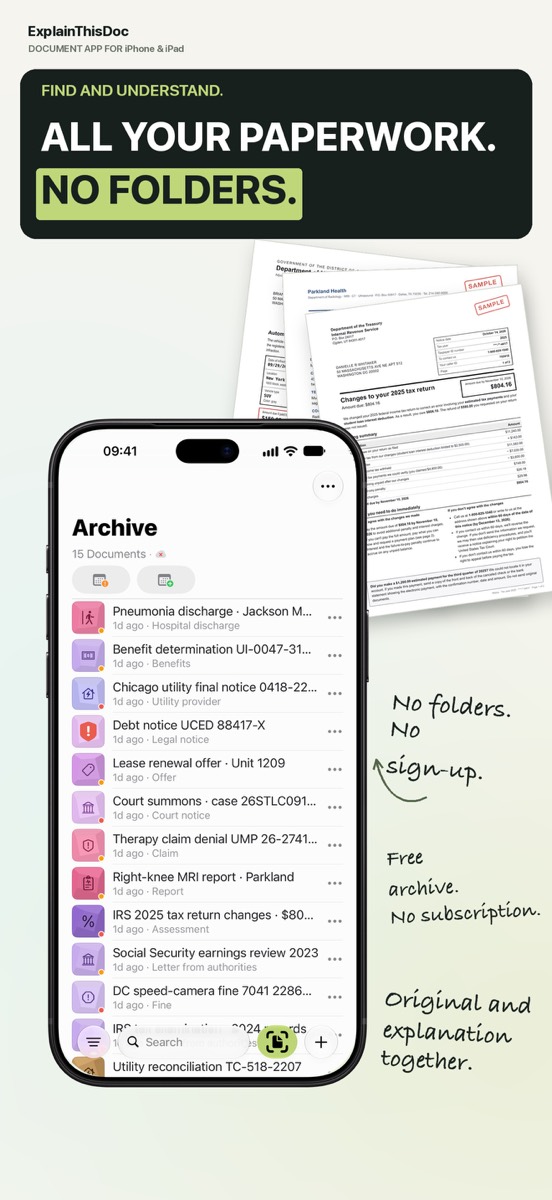
You will need pay stubs for a loan, an apartment application or your tax return. Search “pay” in your archive and every stub appears with its explanation.
Get your pay stub explained
Snap or import
Scan a document or bring in a photo or PDF. No sign-up, no folders.
Understand it in plain words
Light analysis, free on your device¹. In depth with Pro: 1 credit per analysis.
Find it when you need it
The original, the explanation and your notes stay together in your archive.
- No sign-up
- No subscription
- Start right away

 Scan with your iPhone camera
¹ With Apple Intelligence enabled on a supported device and in a supported language.