 ExplainThisDoc
Keep or shred paper after scanning? What to keep as originals
The pile is scanned, and now the paper is still lying there. What can go, and what stays in the cupboard? This guide shows which originals you should keep after scanning, which checklist to work through first and where the limits of a private archive lie.
Why a scan does not automatically replace the paper
You have scanned a pile and wonder what to do with the paper now. The short answer: a scan is a copy that is easy to find, not a replacement for every original. Private households have only few legal record-keeping duties. The other periods follow from how long someone can still check, claim or change something.
Whether you keep a paper therefore depends on its kind, not on the scan. The table in the next section gives you some orientation; the broader overview is in Which documents to keep, and for how long. These are rules of thumb, not legal advice.
Document, original, reason: the overview
The table shows which typical documents are best kept as originals and why. It uses general categories without country-specific numbers, except for the HMRC guidance for individuals in the United Kingdom. How long exactly depends on your country; check your tax authority's guidance.
| Document | Keep the original? | Why |
|---|---|---|
| Birth, marriage and death certificates, diplomas and certificates | Yes, permanently, as the original | A scan does not replace the original |
| Wills and notarised documents | Yes, permanently, as the original | A scan does not replace the original |
| Pension notices, employment references | Yes, permanently | Evidence for later questions about your pension and career |
| Employment contracts, payslips, social insurance records, tax certificates from your employer | Yes, until your pension entitlement is settled | They prove contribution periods if something is missing from your pension record |
| Tax returns, notices and receipts | Yes, until the tax authority can no longer review or change them | The period depends on your country; in the UK, HMRC advises individuals to keep records for at least 22 months after the end of the tax year (15 months after filing, if the return was late) |
| Medical letters, surgery reports, vaccination record | Yes, for life | Hard to replace later |
| Tenancy agreement, handover record, service charge statements | Yes, while the tenancy lasts and for a while afterwards | Questions about a statement can come up later |
| Purchase receipts, bank statements | Yes, while a warranty or claim period may still apply | Without the receipt you may not be able to prove a claim |
Sources: HMRC, how long to keep your records (the page says “You should keep”, so this is guidance rather than a legal rule for individuals). Other countries have their own rules; if you live outside the UK, look at your own tax authority's guidance.
Checklist before you throw anything away
Even for paper that is subject to no time limit, a short check is worthwhile before it leaves your hands:
- All pages there? Open the document in the archive and page through it. A scan holds up to 24 pages; you file longer documents in several scans and link them.
- Text checked? Turn on “Show text before explain” in Settings and compare names, amounts and dates with the paper. Text recognition can misread any passage.
- Key amount found? Search the opened document for a number or a word that must appear in it. Search in the document covers the whole text, including scans.
- Time limit checked? Look in the table and in the guide to see whether a duty or time limit applies to this paper.
- Backup in place? Export the archive as a ZIP file via the “⋯” menu with “Archive export” and keep it in a second place. Optionally, iCloud sync keeps the archive up to date on your own devices.
- Hard to replace? If you could get a paper again only with effort, keep it.
What a private archive does not do
ExplainThisDoc is a private archive. It is not a procedure for replacement scanning, where the original is destroyed after scanning. Such procedures are formal processes used by authorities and businesses; the app follows no such procedure and has no certificate.
There is also no protection against changes: originals, titles and notes can be changed and deleted, and with iCloud sync turned on, deletions are carried over to your other devices. There is no change log, and no cryptographic signatures or timestamps to secure integrity.
Self-employed people and businesses have their own record-keeping and integrity rules. A document management system or your accountant's solution covers them, not this archive. The app can still explain your letters from the tax authority or your accountant.
United Kingdom and Ireland: a short note for businesses
The table above is general and, apart from the HMRC guidance, contains no country-specific periods. Businesses in the United Kingdom and Ireland face stricter rules than a private archive meets; the details and links are in the section “Who this archive is not meant for” in Digitise paper documents at home. Other European countries, including EU member states, have comparable rules for businesses.
This guide does not give periods for private papers in other countries; ask the authorities of your country about those.
How ExplainThisDoc helps you decide
The app does not take the decision about the paper off your hands, but it helps you prepare it well. With the text review you check names, amounts and dates before an explanation starts. In text search within a document, the reader, you find an amount or a sentence in the whole text, including scans. Archive search itself goes through titles, summaries, document types and notes, not every word of all originals.
If you keep the paper, record where it is in the note on the document, for example “Original is in the folder Tax 2026”. Archive search also covers notes, so you will know later where the original is. With “Archive export” you back up the whole collection as a ZIP file before you dispose of paper. Certificates, wills and notarised documents stay with you as originals. How to work through a larger backlog step by step is in Digitise old documents and deeds, the whole system in Digitise paper documents at home.
The app is a private archive: it does not tell you whether you may throw away a particular paper, and it does not replace legal or tax advice.
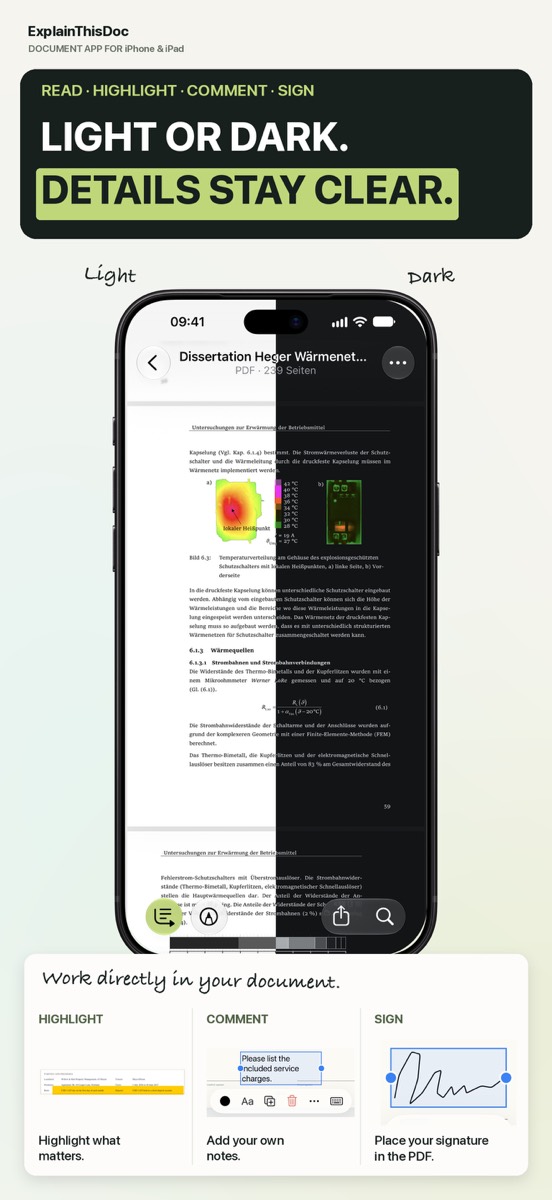
Scan your papers and find them again
Snap or import
Scan a document or bring in a photo or PDF. No sign-up, no folders.
Understand it in plain words
Light analysis, free on your device¹. In depth with Pro: 1 credit per analysis.
Find it when you need it
The original, the explanation and your notes stay together in your archive.
- No sign-up
- No subscription
- Start right away

 Scan with your iPhone camera
¹ With Apple Intelligence enabled on a supported device and in a supported language.