 ExplainThisDoc
Is it safe to give your documents to an AI?
Uploading a photo of a letter to an AI chat is quick. But tax notices, medical reports and bank statements contain very personal data. Where does it go, who stores it, and what is it used for? This guide explains what to watch for and how ExplainThisDoc handles your documents.
What happens when you upload
When you upload to an online service, the complete file goes to the provider – with every name, address, account number and health detail on it. Whether it is stored or used for training depends on the provider's terms and your settings. Read them before you share sensitive documents.
How to protect your data
- Share only what your question needs, and black out account or insurance numbers.
- Use services whose data handling you understand, and check their storage settings.
- Don't upload other people's documents without their consent.
How ExplainThisDoc limits the data path
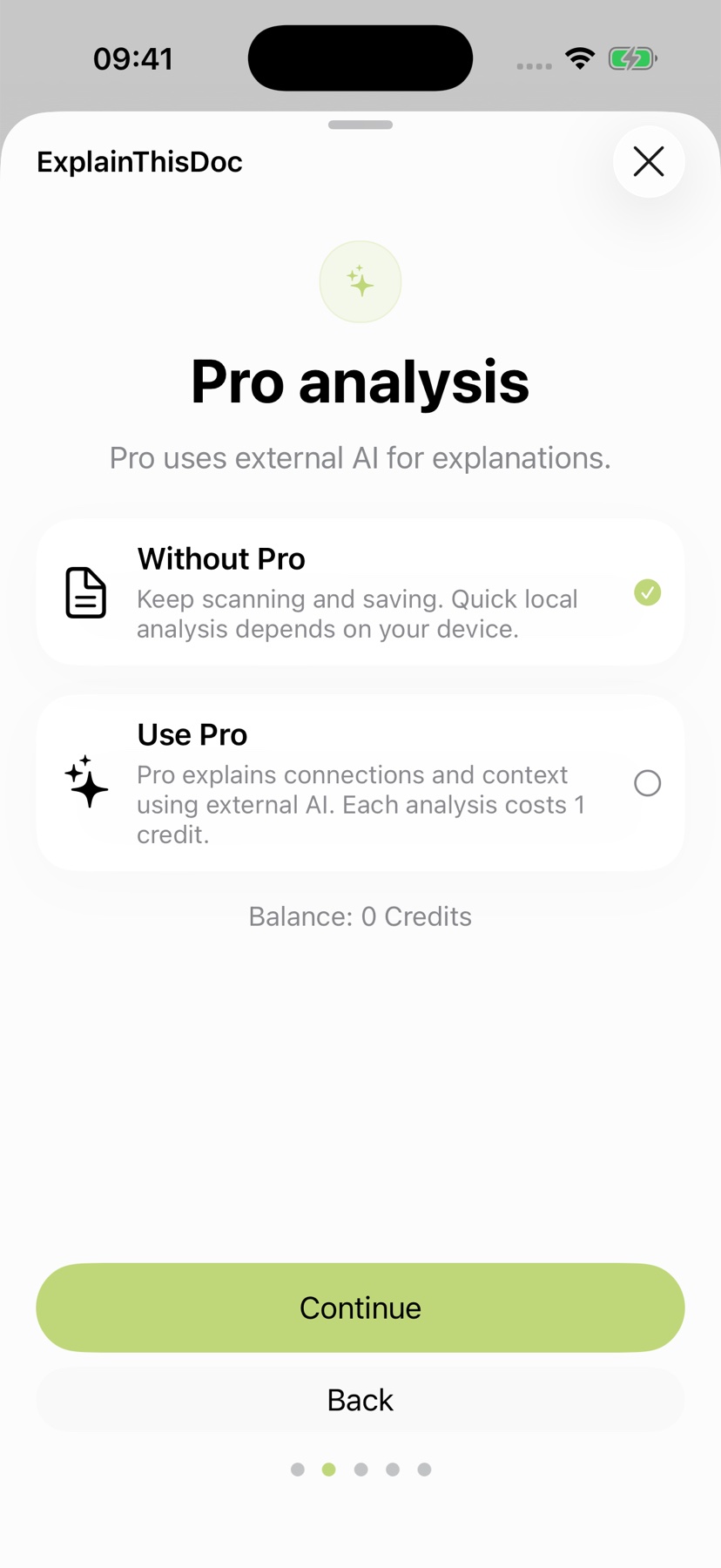
Your archive lives on your device. Text recognition runs on the device, and so does the free Light analysis with Apple Intelligence. For Pro, not the file but only the recognized text is sent through our server to the AI provider you choose, for example Mistral, based in the EU. Completed Pro results can be retrieved from our server for at most 24 hours. You decide for each document whether to use Pro.
More about privacy
All details are in the privacy policy and in the guide Privacy at ExplainThisDoc.
Understand your documents – with a controlled data path
Snap or import
Scan a document or bring in a photo or PDF. No sign-up, no folders.
Understand it in plain words
Light analysis, free on your device¹. In depth with Pro: 1 credit per analysis.
Find it when you need it
The original, the explanation and your notes stay together in your archive.
- No sign-up
- No subscription
- Start right away

 Scan with your iPhone camera
¹ With Apple Intelligence enabled on a supported device and in a supported language.